30
03
31
03
Using the DVB-T
Menu Overview I
Using the DVB-T
Menu Overview I
Using the DVB-T
Using the DVB-T
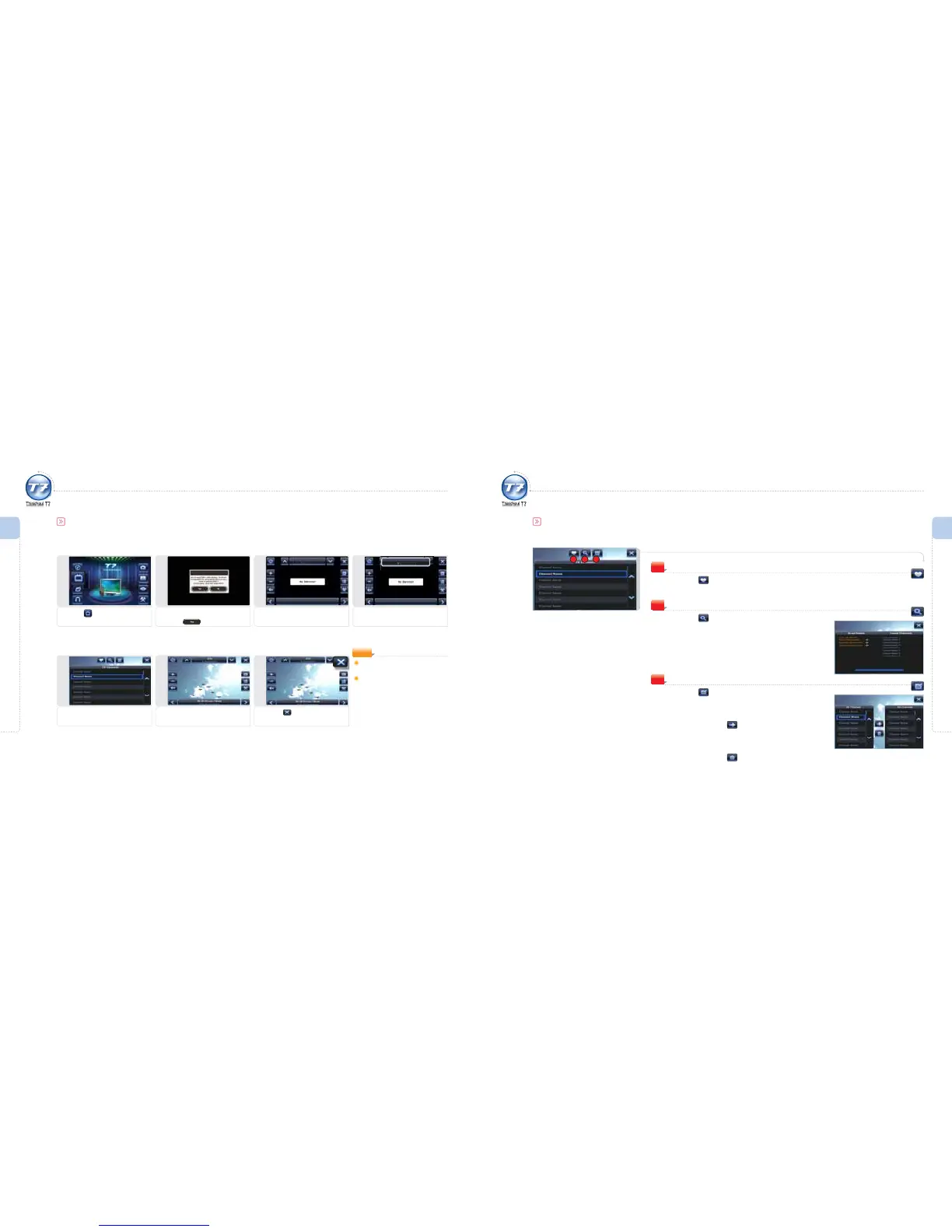
Simple DVB-T Playback
1
Selecting DVB-T
Press the icon.
4
Go to Channel List
Press the current channel icon.
3
Start DVB-T
Shows the DVB-T main screen.
2
Caution
Please read caution carefully and
press the
icon.
5
Select Channel
Press a channel from the channel
list.
7
Exit
Press this icon to exit DVB-T.
6
View DVB-T
Executes the selected channel.
Press the screen to view the hidden
icons while watching DVB-T.
Programs Available for
Multi-tasking:
ThinkNavi, Image Viewer, e-Book,
AV IN, Setting
(You can activate two programs
at the same time.)
NOTE
DVB-T Controls
2
My Channel List
Press the icon.
The channel list that the user registered is displayed.
1
Search Channel
Press the icon.
A screen for searching a channel is displayed.
2
1 3
Register/Delete My Channels
Press the icon.
A screen for registering/deleting a channel is displayed.
Select a channel to be registered with My Channels
and then press the
icon.
Go to the My Channels menu.
Select a channel to be deleted from My Channels
and then press the
icon.
The selected channel is deleted.
3



 To Next Page