42
03
43
02
Menu Overview I
Using the Audio Player
Menu Overview I
Using the Photo Album
Using the Audio Player
Audio Options
Background Image
Set the background image.
To set a background image, there
should be an image within the
AudioBG folder.
NOTE
Using the Photo Album
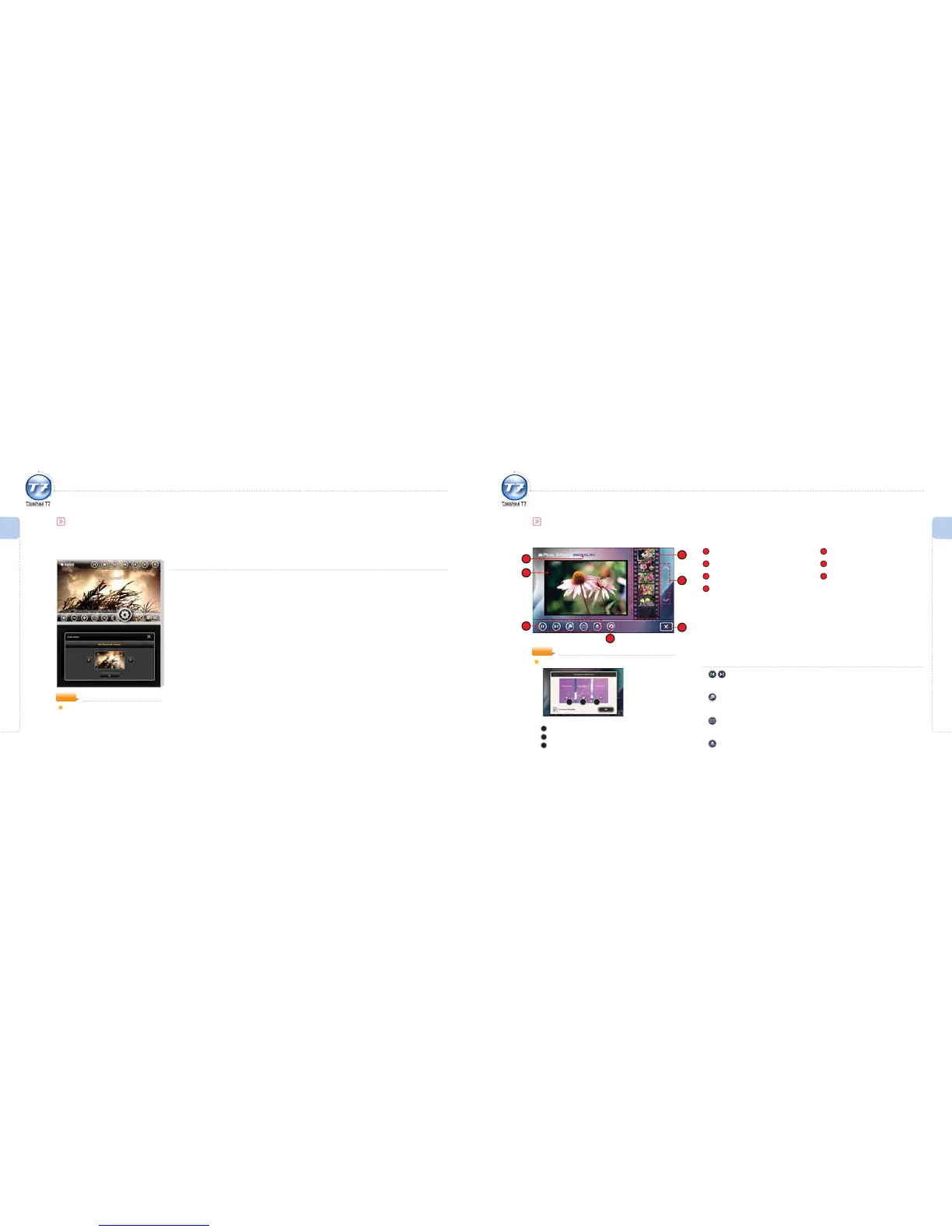
Photo Album Screen
1
File Name
2
Image Viewing Screen
3
Photo Album Control Icons
4
Photo Album Options
5
Thumbnail Image
6
Thumbnail Page UP/DOWN
7
Exit
3
2
1
5
7
4
Photo Album Control Icons
Previous Image File / Next Image File
Moves to previous/next image le.
Full Screen View
Converts to full screen view of image.
Image Slideshow
The interval between slides can be set in the Photo album Options. (refer to page 46)
Open File
To move to the le browser to select a le.
6
1 2 3
NOTE
Photo Album Useful Function
1
Moves to the previous image file.
2
Converts to full screen view.
3
Moves to the next image file.



 To Next Page