10
01
11
01
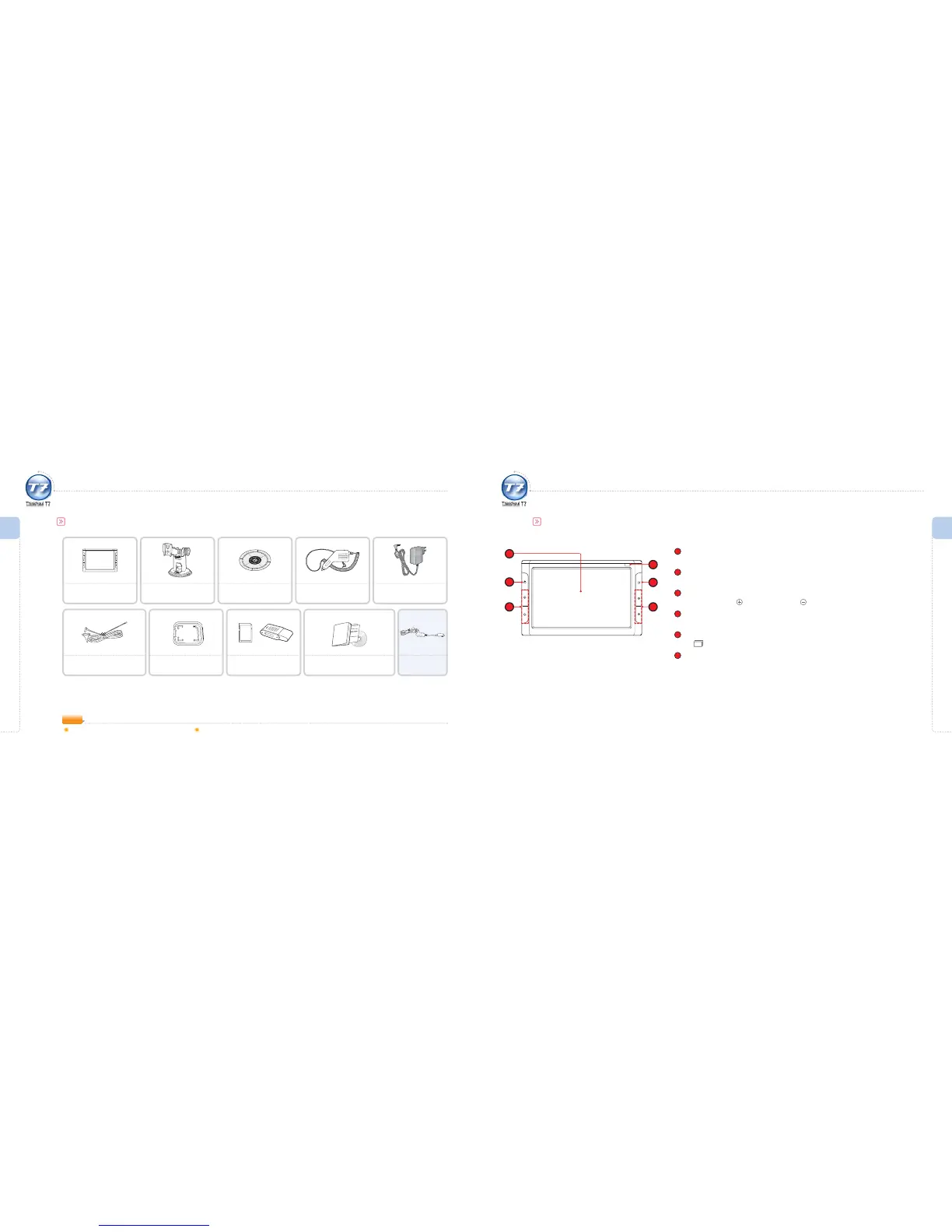
1
LCD Screen
A touch screen where you can see displays and use functions.
2
Power Button
To turn the main unit of ThinkNavi T7 on or o.
3
Volume Button
To increase volume : To reduce volume :
4
Remote Control Reception
The reception part of the remote control.
5
Multi-tasking Button
Use when the program is in use. (refer to page 24.)
6
Move Button
The function of the main unit’s channel button varies with each program menu.
2
1
3 6
5
4
Components
The appearance of this product may dier slightly from the picture.
(ThinkNavi may make modications without prior notice in order to improve ThinkNavi’s performance.)
Basic Components
Getting Ready I
Components
Getting Ready I
Part Names
Part Names
The appearance of this product may dier slightly from the picture.
T7 Main Unit - Front
Home Power Supply:
Manufacturer : PERFECT POWER CO., LTD.
Input Voltage : AC100-240~ 50/60Hz 0.5A
Output Voltage : DC 5V, 2.5A(MAX 3A)
Cigarette Jack Adaptor:
Manufacturer: PERFECT POWER CO., LTD.
Input Voltage: DC 12-36 V, 1.5 A
Output Voltage: DC 5 V, 2.5 A
NOTE
ThinkNavi T7 Window Mount
Cigarette Jack Adaptor
(Cigarette-lighter port)
Suction Cup
(For dashboard use)
External DVB-T Antenna SD Memory Card Case
SD Memory Card &
SD Memory Card Reader
Home Power Supply
User Manual
(Installation DVD, Quick Guide)
TMC Receiver
(Optional)
¿Pull out the end of the
DVB-T antenna before use
for better reception.



 To Next Page