54
03
55
03
Menu Overview I
Using the AV-IN
Menu Overview I
Setting Menu
Using the AV-IN
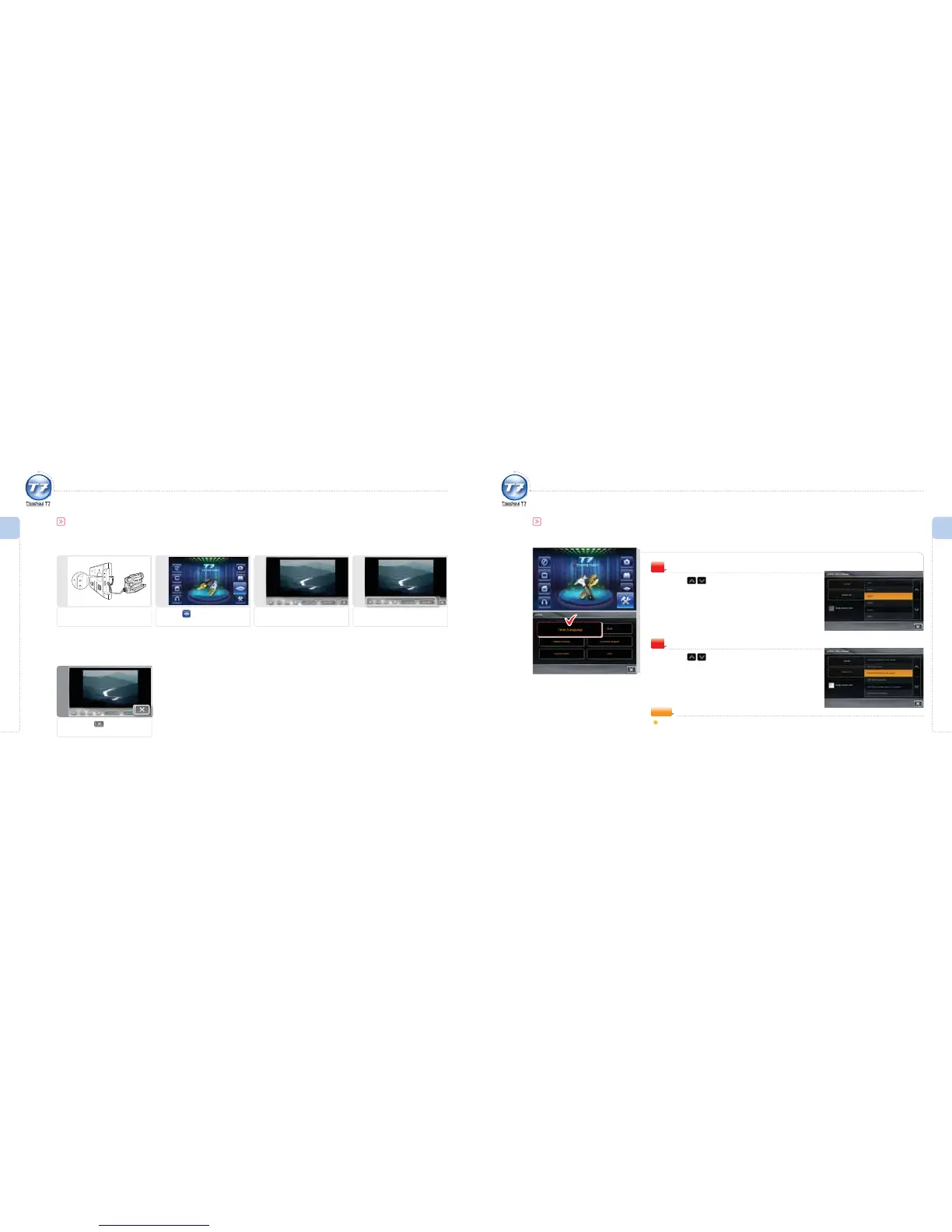
Simple AV-IN Playback – If Auto Run is not set
1
Connect to the AV cable
Connect to the AV cable of the
rear camera or camcorder.
5
Exit
To exit, press icon.
4
Run AV-IN
Use AV-IN function icons.
3
Operate AV-IN
The AV-IN screen view appears.
2
Selecting AV-IN
Press the icon.
Language
Press icon to select a language.
The language you select will be set.
1
Setting Menu
Set the time and language of the system.
Time/Language
Time
Press icon to select a time zone.
The time zone you select will be set.
2
NOTE
Apply Daylight Saving Time: Activate/Deactivate daylight saving time.



 To Next Page