20
02
21
02
Basic Functions I
Basic Operation
Basic Functions I
Basic Operation
Basic Operation
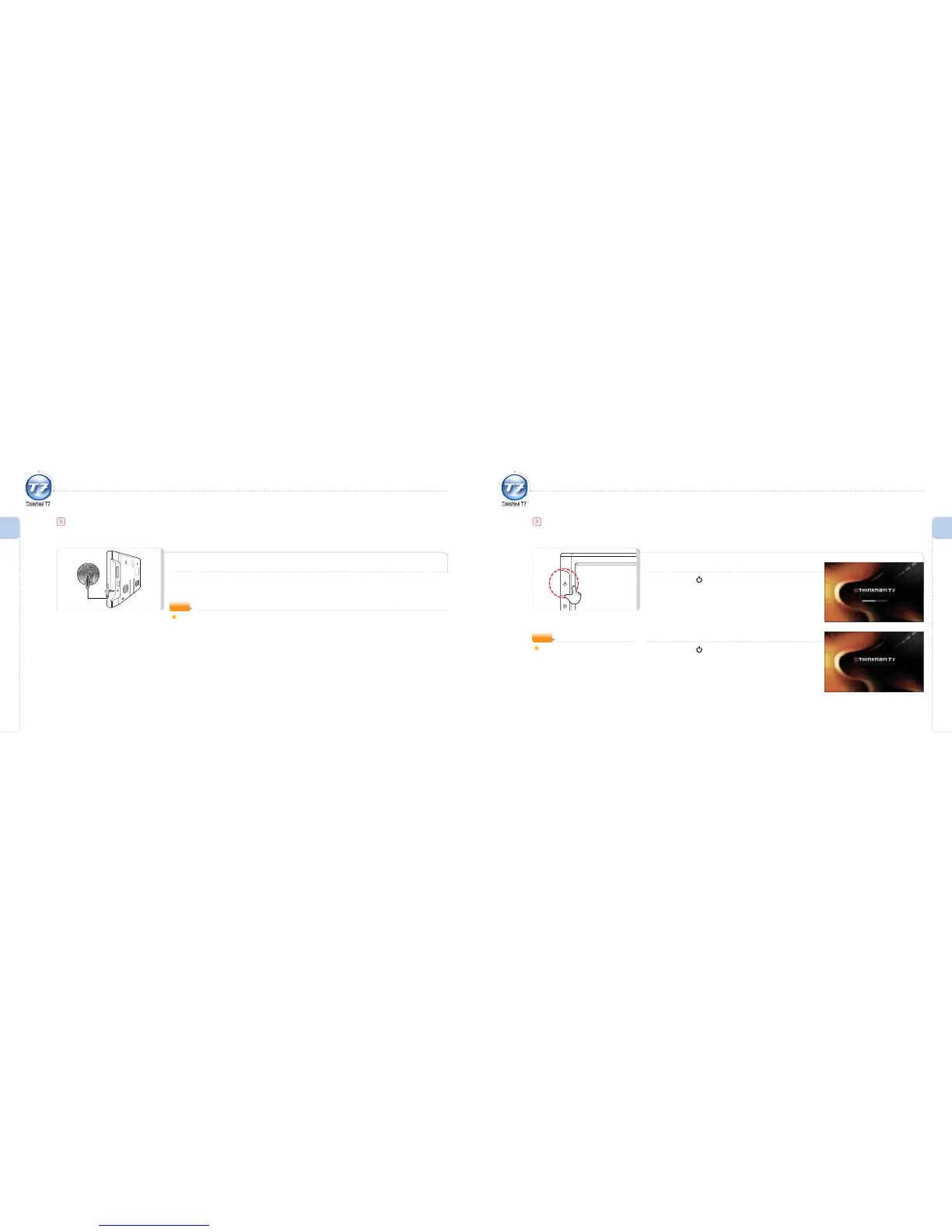
For a stable power supply to the ThinkNavi T7, it is recommended the auto power adapter (cigarette-lighter port) is used.
Basic Operation
Automatic Booting
ThinkNavi T7’s Convenient Automatic Booting Function!
T7 will activate/deactivate automatically if the power is on/o.
(Only when the product is connected properly to the power cable provided by ThinkWare.)
Turning Power ON
Press and hold button when the power is o.
The LCD monitor displays the booting screen followed
by the initial screen.
Turning Power OFF
Press and hold button when the power is on.
The power will go o.
ThinkNavi T7 does not provide a
built-in battery.
Use an external power source.
NOTE
Turning Power ON/OFF
To use this function, the Automatic Booting menu Setting > Start > Boot Configuration > Automatic Booting
should be set in the initial screen.
NOTE



 To Next Page