22
02
23
02
Basic Functions I
Basic Operation
Basic Functions I
Basic Operation
Basic Operation
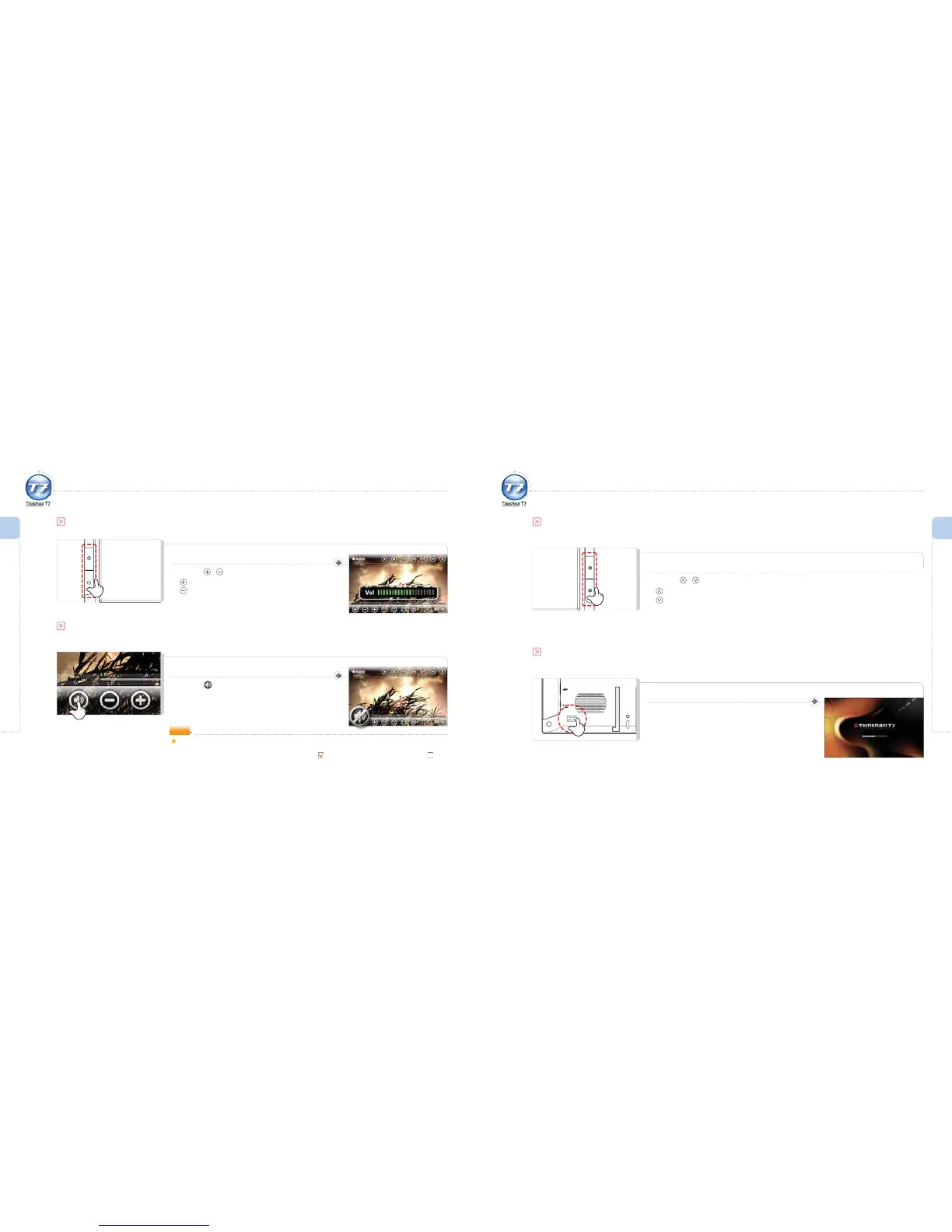
Volume Adjustment
Press the / buttons to adjust volume.
: Increase volume.
: Reduce volume.
The mute function is available on each touch screen.
Muting
Press the icon.
Sound is muted.
Check the following if the mute function is deactivated but sound is still not audible.
1 Check the status by pressing the button in the main unit.
2 From the main screen, go to the Setting > Display/Volume >
System Mute box and make sure it is unchecked .
NOTE
Basic Operation
Changing DVB-T channel
Press the / button to change channels.
: Moves upward
: Moves downward
Resetting
Press the RESET button if operation freezes during use and/or buttons on the touch screen and main unit do not respond.
Lightly press the RESET button.
The system will reboot.
RESET
DC 5V



 To Next Page