24
02
25
02
Basic Functions I
Basic Operation
Basic Functions I
Saving Video, Music and Image Files
Basic Operation
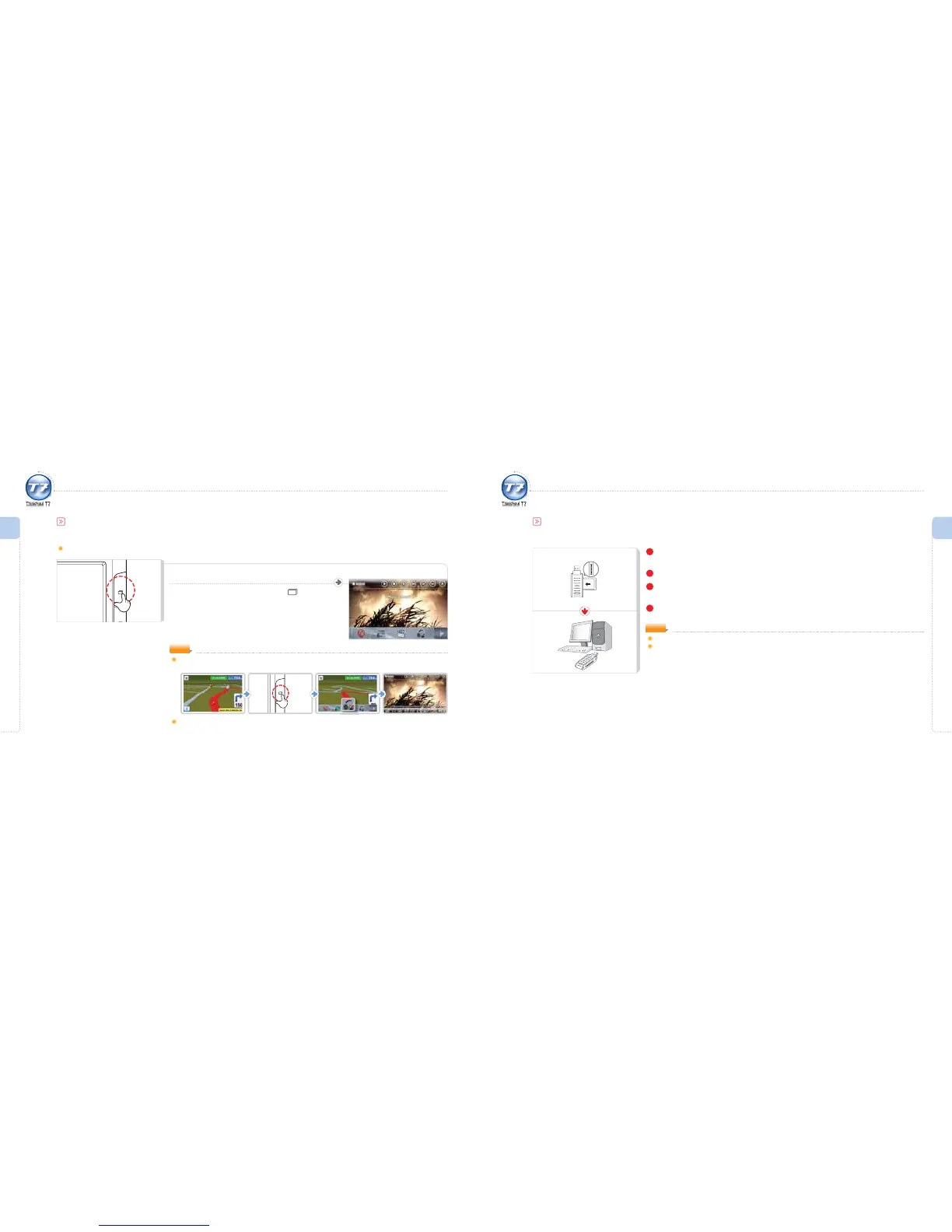
Multi-tasking Function
“Multi-tasking” refers to the simultaneous use of numerous programs or applications on one system.
The multi-tasking function allows for a maximum of three programs to run simultaneously.
When a program is running, press the button.
Menu options appear at the bottom of the screen.
The multi-tasking function is described as follows.
To listen to MP3 files while receiving road information:
NOTE
1
Insert the SD Memory Card in the direction of the arrow into the SD Memory Card Reader.
Make sure the front side of the card is facing forward upon insertion.
2
Connect the SD Memory Card Reader equipped with SD Memory Card to a computer.
3
Run Windows Explorer on the computer.
An external disk drive is created in Windows Explorer.
4
Select a le, drag and drop into the desired folder of the external disk drive.
Downloading Files
Saving Video, Music and Image Files
Disconnecting the SD Memory Card Reader while uploading/ downloading a file may cause an error.
The sequence of music files shown when selecting the external disk drive in Windows Explorer does not
necessarily reflect the actual sequence of music file playback.
NOTE
Multi-tasking Limitation
When the AV-IN Auto Run is set: If an external input signal is detected while playing a DVB-T program, the program will pause
and the external input will play instead.



 To Next Page