18
01
Getting Ready I
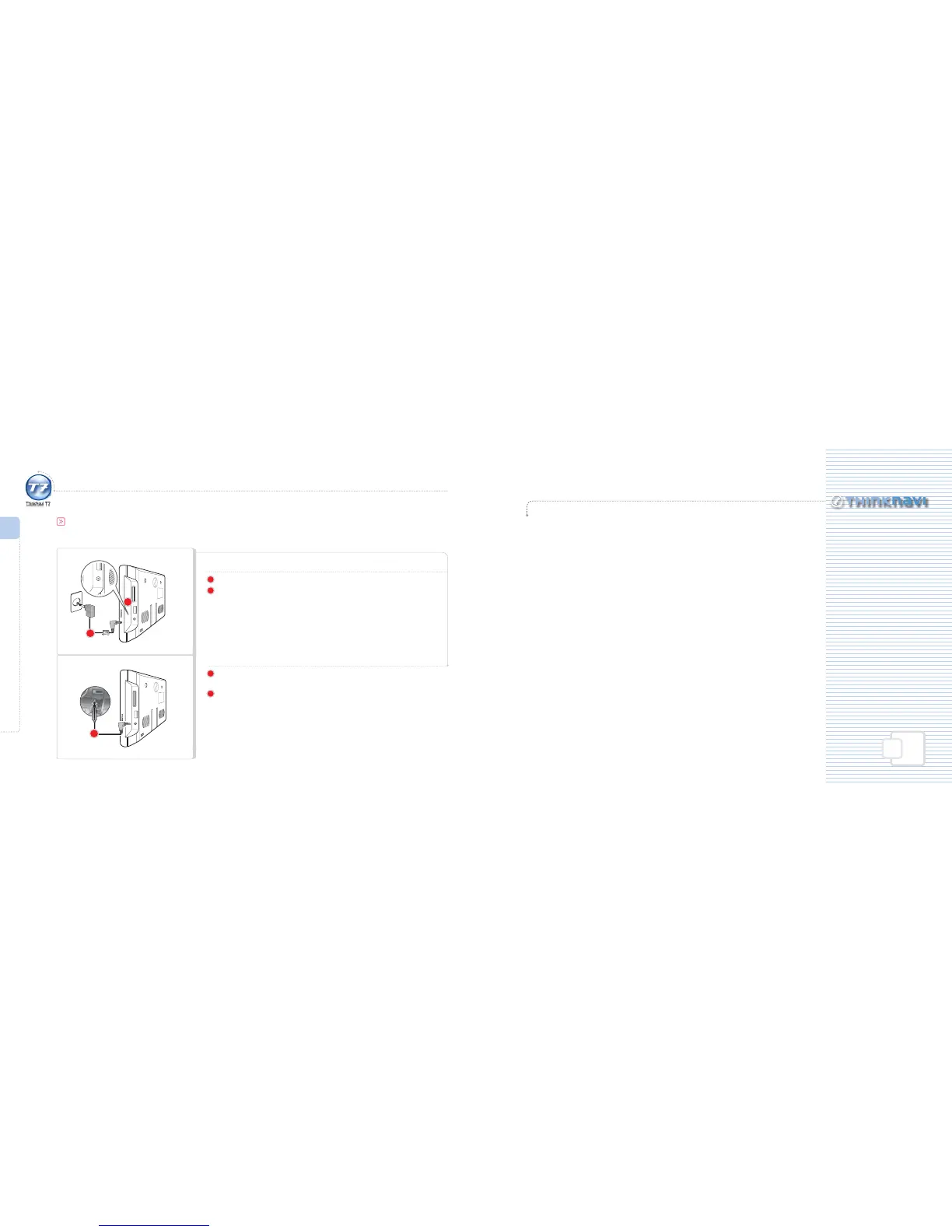
Connecting ThinkNavi T7
AC Adapter
1
Connect the AC adapter to the DC 5V port on the right side of the main unit.
2
Connect the AC adapter to a power source.
When connected to an external power source: Red LED is lit.
Auto Power Adapter – Cigarette-Lighter Port
1
Connect the auto power adapter (cigarette-lighter port) provided to the
DC 5V port on the right side of the main unit.
2
Connect the auto power adapter to the cigarette-lighter port in the vehicle.
When connected to an external power source: Red LED is lit.
Connecting ThinkNavi T7
Connecting Power
1
1
2
Basic Operation
Automatic Booting·······························································································································20
Turning Power ON/OFF······················································································································21
Volume Adjustment·····························································································································22
Muting······················································································································································· 22
Changing DVB-T channel···················································································································23
Resetting ··················································································································································23
Multi-tasking Function························································································································24
Saving Video, Music and Image Files
Downloading Files································································································································25
Chapter 02_ Basic Functions



 To Next Page