46
03
47
03
Menu Overview I
Using the Photo Album
Menu Overview I
Using the e-Book
Using the Photo Album
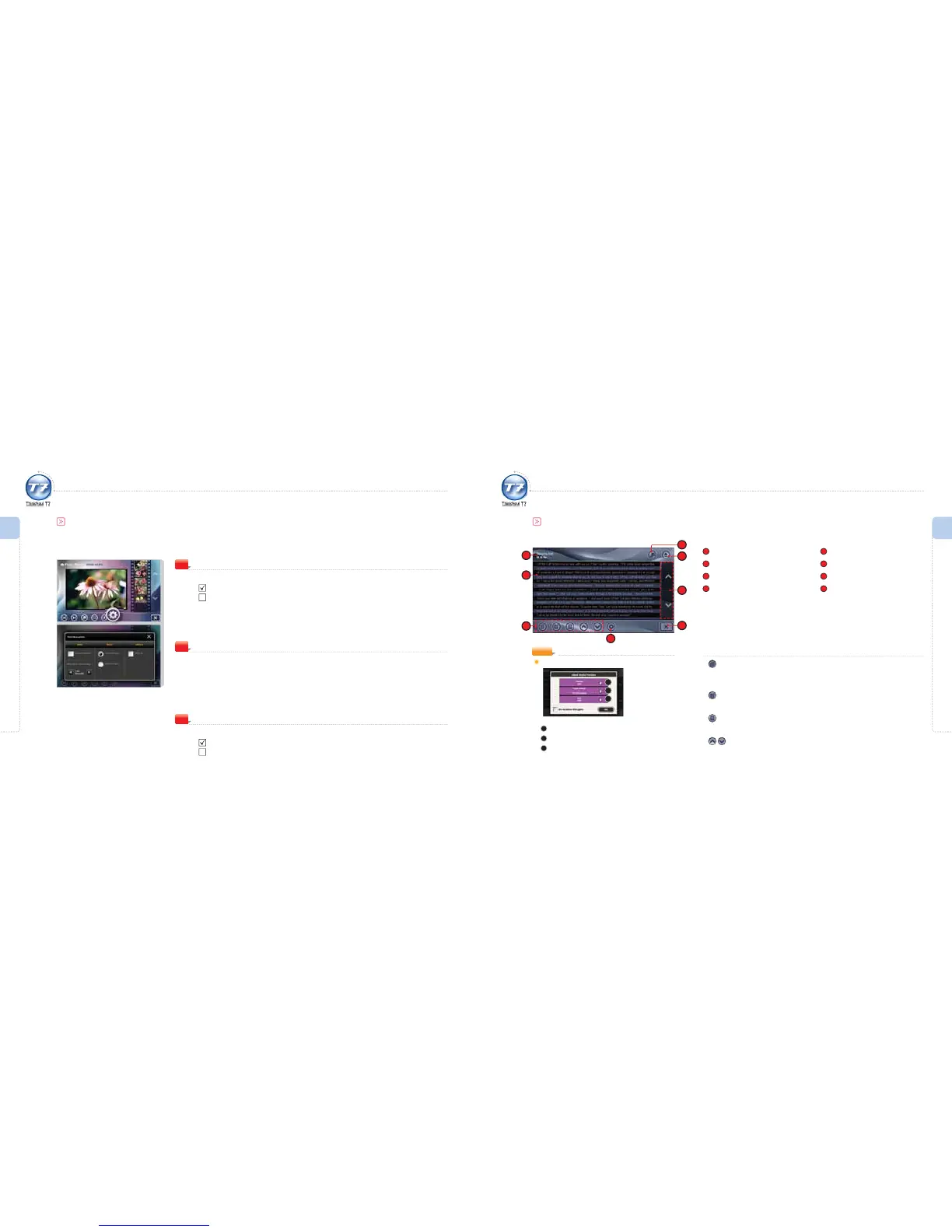
Photo Album Options
Slide
Repeat Playback.
Repeat Playback : To repeat all the images within the current folder.
Repeat Playback : To playback all the images within the current folder once.
Slide Show Time Setting.
Set the time interval between slides for slideshows.
1
Ratio
Set the image ratio.
Original Ratio : The actual ratio that the image le is saved.
Display Ratio : The ratio for full screen regardless of the image le’s actual ratio.
(The image may look dierent from the original.)
2
others
Activate/deactivate the View Tip function in the initial screen of the Photo Album.
View Tip : Shows a pop-up when starting the Photo Album.
View Tip : Does not show the pop-up when starting the Photo Album.
3
Using the e-Book
e-Book Screen
1
Title
2
e-Book Playback Screen
3
e-Book Control Icons
4
e-Book Options
5
Full Screen View
6
Open File
7
Turning Page
8
Exit
1
6
8
e-Book Control Icons
Automatic Page Turning
Page automatically turned after xed time interval (seconds).
Set in the e-Book Options. (refer to page 51)
Set Bookmark
Sets bookmark on a specied page.
Bookmark List
Moves to bookmark list screen.
Previous Page / Next Page
Moves to previous/next page.
7
NOTE
eBook Useful Function
1
Move to the previous page.
2
Switch between normal and full screen views.
3
Move to the next page.
4
2
5
3
1
2
3



 To Next Page