56
03
57
03
Menu Overview I
Setting Menu
Menu Overview I
Setting Menu
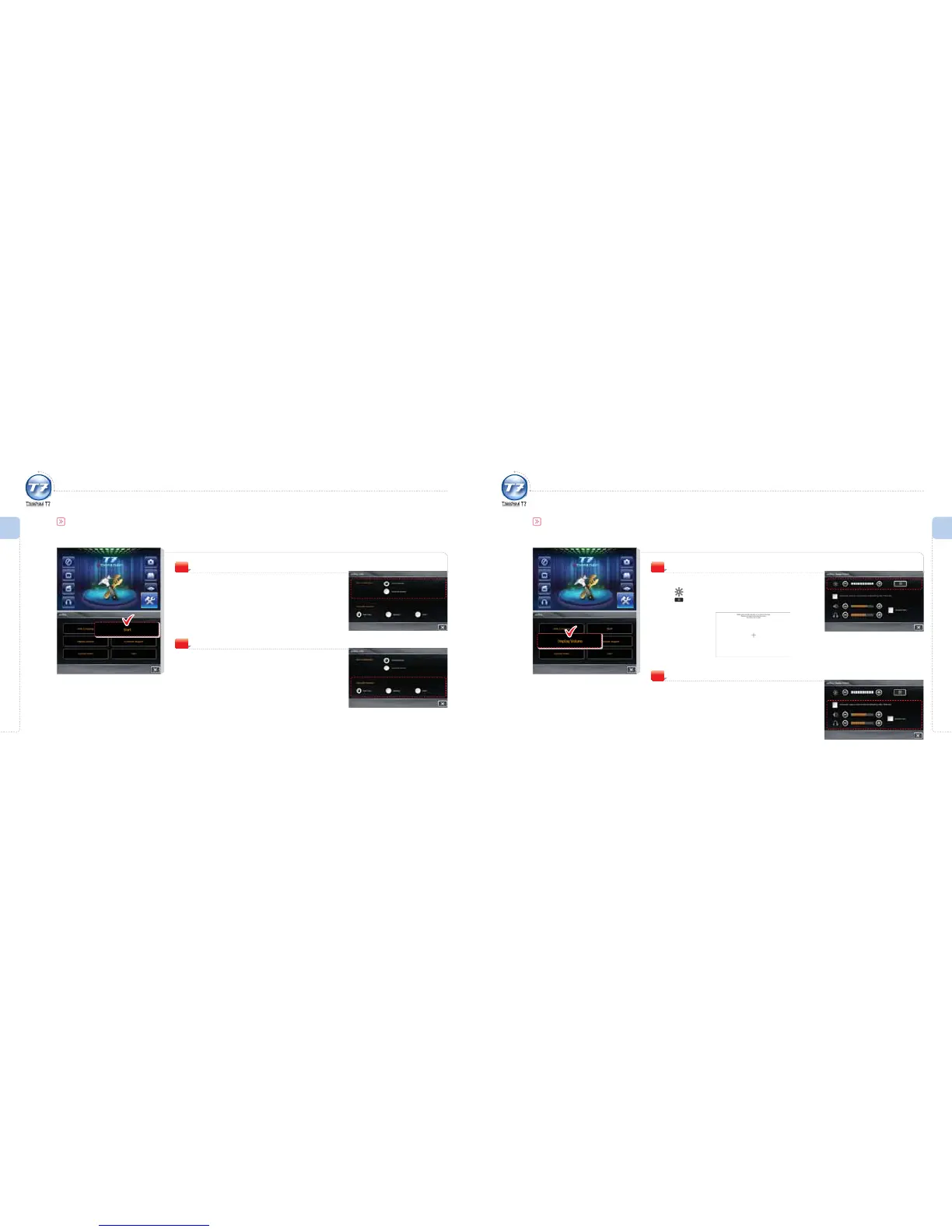
Boot conguration
Select the booting method when initiating the
product.
Manual Booting: Boot manually.
Automatic Booting: Boot automatically.
1
Setting Menu
You can set the booting method and programs that run automatically when initiating ThinkNavi T7.
Start
Automatic Operation
Select programs to run automatically when
initiating ThinkNavi T7.
2
Display
Set the brightness and calibration of the screen.
Brightness: Adjust the brightness of the LCD screen.
Calibration: Use this if the touch-panel is not touched
properly or incorrectly located.
1
Setting Menu
Set functions such as brightness, screen calibration, volume, earphone volume and mute.
Display/Volume
Volume
Set the volume level.
Automatic Volume Adjust: If this function is set, the volume
of other applications will be automatically reduced when
ThinkNavi’s voice guide is activated.
Speaker: Adjust the volume of the system.
Earphone: Adjust the volume of the earphone.
If Mute is on, the sound from all the programs will be muted.
2



 To Next Page