40
03
41
03
Menu Overview I
Using the Audio Player
Menu Overview I
Using the Audio Player
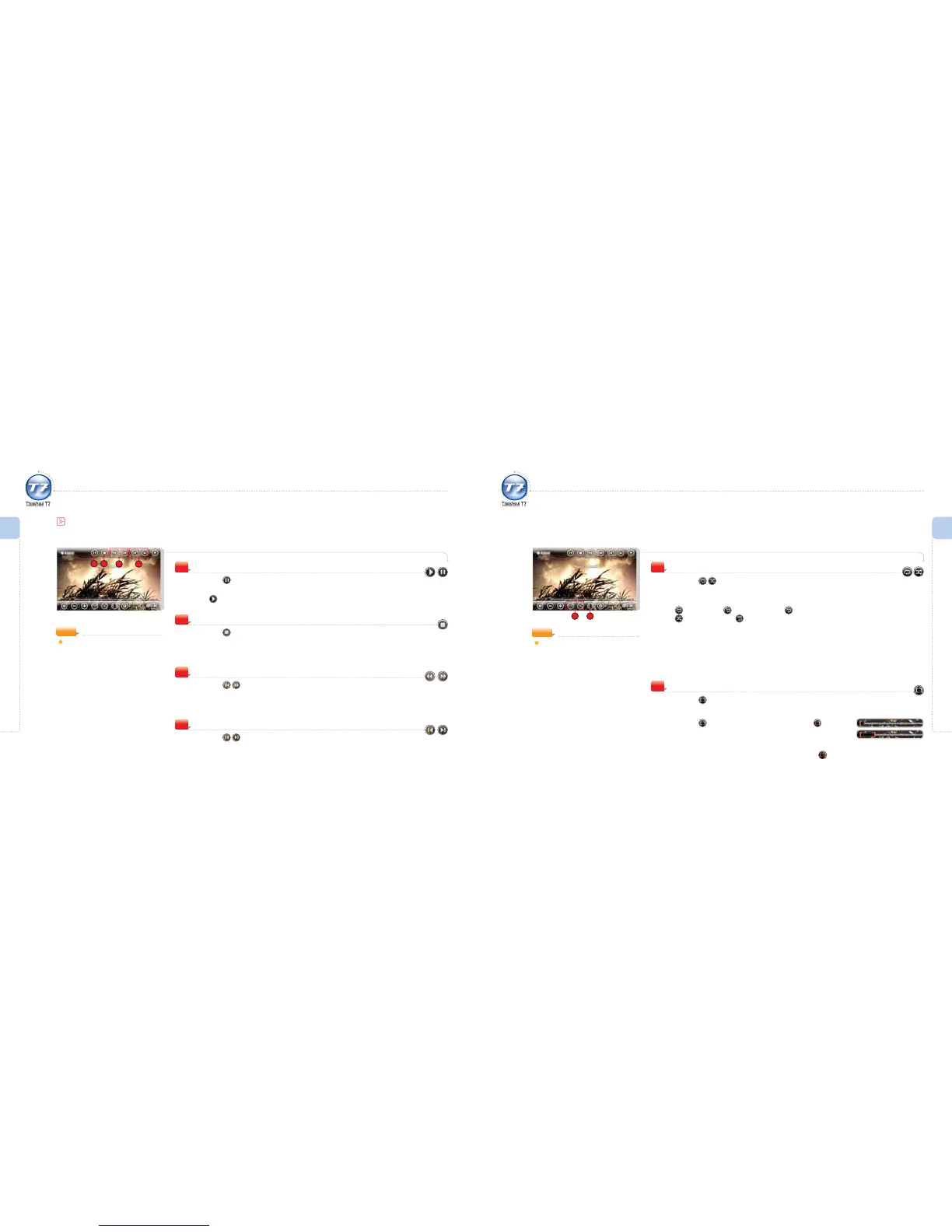
Play / Pause
Press the icon during playback.
The audio le being played is paused.
The
icon appears. (Toggling method)
1
Using the Audio Player
Audio Controls
Stop
Press the icon during playback.
The audio le being played is stopped.
2
Backward / Fast Forward
Press the icon during playback.
3
Previous / Next Audio File
Press the icon during playback.
Go to the previous/next audio le.
4
NOTE
Supported file formats:
MP3, WMA, OGG
1 2
3 4
Using the Audio Player
Playback
Press the icon on the screen.
Set playback method to the desired mode.
The playback modes shown are as follows : (Only les from the current le list are played.)
Play All Once X Repeat Play of File X Repeat All
Random Playback X Consecutive Playback
5
6
Activating / Deactivating Repeat Section
Press the icon on the screen.
The beginning of the section to be repeated will be shown on the progress bar.
Press the icon to set the start point, and then icon to set
the end point.
The selected section is played back repeatedly.
To deactivate the repeat section setting, press the icon.
6
5
NOTE
Touch the screen and icons will
disappear.



 To Next Page