28
03
29
03
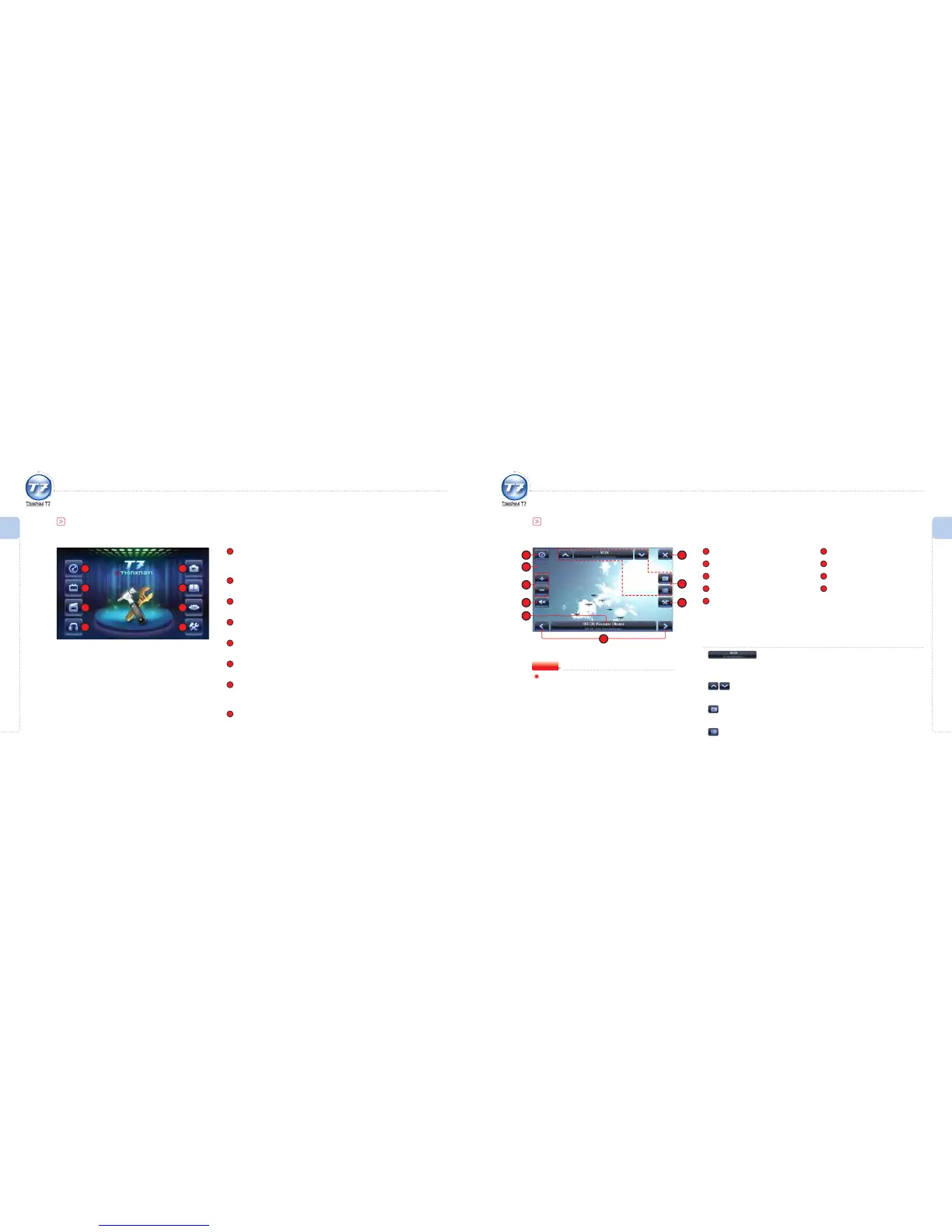
Initial Screen
1
ThinkNavi
Runs Navigation.
(Refer to the Software User Manual for more detailed information.)
2
DVB-T
Runs multi-channel multi-media programs.
3
Video Player
Runs the video player for watching video les.
4
MP3 Player
Runs the audio player for listening to music les.
5
Image Viewer
Runs the image viewer for viewing image les.
6
e-Book
Runs the e-Book function for reading text les.
7
AV IN
Connects external devices including the rear camera and camcorder to the
AV cable.
8
Setting
You can customize the setting details of the main unit.
1
Initial Screen
Menu Overview I
Initial Screen
Menu Overview I
Using the DVB-T
2
3
4
5
6
7
8
Using the DVB-T
DVB-T Screen
1
Start ThinkNavi
2
DVB-T Playback Screen
3
Volume Control
4
Mute On/O
5
Current EPG Information
Display
6
EChange EPG Information
7
Exit
8
DVB-T Control Icons
9
DVB-T Options
To ensure safety, the driver should not watch DVB-T
programs while driving.
The driver is fully responsible for any accidents caused
due to watching DVB-T program.
Warning
DVB-T Control Icons
Current Channel Display/Go to Channel List Screen
Shows the current channel and reception status.
Press the icon to move to the channel list screen.
Previous Channel/Next Channel
Changes channels while watching a program.
Open TeleText
Displays the TeleText window.
Open EPG Window
Shows the information including schedules for programs.
1 7
2
3
4
8
9
5
6



 To Next Page