58
03
59
03
Menu Overview I
Setting Menu
Menu Overview I
Setting Menu
Device ID
Use the Device ID when installing or upgrading
the product with installation DVD.
1
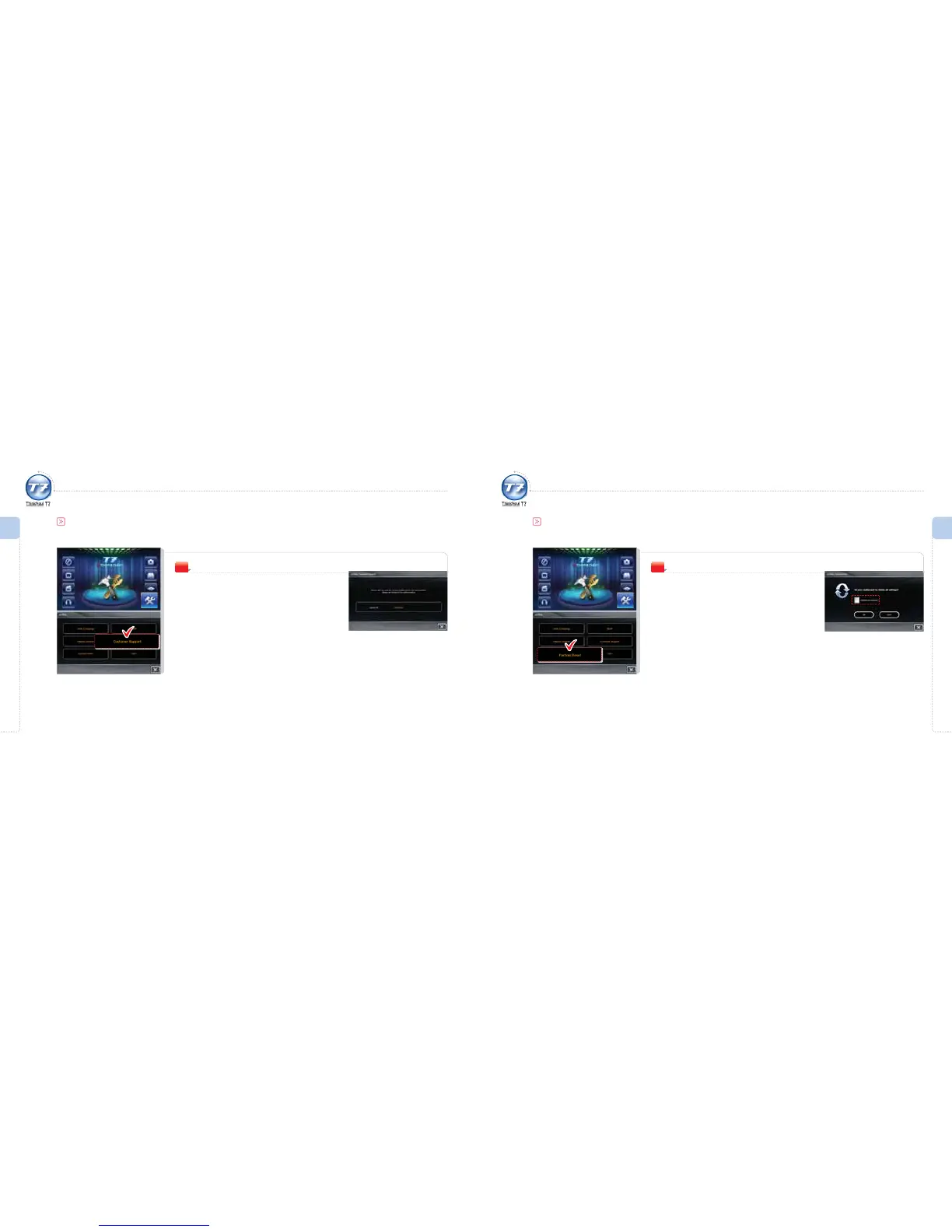
Setting Menu
You can check your Device ID.
Customer Support
Factory Reset
Delete all the data.
If Include Your Favorites is set:
All the data including Favorites information in the
SD memory card will be deleted.
1
Setting Menu
If exercising the initialization process, this will delete all the data and browse the factory defaults.
Factory Reset



 To Next Page