© 2013 Thorlabs GmbH124
DCx Cameras
Highlight
Mark bad pixel with a circle in order to improve localization. Yellow marker stands for a factory calibrated bad
pixel, green marker - for user defined bad pixel.
1:1
Zoom factor of the shown image.
Camera and bad pixel list
Tab Camera List:
Recognized cameras are shown with status in the camera list. Via the context menu (right click to the appropriate
camera), a camera can be opened and closed. Cameras with the status "in use" cannot be opened.
Tab Badpixel List:
In the bad pixel list the coordinates and the class of bad pixels are displayed.
Class "user": added by the user
Class "ignore": factory calibrated hot pixels
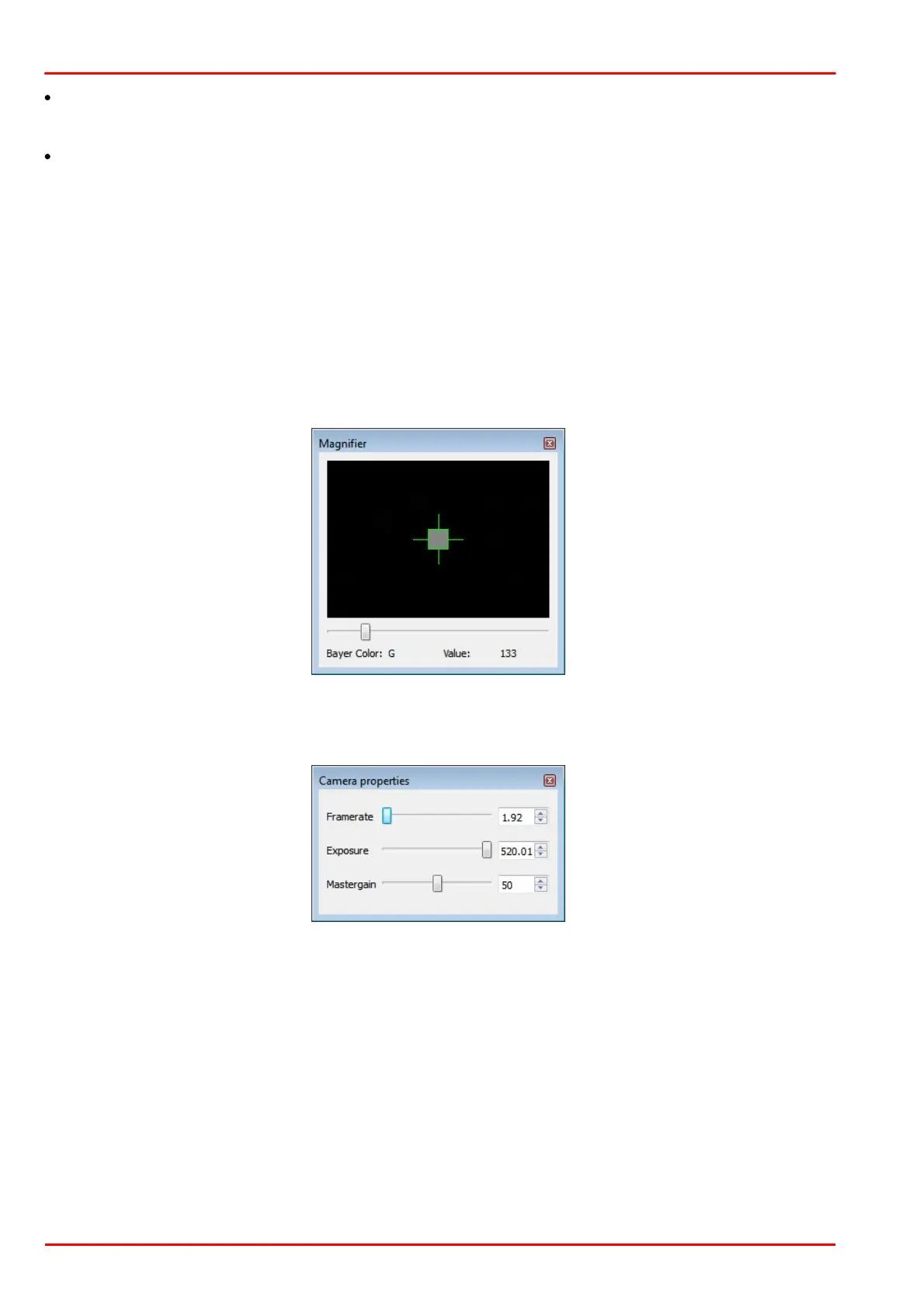
Magnifier function
The magnifier allows to exactly mark hot pixels. "Value" displays the relative pixel intensity.
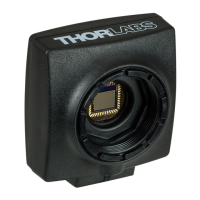
Camera properties
Here, the camera settings can be changed for a better hot pixels visualization. By default, exposure time is set to
max. and master gain to 50. Note that the frame rate is limited to lower values.



 To Next Page