11
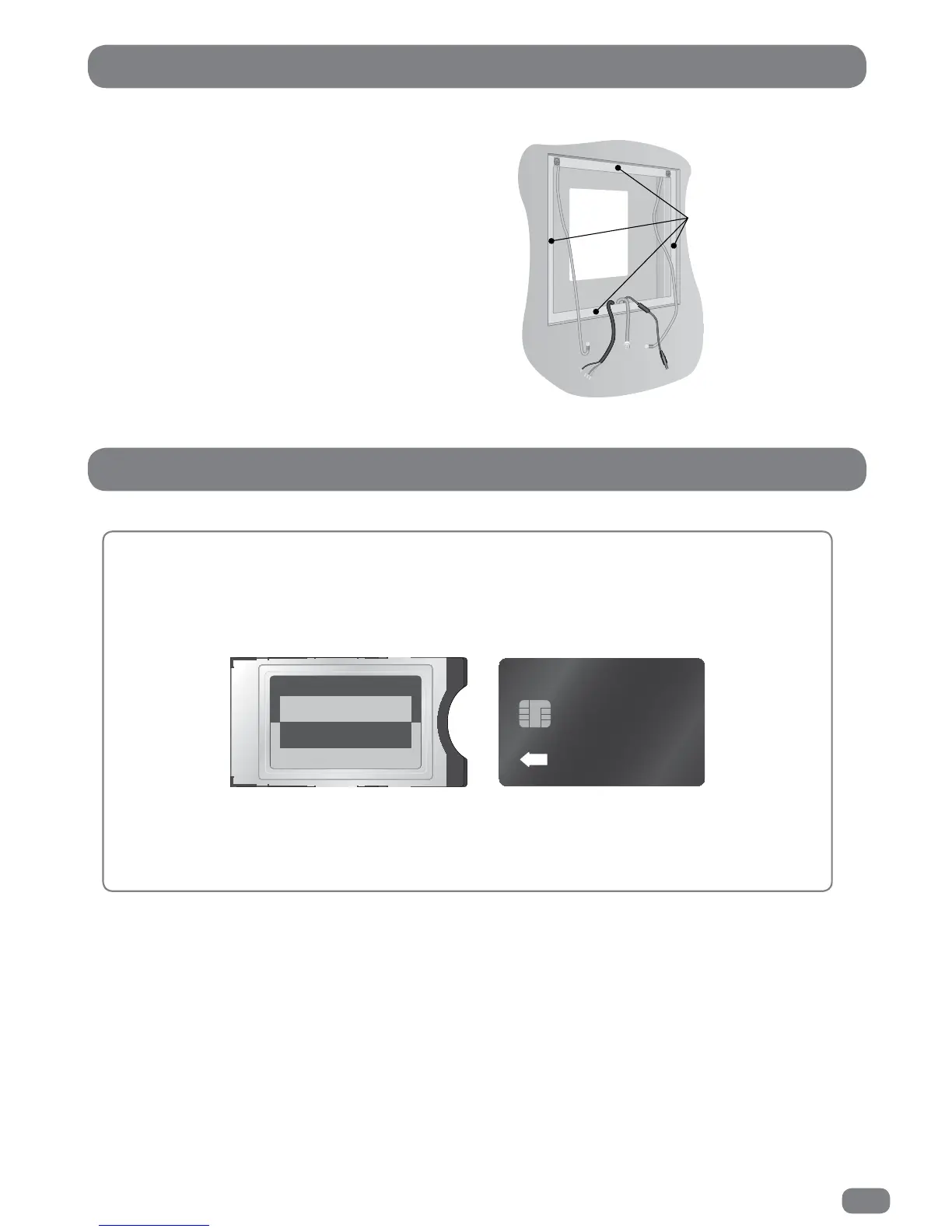
Checking the back box prior to installation
Before commencing installation of the TileVision
®
make
sure that all of the required input cables are present within
the back box.
It is important to ensure that the flange inside the back box
is thoroughly cleaned using isopropyl alcohol and allowed to
dry.
Checking the Back Box
The Common Interface
(
CI
)
Port
If a Conditional Access Module (CAM) is being used to add channels to the TileVision
®
the CAM
should be inserted into the CI Port of TileVision
®
with the power disconnected
.
Take a note of the Smart Card’s serial number and follow the CAM/Smart Card manufacturer’s
instructions to insert the Smart Card into the CAM and access the service.
The Smart Card must be activated in accordance with its service provider’s instructions before
installation is completed and the TileVision
®
is sealed.
INSERT
all of the
flange must
be cleaned



 To Next Page