36
Basic DTV Programme Information
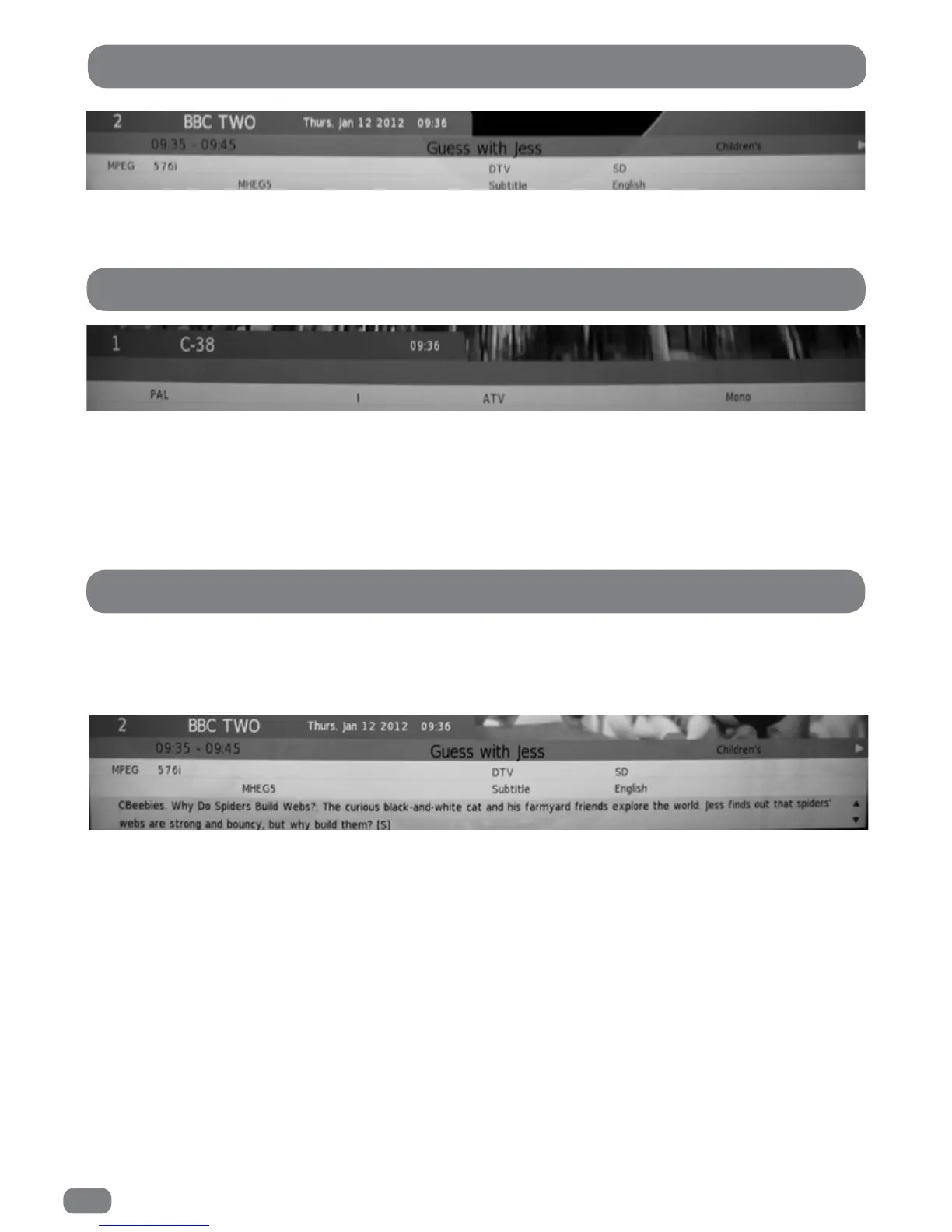
The channel number, channel name and signal information are always displayed on screen for a few seconds
whenever switching from one channel to another.
The channel number, channel name and signal information are always displayed on screen for a few seconds
whenever switching from one channel to another.
Because detailed information is not broadcast on analogue television, pressing the INFO
button will display the same information as is shown when changing channel.
More detailed information about the current programme can be seen at any time by pressing the INFO button.
Press the INFO button again to clear the information banner from the screen.
The information contained in the banner is as follows:
Line 1 the channel, the date and the current time.
Line 2 the start and end times of the programme and the programme title.
Line 3 the video mode (576i denotes standard resolution), the availability of MHEG digital text, the availability
of subtitles and the audio language.
Line 4 a brief synopsis of the program.
To view the information on the next programme press the
4
button.
Basic ATV Programme Information
Detailed DTV Programme Information



 To Next Page