47
Four preset sound modes can be selected or, using the User mode, five frequency bands can be set
to preferred levels.
Setting the Sound Mode
1
Press the MENU button.
2
Press the 34 buttons to select the SOUND menu.
3
Press the OK button to display the Sound Mode menu.
4
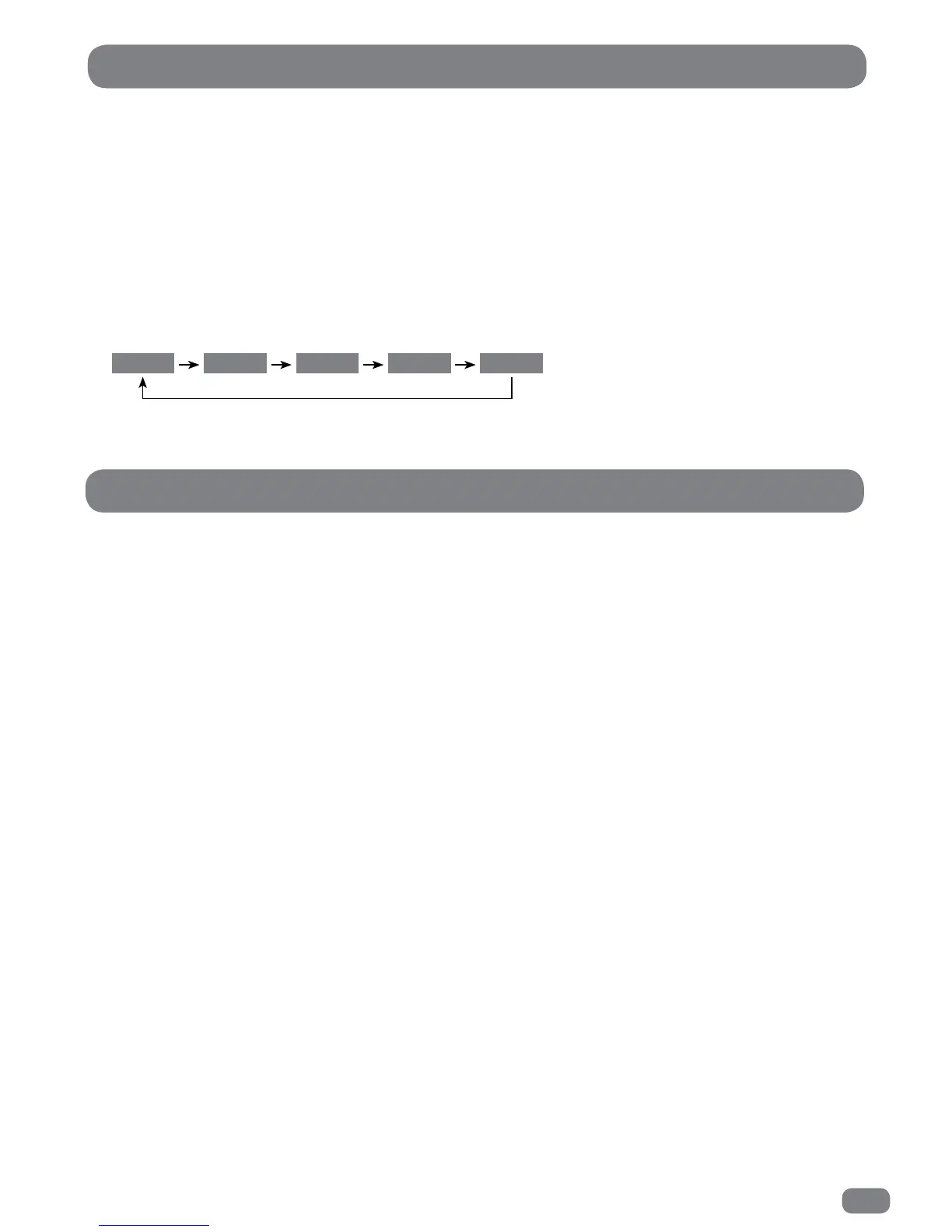
Press the 34 buttons to select any of the different modes as shown below.
5
Press the MENU button to save the settings and close the Sound Mode menu.
Sound Settings
Standard UserSportsMovieMusic
Five frequency bands can be adjusted by cutting or boosting the selected frequency. Adjustments can be made
as follows:
1
Press the MENU button.
2
Press the 34 buttons to select the SOUND menu.
3
Press the OK button to display the Sound Mode menu.
4
Press the 34 buttons to select User in the Sound Mode menu.
5
Press the 56 buttons to select a frequency band.
6
Press the 34 buttons to adjust the value.
7
When all the settings are as required press the MENU button to save the settings and close the adjustment
dialogue.
Sound - User Mode



 To Next Page