24
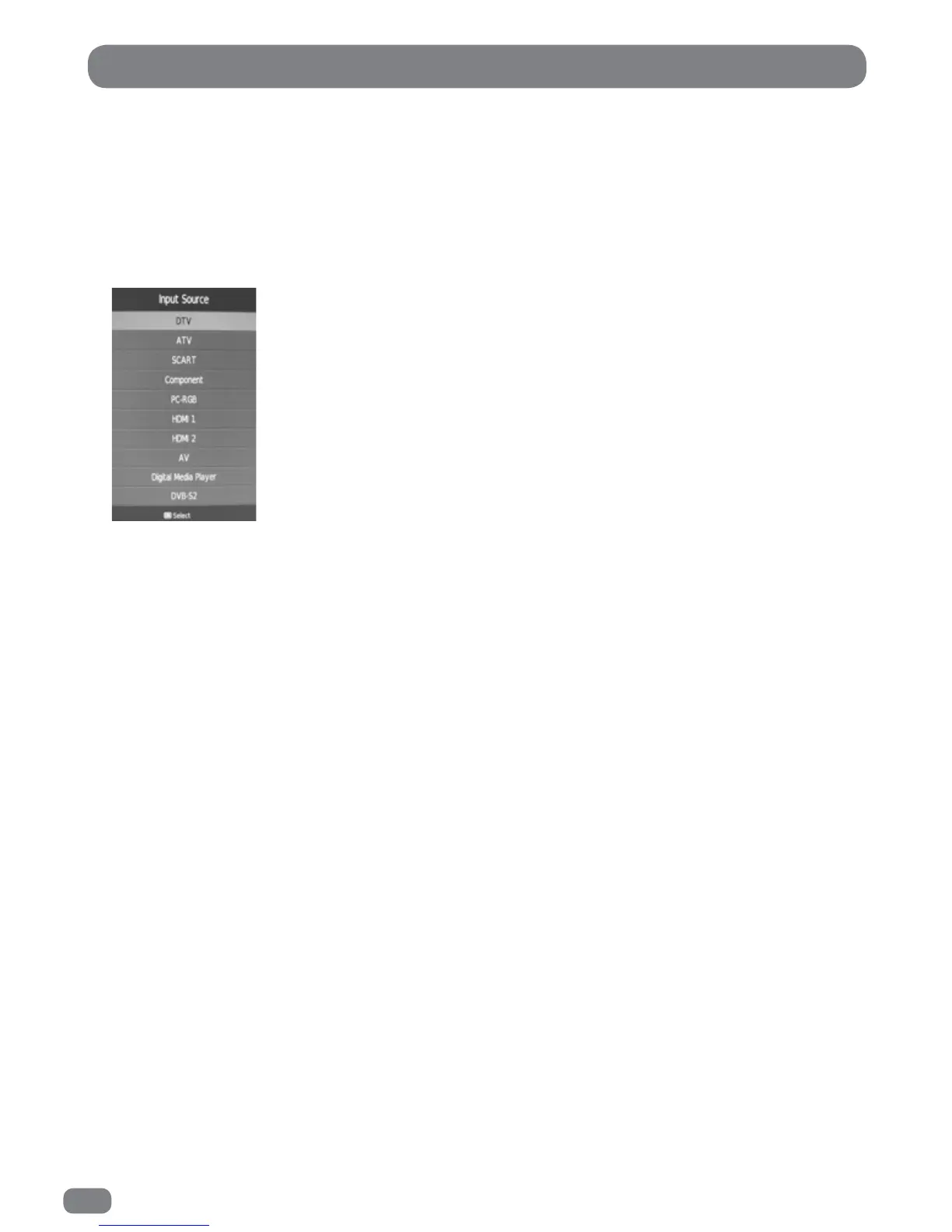
The Input Source list allows selection of the following: DTV (Digital Television), ATV (Analogue Television),
SCART, Component (Y,Pb,Pr), PC-RGB, HDMI 1, HDMI 2, AV, Digital Media Player and Satellite.
1
Press the Input button to display the
Input Source
list.
2
Press the Input button or the 56 buttons until the required source is selected.
3
Press the OK button to confirm selection of the chosen input and to clear the Input Source list from the
screen.
Press the EXIT button to close the Input Source list without selecting an alternative source.
If external sources have been connected to the TileVision
®
they may be viewed by selecting the
appropriate input.
Selecting a Source



 To Next Page