43
The Picture Mode setting is independently adjustable for each input. For example, DTV can be set to
Personal and the HDMI input can be set to Movie for DVD playback.
Setting the Picture Mode
Three preset picture modes can be selected or, using the User option, the Contrast, Brightness, Colour Intensity
and Sharpness can be set to preferred levels.
1
Press the MENU button.
2
Press the 34 buttons to select the PICTURE menu.
3
Press the OK button to display the Picture Mode Menu.
4
Press the 34 buttons to select any of the different modes as shown below.
5
Press the MENU button to close the Picture Mode menu.
Picture Settings
Standard Mild User Dynamic
Contrast, Brightness, Colour and Sharpness can only be adjusted in Personal Picture Mode.
Adjustments can be made as follows:
1
Press the MENU button.
2
Press the 34 button to select the PICTURE menu.
3
Press the OK button to display the Picture Mode Menu.
4
Press the 34 buttons to select User in the Picture Mode menu.
5
Press the 56 buttons to select, Contrast, Brightness, Colour or Sharpness.
6
Press the 34 buttons to adjust the value.
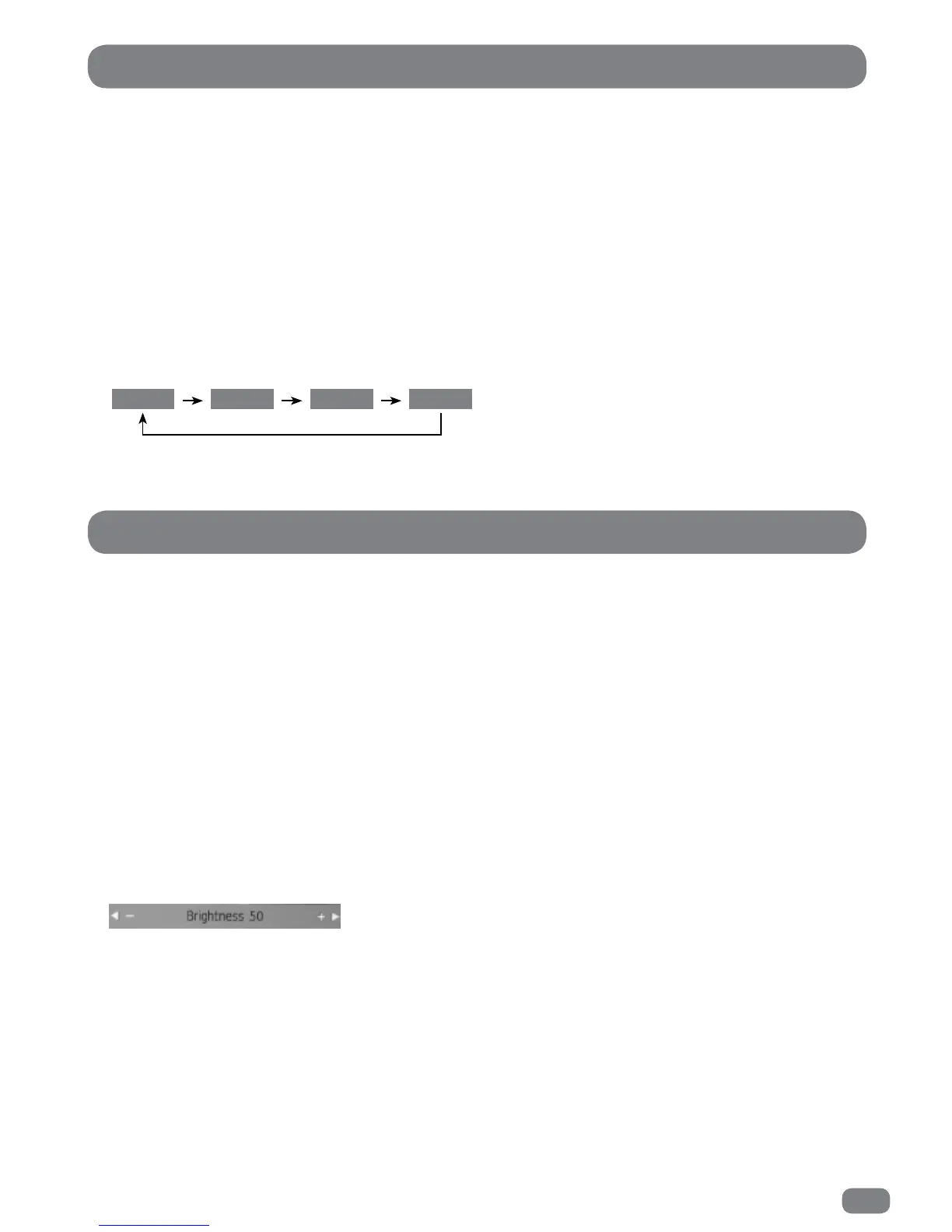
Adjustments are made with the PICTURE menu hidden so that most of the picture is visible. Only the item being
adjusted is shown on the screen.
7
When all the settings are as required press the OK button to return to the Picture Mode menu.
The Tint adjustment does not apply to TileVision
®
.
Picture Settings User Mode



 To Next Page