29
Digital Television Manual Tuning
1
Set the source input to DTV see page 24
2
Press the MENU button to display the
CHANNEL
menu.
3 Press the
56
buttons to highlight DTV Manual Tuning.
4
Press the
OK
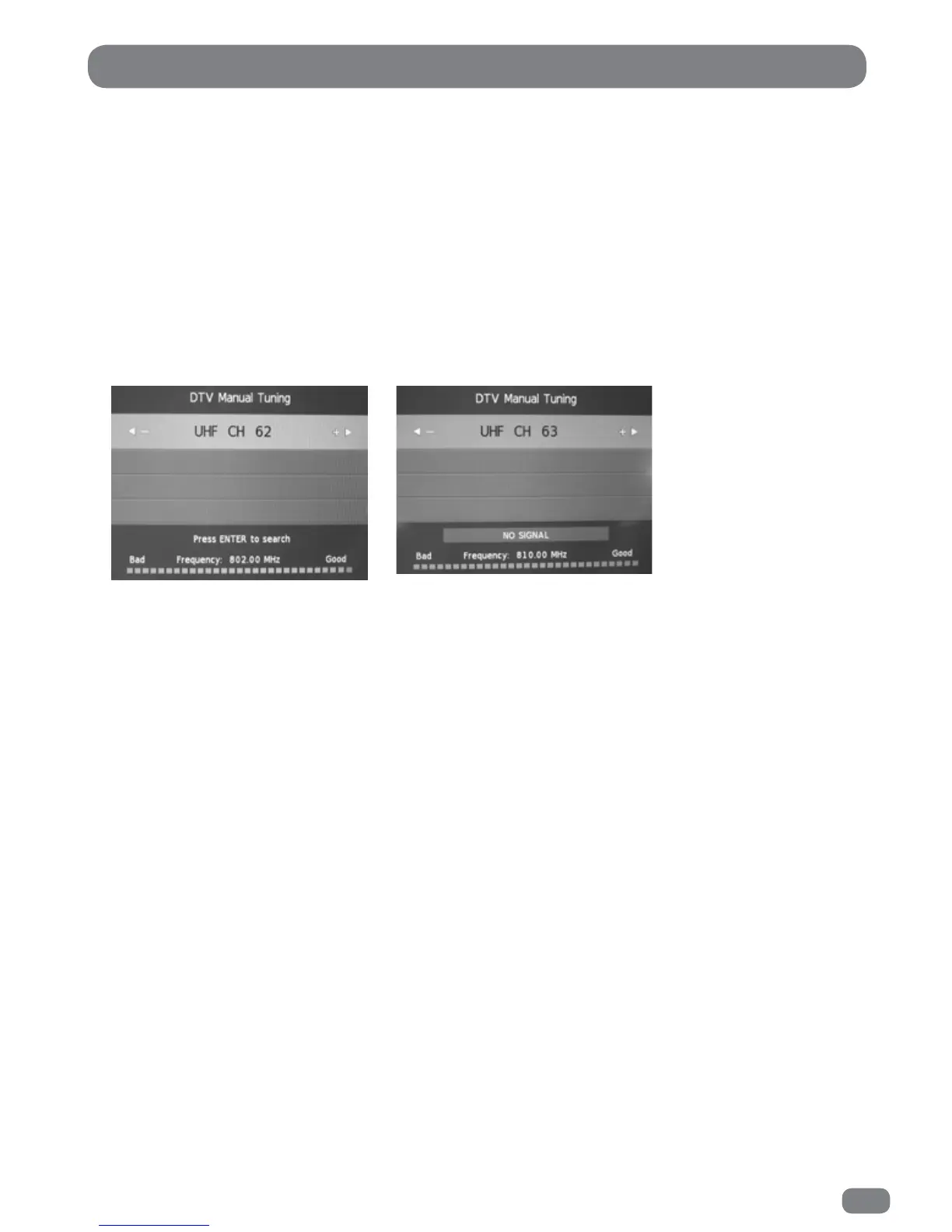
button to display the DTV Manual Tuning menu.
6
If there is a signal on the required channel press the OK button to start tuning the stations on
the selected channel.
The TileVision® will confirm that it is searching for channels.
After a short time the dialogue will show the number of DTV and Radio programmes that have
been tuned.
When the dialogue clears, the newly tuned station with the lowest number will be shown.
To tune additional programmes repeat steps 1 to 6.
DTV Manual Tuning
5
Select the required channel (UHF 21–69) with the 34 buttons.
The DTV Manual Tuning menu will show if a signal is being received on the selected channel.
Good Signal on the selected channel
OK to tune.
No Signal on the selectedchannel
Do not tune.



 To Next Page