30
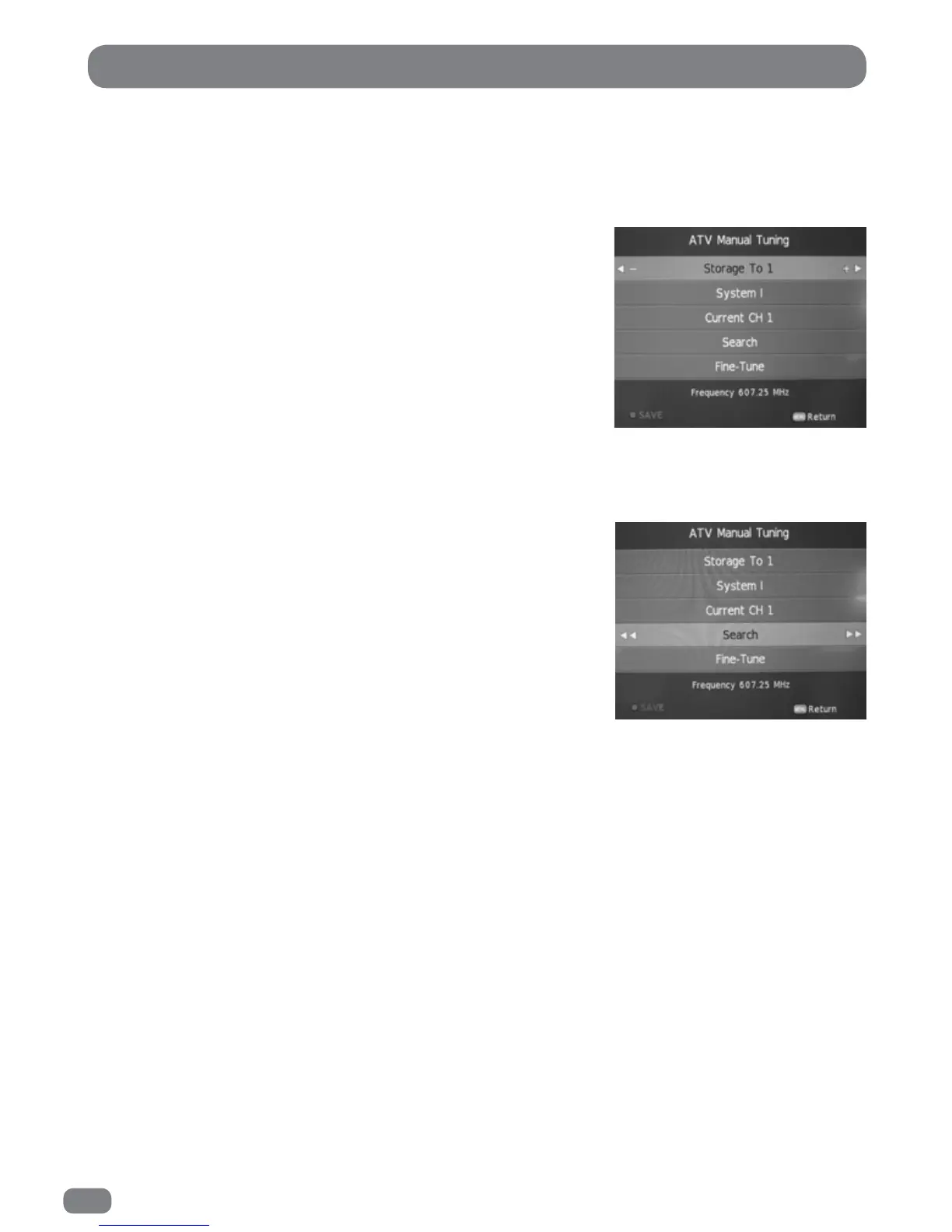
Analogue Television Manual Tuning
1
Press the MENU button to display the
CHANNEL
menu.
2
Press the 56 button to highlight the ATV Manual Tuning.
3
Press the
OK
button to display the ATV Manual Tuning menu.
4
Use the 34 buttons to select which programme to tune.
4
Press the 56 button to highlight
System
.
5
Select a
System
with the 34 buttons:
BG: Western Europe/Asia/Middle East/Africa/Australia
I: UK/Hong Kong/South Africa
DK: Russia/China/Eastern Europe
L: France.
6
Press the 56 button to highlight Search and then press
the 3
or
4 button to choose the search direction.
The search will stop when the next available station has
been tuned. To tune an alternative station press the 3
or
4
button to continue searching.
If necessary select
Fine-Tune
(56 )and adjust the tuning
with the 34 buttons to improve the picture or sound.
7
Press the Red button to save the settings.
8
Press the MENU button exit the ATV Manual Tuning menu.
ATV Manual Tuning
The ATV Manual
Tuningdialogue.
Current Channel.
During a search, if the found frequency is the same as a previously stored channel, the current channel value
changes to indicate that the frequency found is the same as the channel at (current channel).



 To Next Page