31
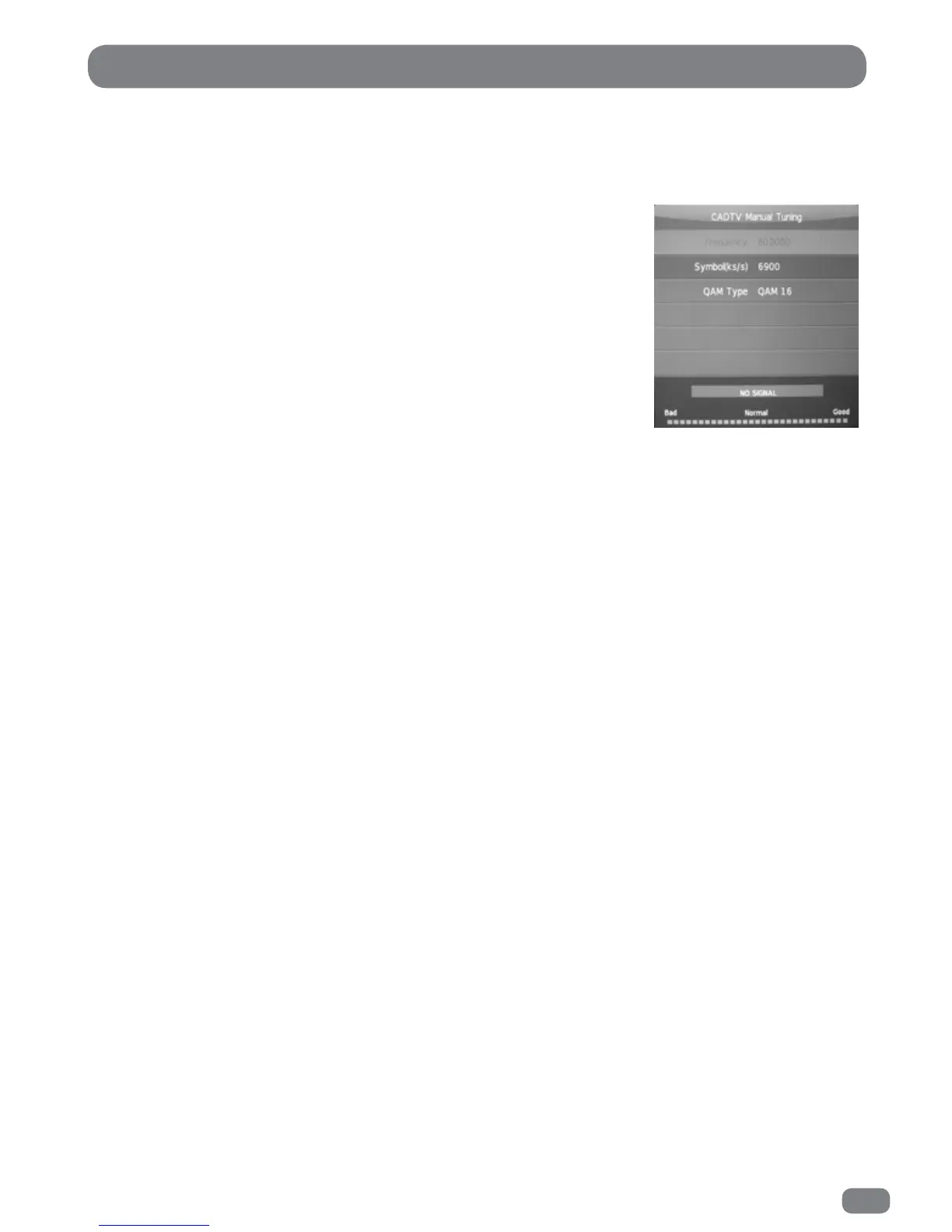
CADTV Manual Tuning
1 Press the MENU button to display the CHANNEL menu.
2 Press the
56
buttons to highlight the CADTV MANUAL TUNING.
3 Press the OK button to display the CADTV Manual Tuning menu.
4 Press the
56
buttons to highlight the item to be adjusted.
4a Set the required value of FREQUENCY by pressing the
34
buttons or entering the value using the number buttons
on the remote control.
4b Set the required value of SYMBOL(Ks/s) by pressing the
34
buttons or entering the value using the number buttons
on the remote control.
4c Set the required value of QAM TYPE by pressing the
34
buttons.
5 The CADTV Manual Tuning menu will show if a signal is being received on the selected
channel. A signal must be present in order to attempt to tune channels.
6 Press the OK button to begin search.
To tune additional stations repeat steps 4 to 6.



 To Next Page