37
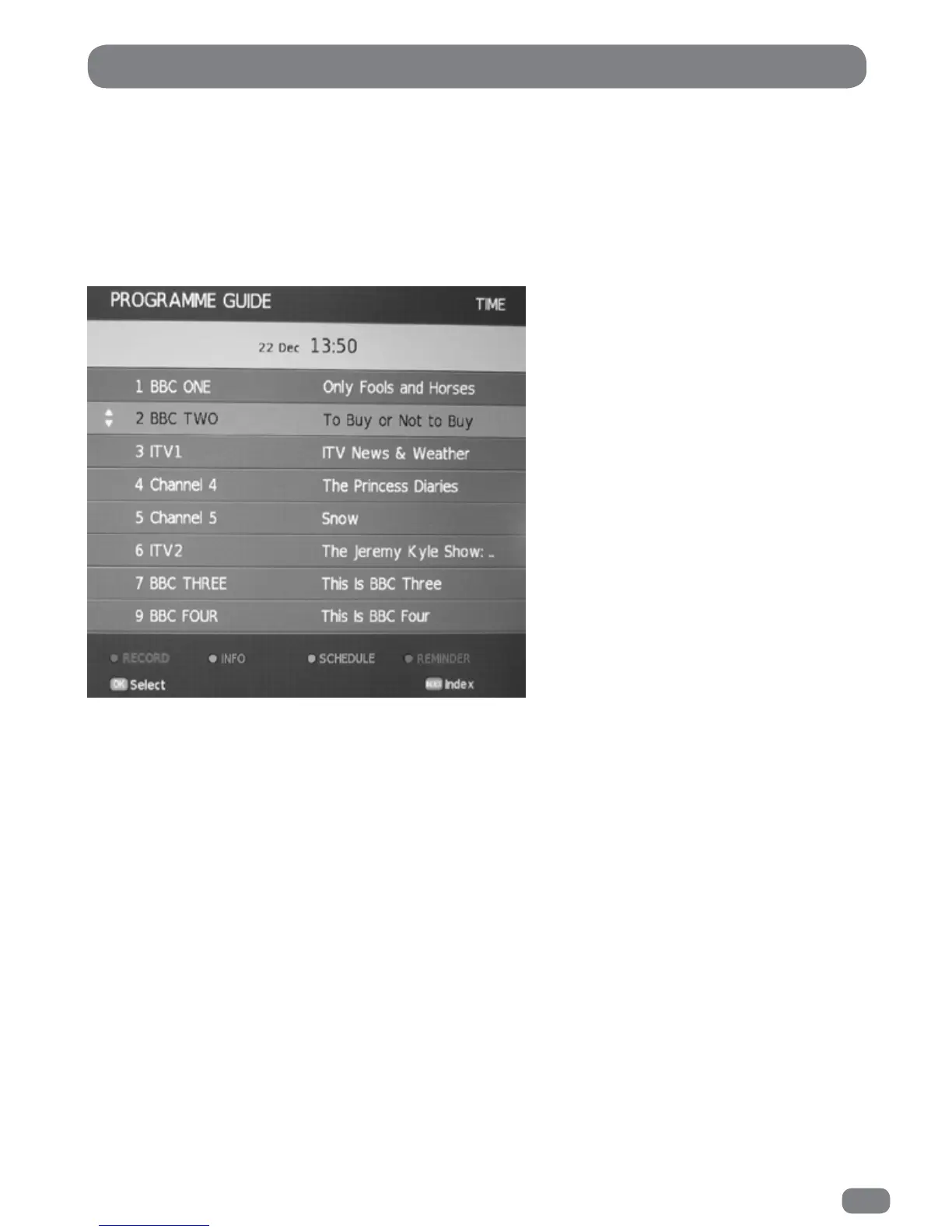
Viewing the EPG
The EPG information is provided by the broadcasters.
Programme entries may appear blank or out of date as a result of the information broadcast on a given
channel. The display will dynamically update as soon as new information becomes available.
EPG information can be viewed at any time when watching digital programmes.
1
Press the
EPG
button to display the Electronic Programme Guide.
2 Use the 56 & 34 buttons to move the highlight around the EPG and use the Page Up and Page Down
buttons to move up or down one page at a time.
3 Press the OK button to select the currently highlighted channel.
4 Press the EPG or EXIT button to close the EPG.
Detailed programme information is available without closing the EPG by pressing the INFO button.
To return to the EPG press the INFO button again.
The Electronic Programme Guide (EPG)



 To Next Page