49
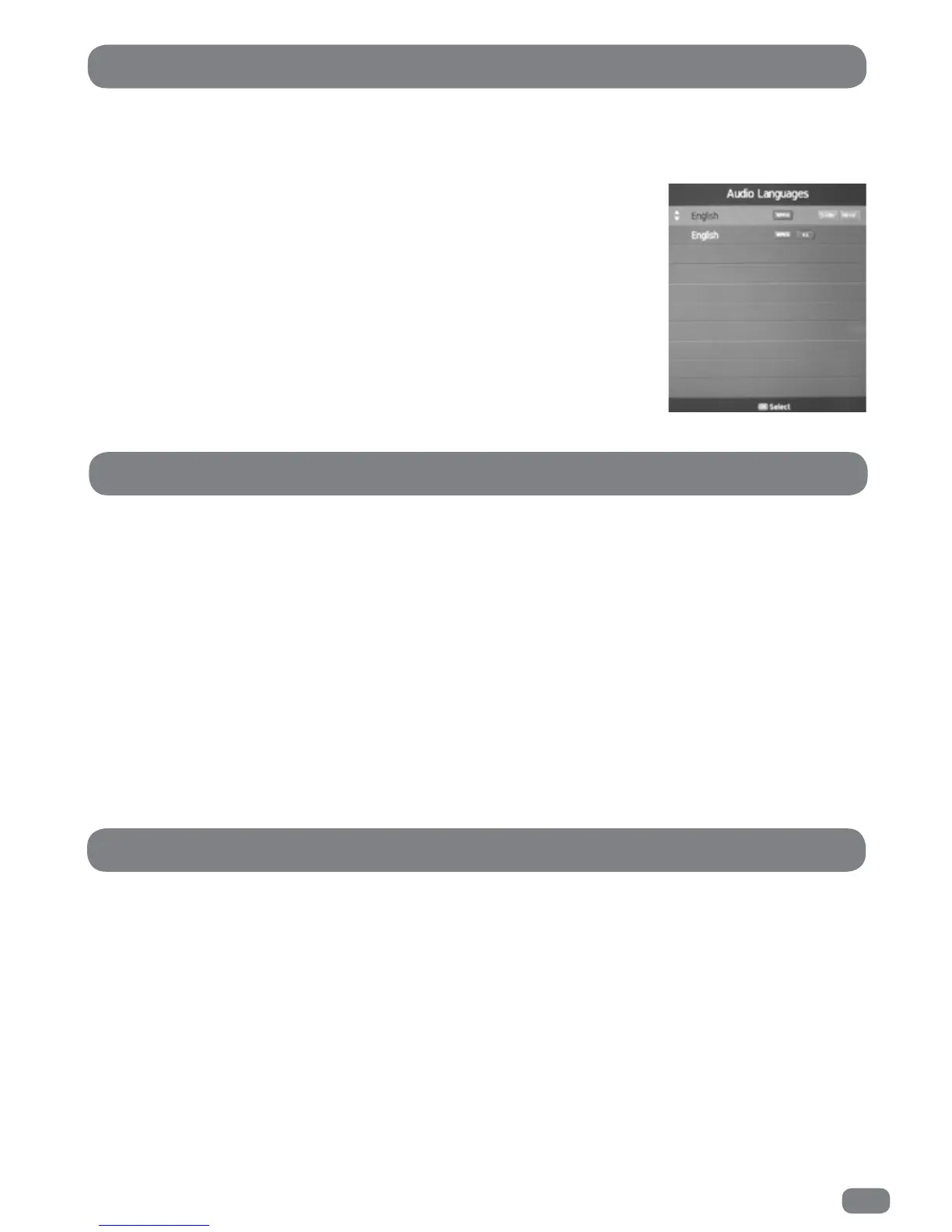
Some DTV broadcasts can include multiple audio languages and/or narrative audio descriptions for the visually
impaired (V.I.). The Audio Languages menu allows available languages to be selected and broadcasts with
audio descriptions to be chosen if required.
DTV Audio Languages
1
Press the MENU button.
2
Press the 34 buttons to select the SOUND menu.
3
Press the 56 buttons to highlight AD Switch.
4
Press the OK button to display the AD Switch menu.
5
Press the 34 buttons to set the AD (audio description) to ON or OFF. With the AD set to off the volume
control is greyed out. For adjustment of the volume level AD must be set to ON.
6
Press the 56 buttons to highlight AD Volume.
7
Press the 34 buttons to set the AD volume to the require level.
8
Press the MENU button to exit the AD Switch menu.
1
Press the MENU button.
2
Press the 34 buttons to select the SOUND menu.
3
Press the 56 buttons to highlight SPDIF Mode.
4
Press the OK button to toggle the setting between AUTO and PCM mode.
5
Press the MENU button to exit the SOUND menu.
In
DTV
mode the sound output for the left and right speakers can be selected as
follows:
1
Press the
AUDIO
button to open the
Audio Languages
list.
2
Press the 56 buttons to select the required broadcast language and V.I.
option.
3
Press the 3 or 4 buttons to sequence through the three options;
L+R
,
L+L
, or
R+R
.
4
Press the OK button to save settings and close the list.
AD Switch
SPDIF Mode



 To Next Page