From the previous page
UTILITY VERS I
O
N
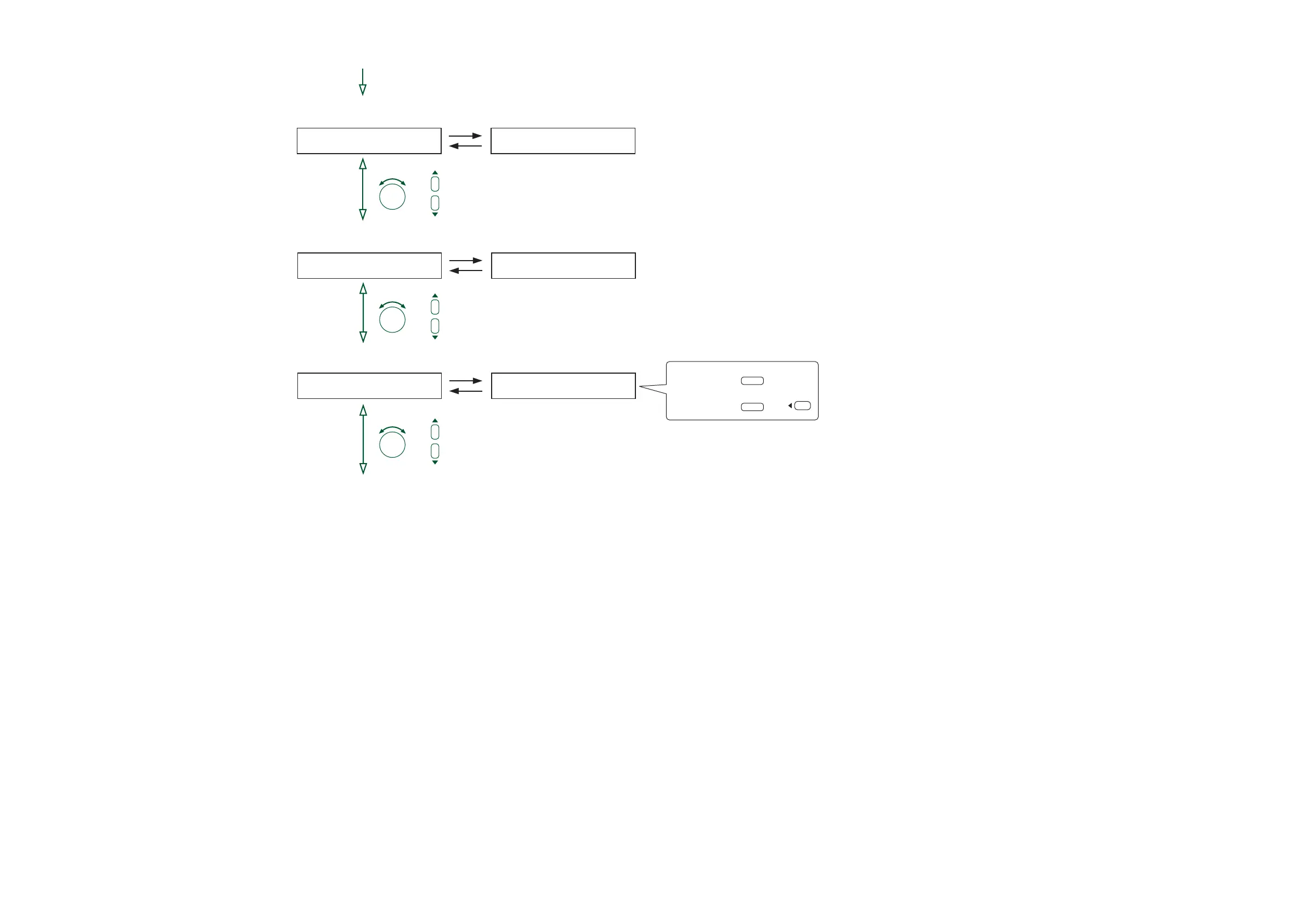
Function selection
(when the firmware version is selected)
Firmware version indication (p. 64-C37)
UTILITY
M
E
M
O
RY
Function selection
(when the memory initialization is selected)
I
N
I
T
IA
L
IZE
O
K?
Memory initialization (p. 64-C38)
F
I
R
M
V
E
RS I
O
N= 1 0
.
Function selection
(when the control input is selected)
UTILITY SUB -
M
O
DE
Function selection
(when the operation method is selected)
Operation method setting (p. 63-C36)
M
O
DE
M
ATR I X
(P. 55-C1)
To determine,
ENTER
orTo cancel,
ESC/BACK
or
PARAMETER
or
PARAMETER
or
PARAMETER
3





 To Next Page