TH2883 Series Operation Manual Chapter 8 SCPI Command reference
8-19
Command syntax:
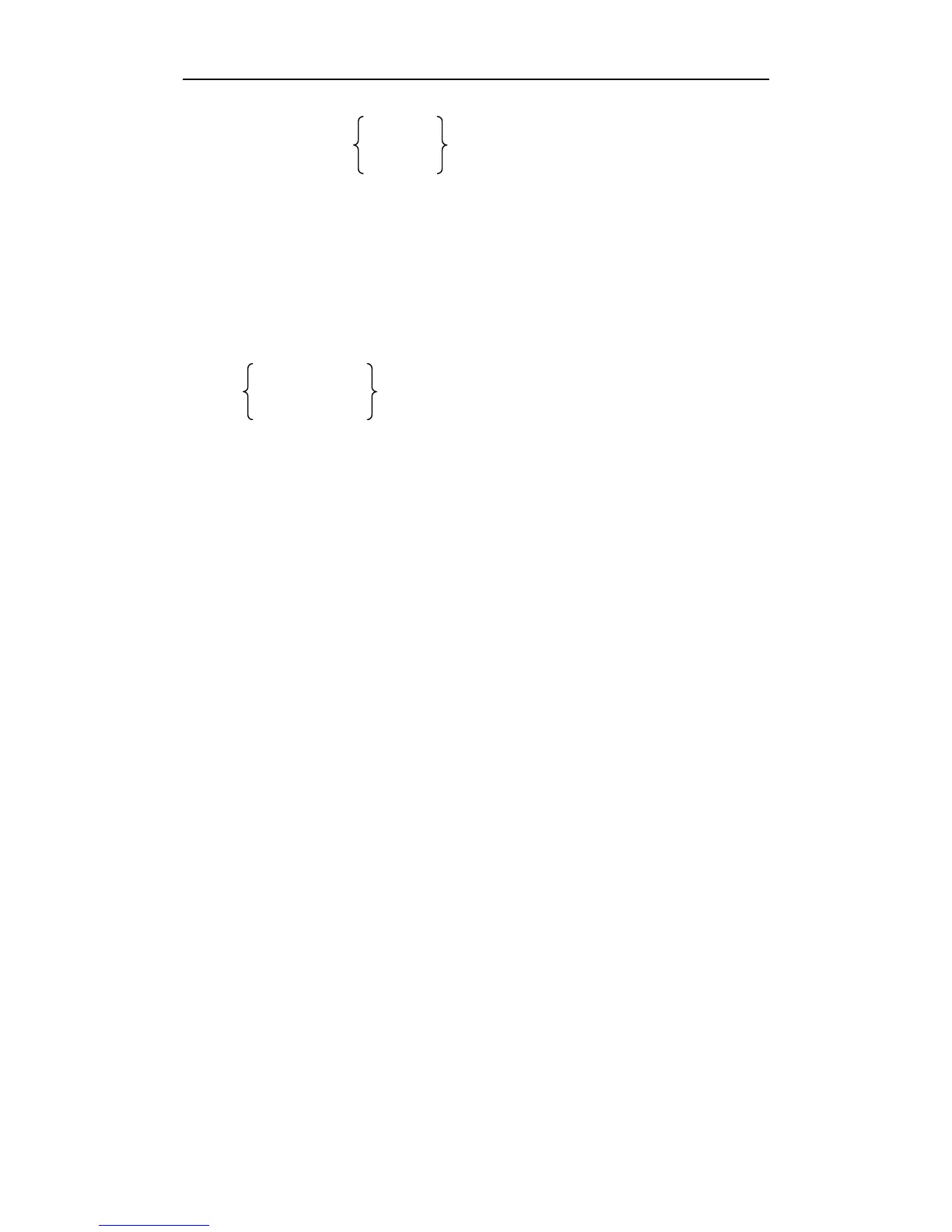
SCYCLe
SWAVE:SMODE OCYCLe
OSAMPle
Where,
SCYCLe Set the standard waveform sample mode to sequential-cycle.
OCYCLe Set the standard waveform sample mode to one-cycle.
OSAMPle Set the standard waveform sample mode to one-sample.
For example: WrtCmd( “SWAVE:SMODE OSAMPle” ); set the standard waveform sample mode
to one-sample.
Query syntax: SWAVE:SMODE?
Return format:
SEQ CYCLE
ONE CYCLE <NL^END>
ONE SAMPLE
Where: SEQ CYCLE is sequence-cycle mode, ONE CYCLE is one-cycle mode, ONE SAMPLE is
one-sample mode.
The :TRIGger[:IMMediate] command is used to trigger a standard waveform measurement.
Command syntax: SWAVE:TRIGger[:IMMediate]
For example: WrtCmd( “SWAVE:TRIG” );
NOTE: 1.This command is available only on the <MEAS DISP> page.
2. This command will be ignored if the trigger mode is not set to BUS mode.
3. This command will be ignored when TH2883 is in testing state.
The :CHOose command is used to select the required standard waveform.
Command syntax: SWAVE:CHOose
For example: WrtCmd( “SWAVE:CHO” );
The :LOAD command is used to load the standard waveform.
Command syntax: SWAVE:LOAD <data>
For example: WrtCmd( “SWAVE:LOAD 78F6……98” );
The :LOADADJVOLT command is used to load the adjust voltage.
Command syntax: SWAVE:LOADADJVOLT <value>
For example: WrtCmd( “SWAVE: LOADADJVOLT 1350V”);
The :ADJVOLT command is used to query the adjust voltage.
Command syntax: WAVE:ADJVOLT?



 To Next Page