TH2883 Series Operation Manual Chapter 6 Introduction to [SYSTEM]
6-1
Chapter 6 Introduction to [SYSTEM]
Press SYSTEM to enter System. This is a toggle key, the press of which will make the displayed
page toggled among System, Interface, About.
6.1 System
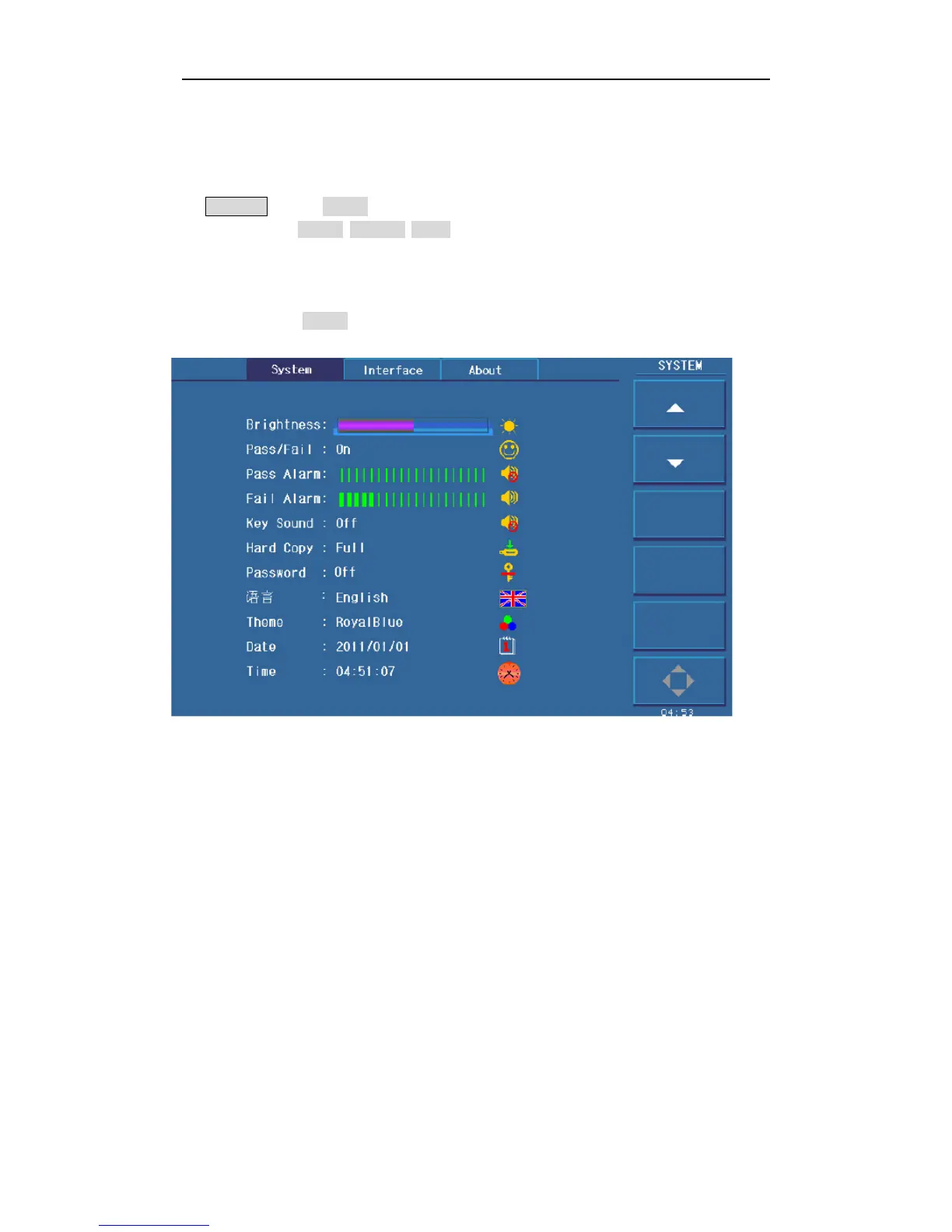
Figure 6-1 shows the System page.
Figure 6-1 System
Parameters irrelevant to test performance can be set in this page.
Brightness
Pass/Fail
Pass Alarm
Fail Alarm
Key Sound
Hard Copy
Password
Language
Theme
Date



 To Next Page