TH2883 Series Operation Manual Chapter 6 Introduction to [SYSTEM]
6-9
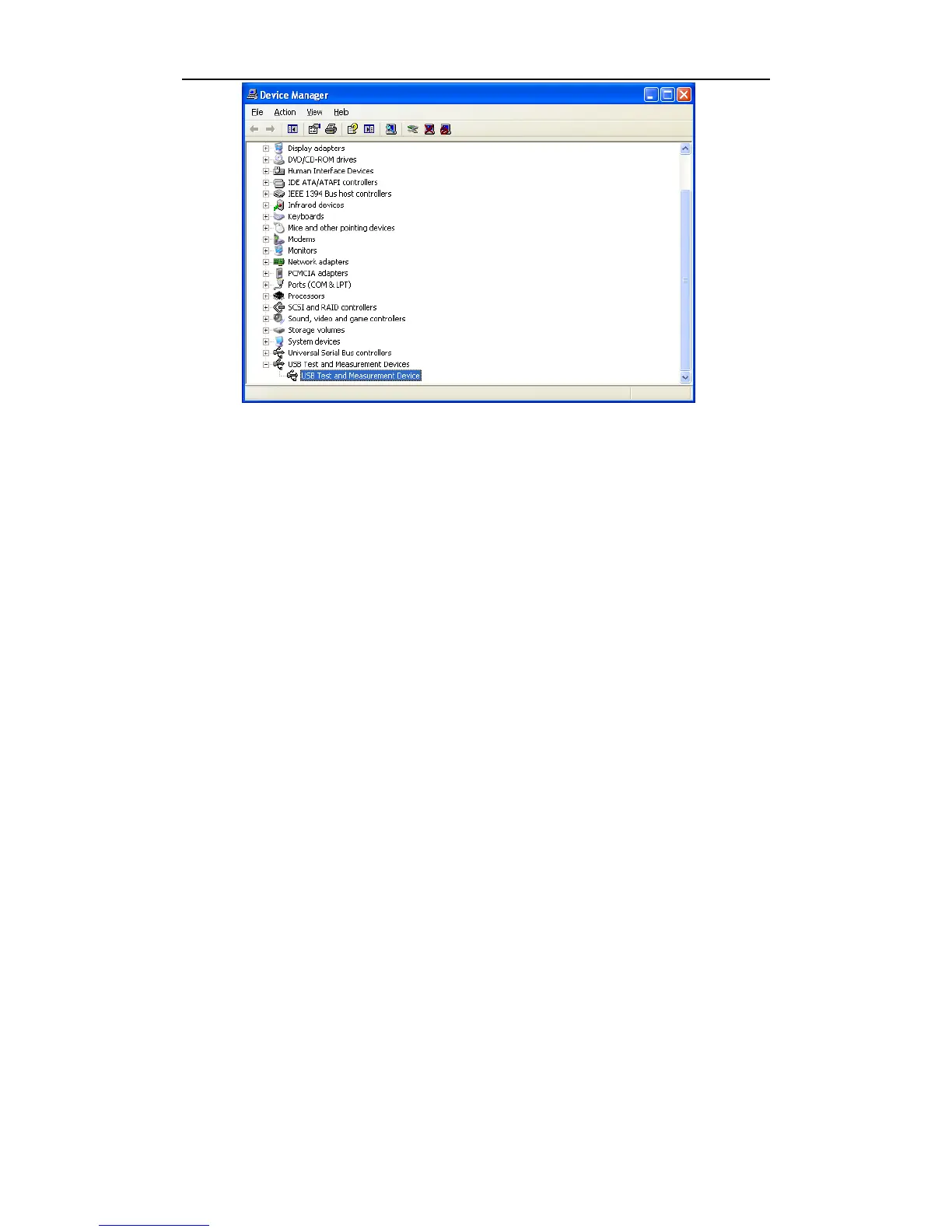
Figure 6-7 PC has installed USBTIMC drive
When user is using USBTMC interface, labview software can be used to access the instrument.
Tonghui provides Labview software for controlling TH2883. See Labview instruction manual for
more details.
6.2.4 LAN interface
LAN (Local Area Network) can access TH2883 by two ways.
(1) Access TH2883 by a browser.
(2) Access TH2883 by Labview software.
System configuration
TH2883 is connected to a PC by a crossover network cable. If TH2883 is connected to a router,
peer to peer network cable should be used.
Parameter settings
Select LAN interface in the interface page to enter the LAN setup page. Now you can set the
following parameters: IP address, SUB MASK, gateway and DNS. Refer to the PC (connecting
with TH2883) network parameter setups for TH2883 LAN parameter setups. For example: PC
(connecting with TH2521) network parameter setups are shown in figure 6-8, TH2883 network
parameter setups are shown in figure 6-9.



 To Next Page