46
CHART FUNCTIONS UNIQUE TO THE MC-4S
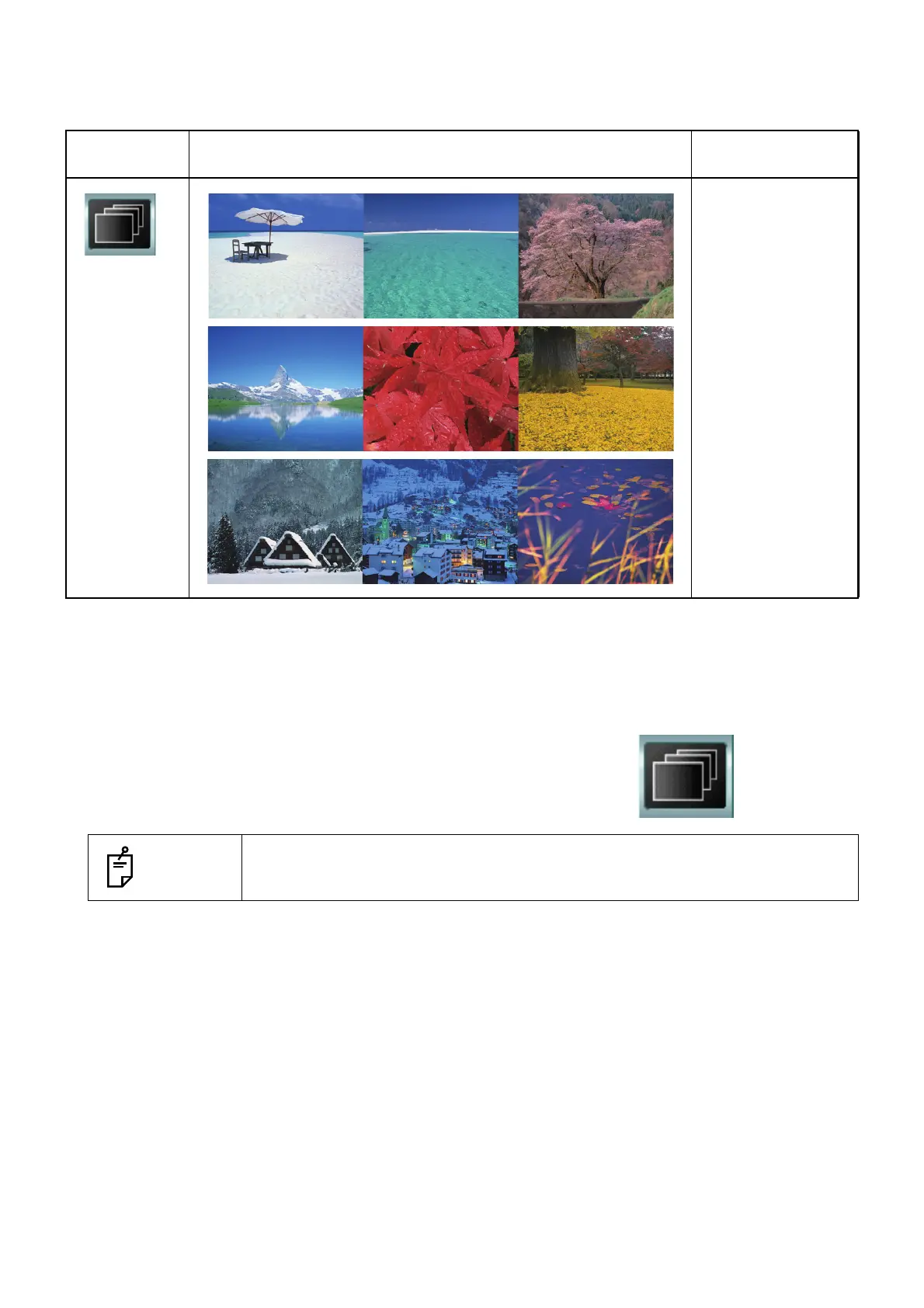
Still image file for slideshow
• D type, F type, H1 type
Playback of slideshow
1 Select "Slideshow" from the chart page.
The image slideshow is played.
Chart page
icon
MC-4S Remarks
The images are dis-
played on the MC-
4S in the order
shown.
The still image dis-
play time can be
changed in the set-
ting screen.
NOTES
Select any other chart. "Slideshow" is canceled and the selected chart is indi-
cated on the instrument.



 To Next Page