28
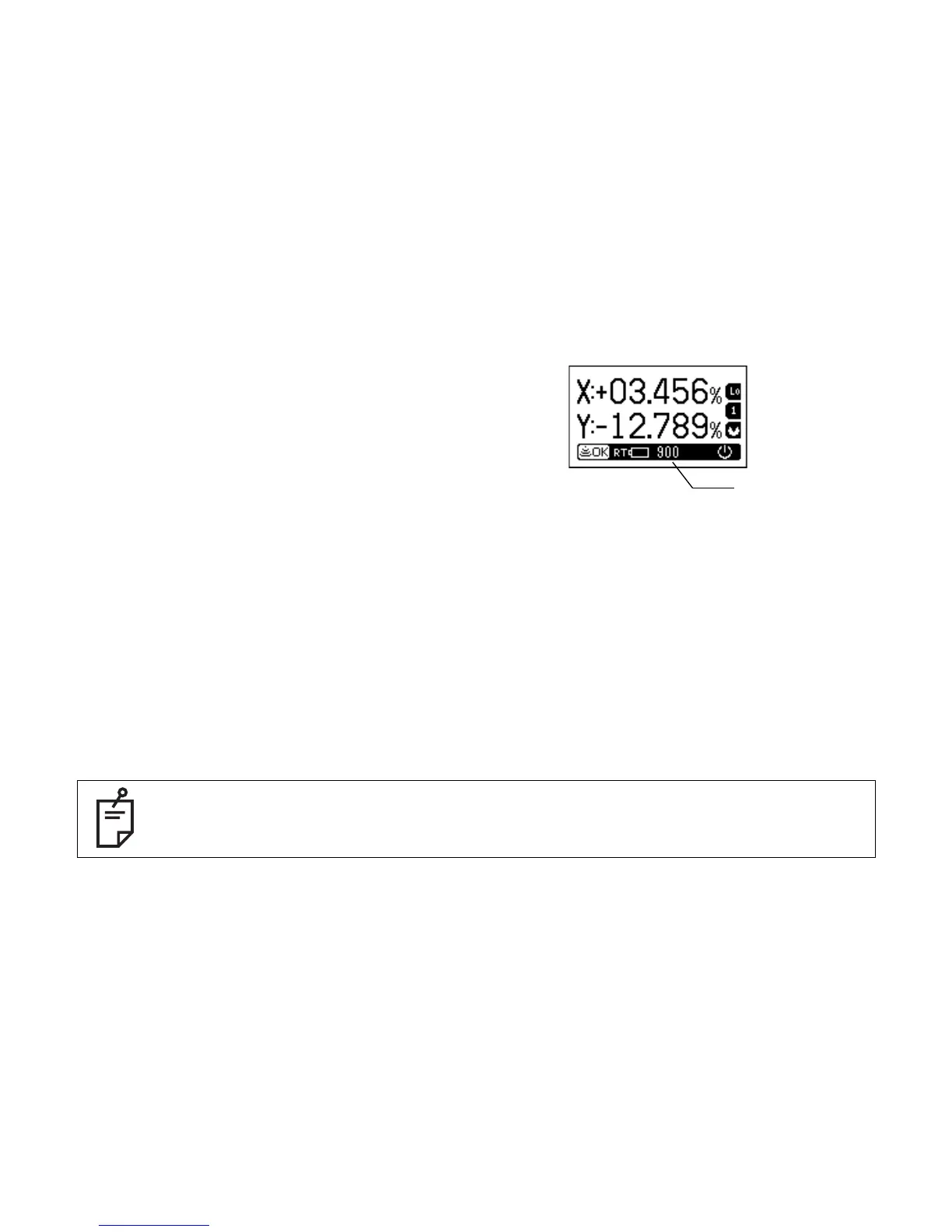
How to change the rotary head speed (300, 600, 900 R.P.M.)
The rotary head speed can be set to 300,600 or 900
R.P.M.
1 Press the [R.P.M] key on the RC-300W. The head
speed display will flash.
2 Select the desired speed using the arrow keys,
then press the [ENT] key.
Height Alert function
This is an optional setting that must be activated by the user. When active, the Height Alert
function will not allow the RT-5SW to continue operating if the unit is disturbed after it has auto-
leveled. This reminds the user that to insure accurate control, the height of the beam should re-
checked after the unit has been disturbed.
If the function is active and the unit is disturbed, the red LED visible when the RC-300W is
removed will blink rapidly. To re-activate auto-leveling, turn the power key OFF and ON again.
After auto-leveling is complete check the beam elevation using the LS-70A to confirm it has not
changed.
If the Alarm Signal [COM] function is also active when the Height Alert function is active,
the rotary head will continue to rotate to communicate the alert to the LS-70A laser
sensor.
Head speed



 To Next Page