36
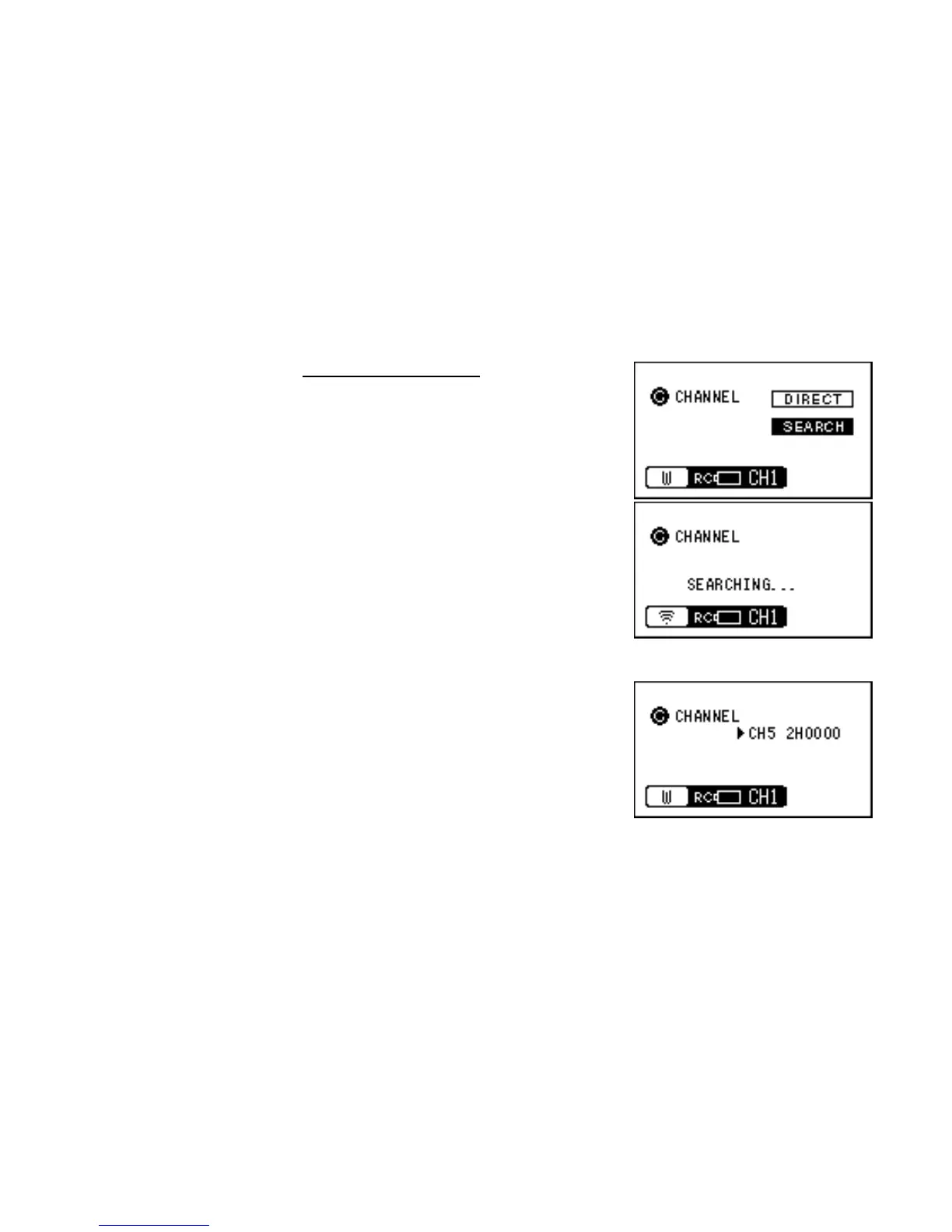
[Making a change by searching]
1 Hold down the [F] key for 2 seconds or more to display the
channel selection screen.
2 Use the arrow key (up and down) to select [SEARCH] and
then press the [ENT] key.
3 Search for the channels available on the active or standing by
RT-5SW.
After the search is finished, hit channels will be displayed.
4 Use the arrow key(up and down) to position the cursor on the
channel you want to select and then press the [ENT] key to
establish that channel.



 To Next Page