30
OPERATION PROCEDURES
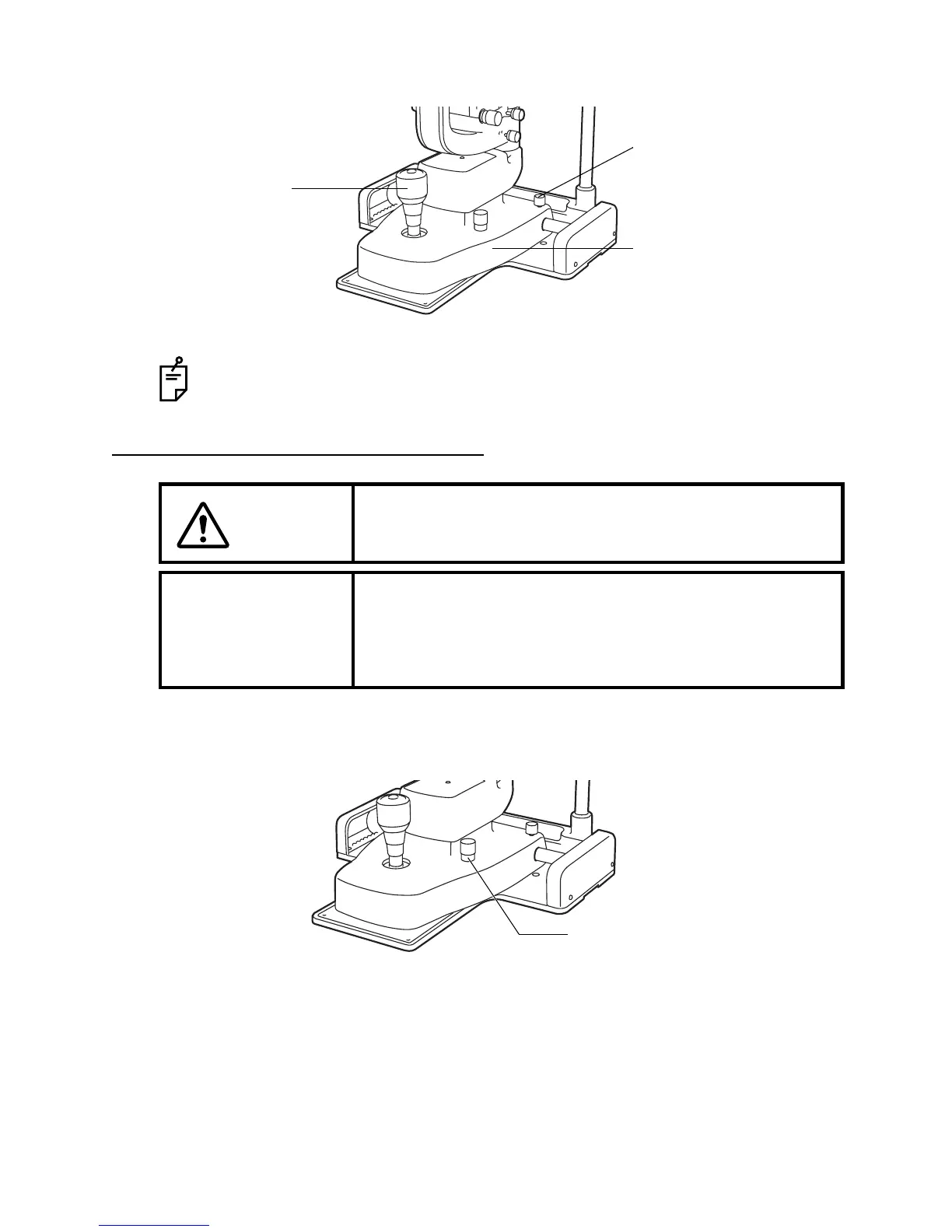
4 Fasten the base locking knob to fix the base.
OPERATING THE ILLUMINATION UNIT
ADJUSTING THE BRIGHTNESS
Turn the brightness adjustment knob.
You can adjust the brightness of the illumination light to your preferred illumination setting.
• Rough focusing is carried out with major movements, following steps 1 to 3.
Fine focusing is done with the microscope, following steps 2 and 3 above.
CAUTION
To avoid causing the patient pain and damage to the patient’s
eye, do not make the illumination too bright.
NOTICE
• Adjust the slit width appropriately for the purpose of
observation.
• Use the slit width scale as a guideline.
• When using the square mirror, incline the illumination unit
at least 10°.
Base locking knob
Base
Control lever
Brightness



 To Next Page