Chapter 3 – Athene Setup
21
Function. Default is OFF (see Variable screen display, page
21).
11
Gate height.
12
Belt speed (% of max).
Variable screen display
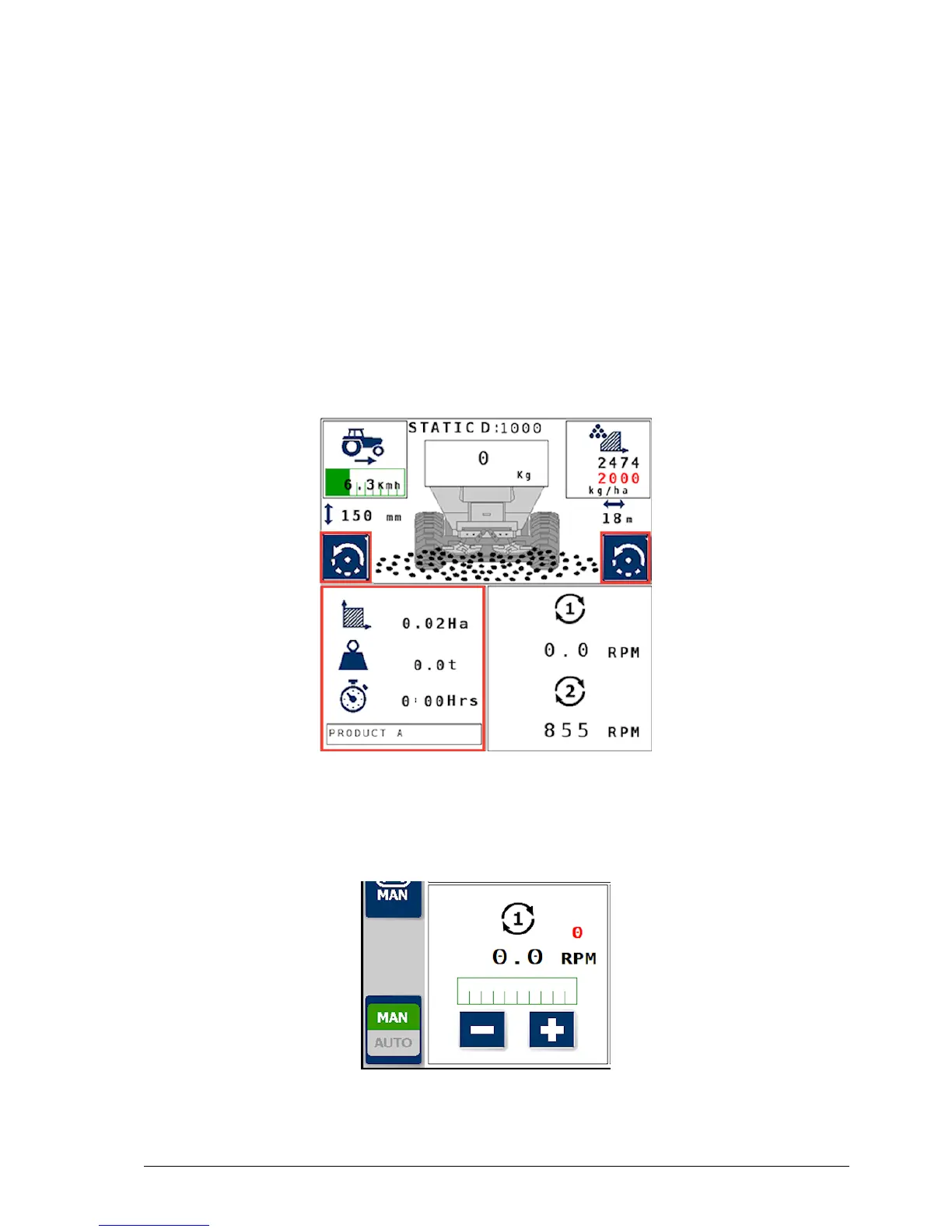
The bottom left area of the screen can toggle between job information
and spinner speed by pressing the right button, and gate height and
auxiliary function by pressing the left button.
Job information
Displays the area, weight and time for the current job.
Spinner speed



 To Next Page