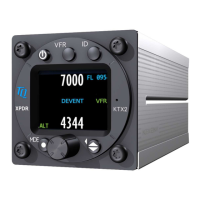
TQ Aviation KTX2-F.0100
EASA.AP445 MAN
KTX2-F.A-MAN.0001.docx Page 18 of 74
© TQ-Systems GmbH. All information contained in this documents have to be treated strictly confidential. The transfer of presentations and know-how to third parties
requires the prior written consent of TQ-Systems GmbH.
2.1.1 Controls
This chapter describes the use of the buttons and knobs during normal operation.
The usage while in setup mode is described in chapter 3.3.
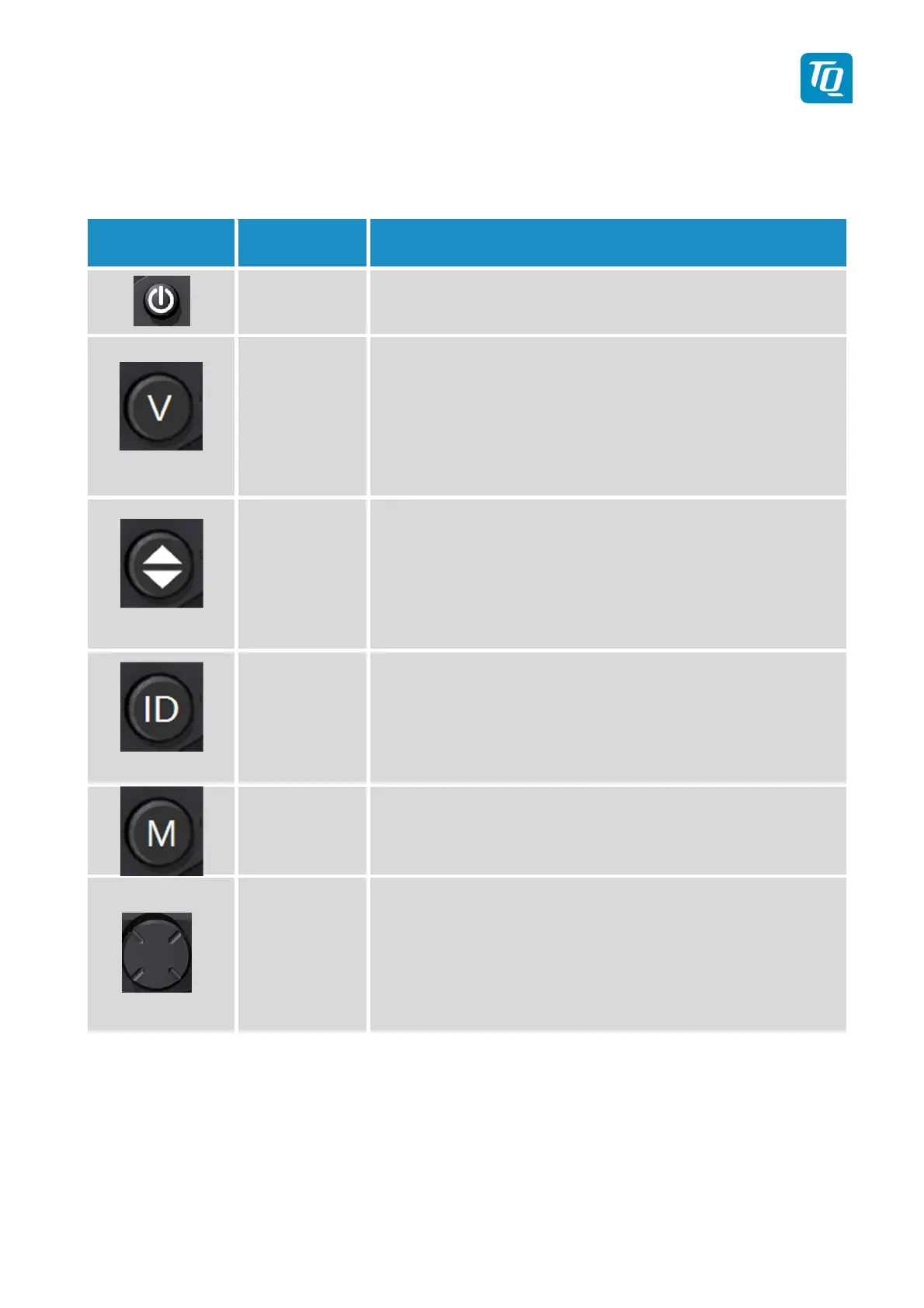
Button Designation Function
ON/OFF
Press to switch the transponder on and off. This switch is
mechanically locked until it is pressed a second time
VFR
1. Activate/deactivate VFR Squawk
2. Pressing the button for more than 3 seconds will show the
Brightness menu (see 2.2.8.2)
CHANGE
1. Exchange of the active and standby-Squawk
2. Pressing the button for more than 3 seconds will show the
GNSS data menu (see 2.2.9)
IDENT
1. „Squawk Ident“, a SPI Pulse is transmitted for 18 seconds
(in normal mode).
2. Pressing the button for more than 3 seconds will show the
Flight-ID menu (see 2.2.8.1)
MODE
1. Select Transponder-Mode STBY, GND, ON or ALT.
2. Pressing the button for more than 3 seconds will toggle the
ADS-B mode (On/Off)
Rotary knob
1. Enter a new Squawk (see 2.2.2)
2. Enter values and select options in submenus (see 3.3)
3. Confirm Warnings and Notifications
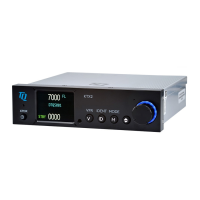
Figure 2: Controls


 To Next Page
 Loading...