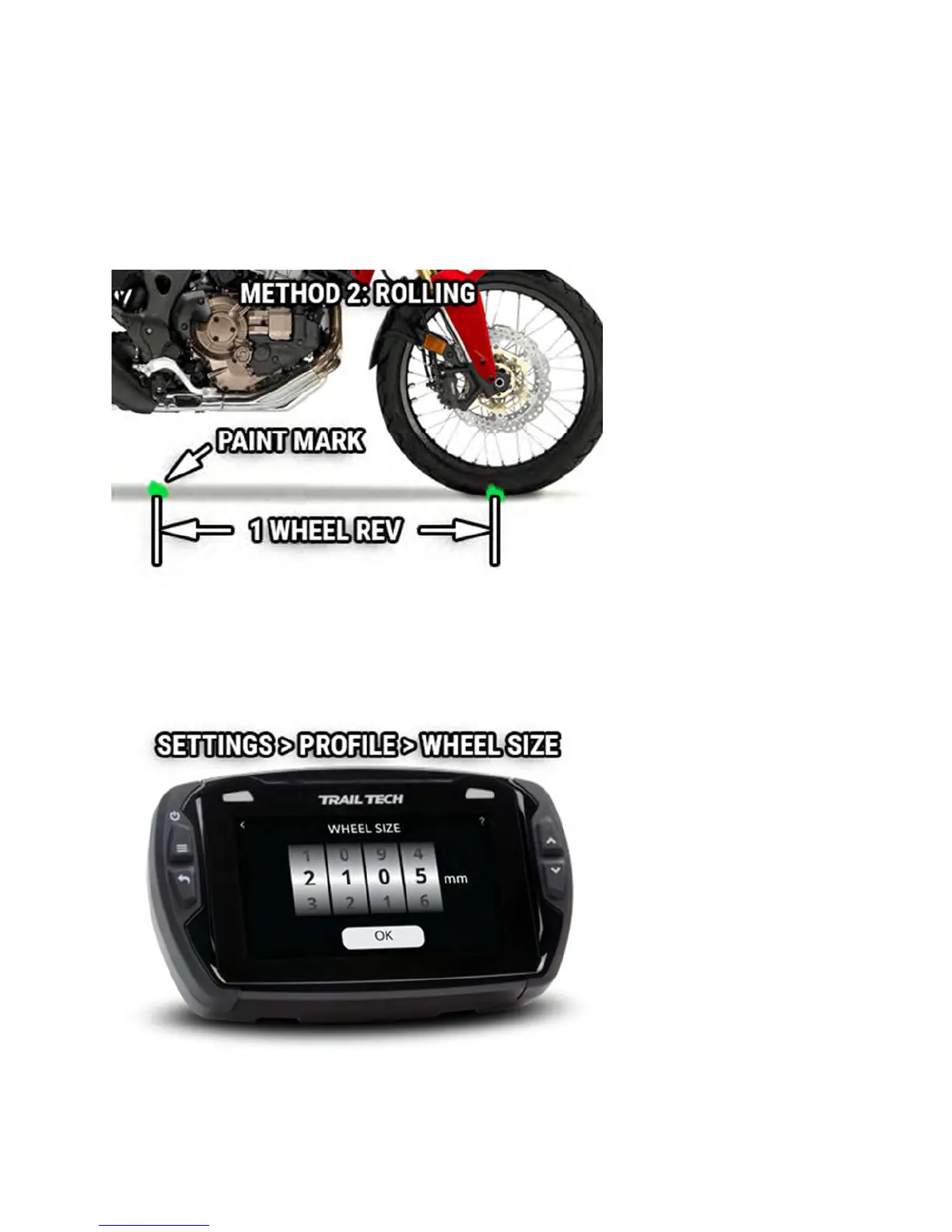
On a flat surface, mark the tire sidewall and the ground with a marking pen.
Roll the wheel until the mark on the tire completes one revolution and is
back on the ground. Mark the ground at this location. Measure the distance
between the marks on the ground in millimeters (multiply inches by 25.4 to
convert to mm). Use this number for your wheel size. For accuracy, the
rider's weight should be on the bike when making the measurement.
Input Wheel Size
After measuring, update the wheel size setting.
Screens Help



 To Next Page