Waypoints Help
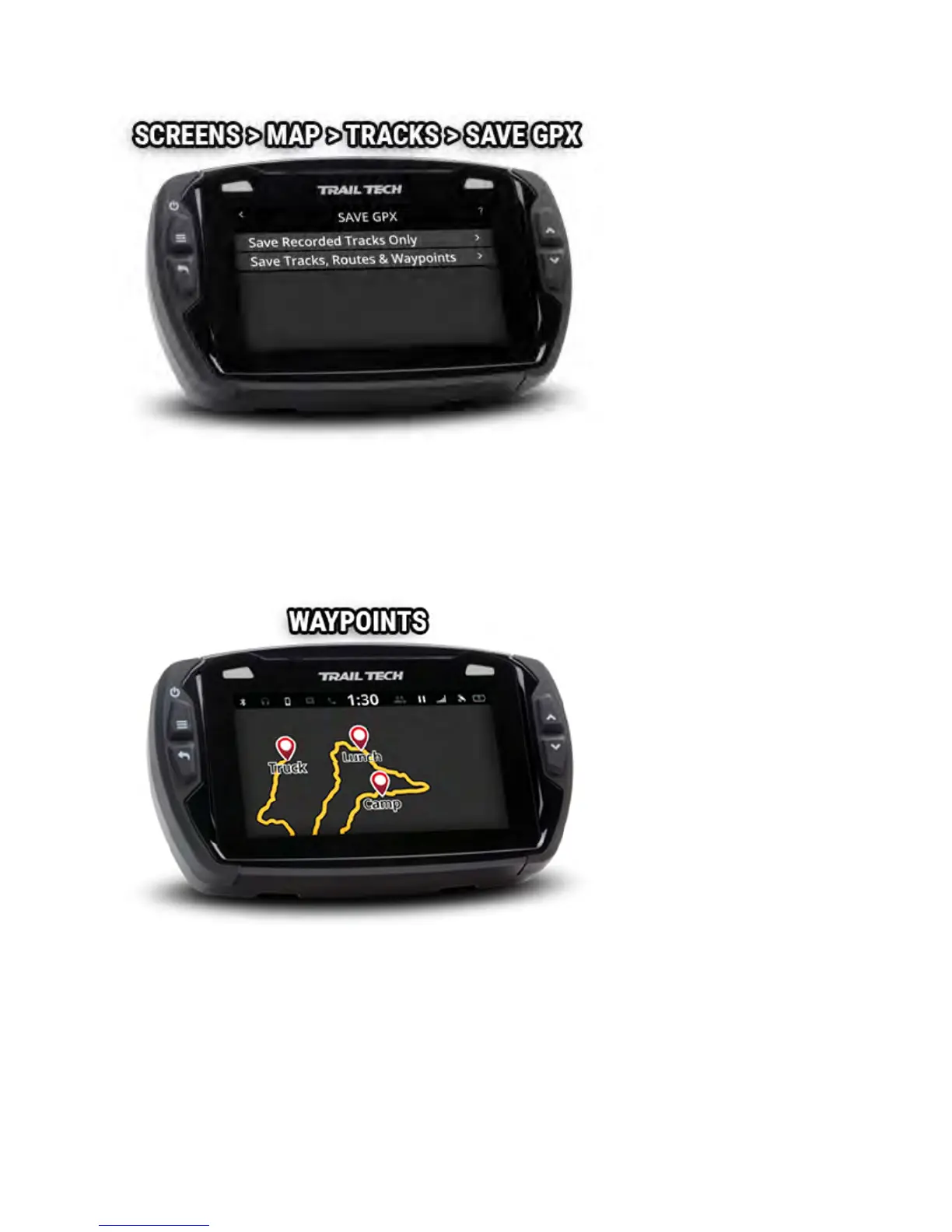
Use waypoints to mark important locations, such as where the truck is
parked or where camp is located.
Add a waypoint at your current location using the waypoint icon on the
map's mini-menu.
Long-press on the map screen to drop a waypoint at that location.
Tap a waypoint to open a slideout with more information about the
waypoint. The slideout displays the position and how far away you are from



 To Next Page