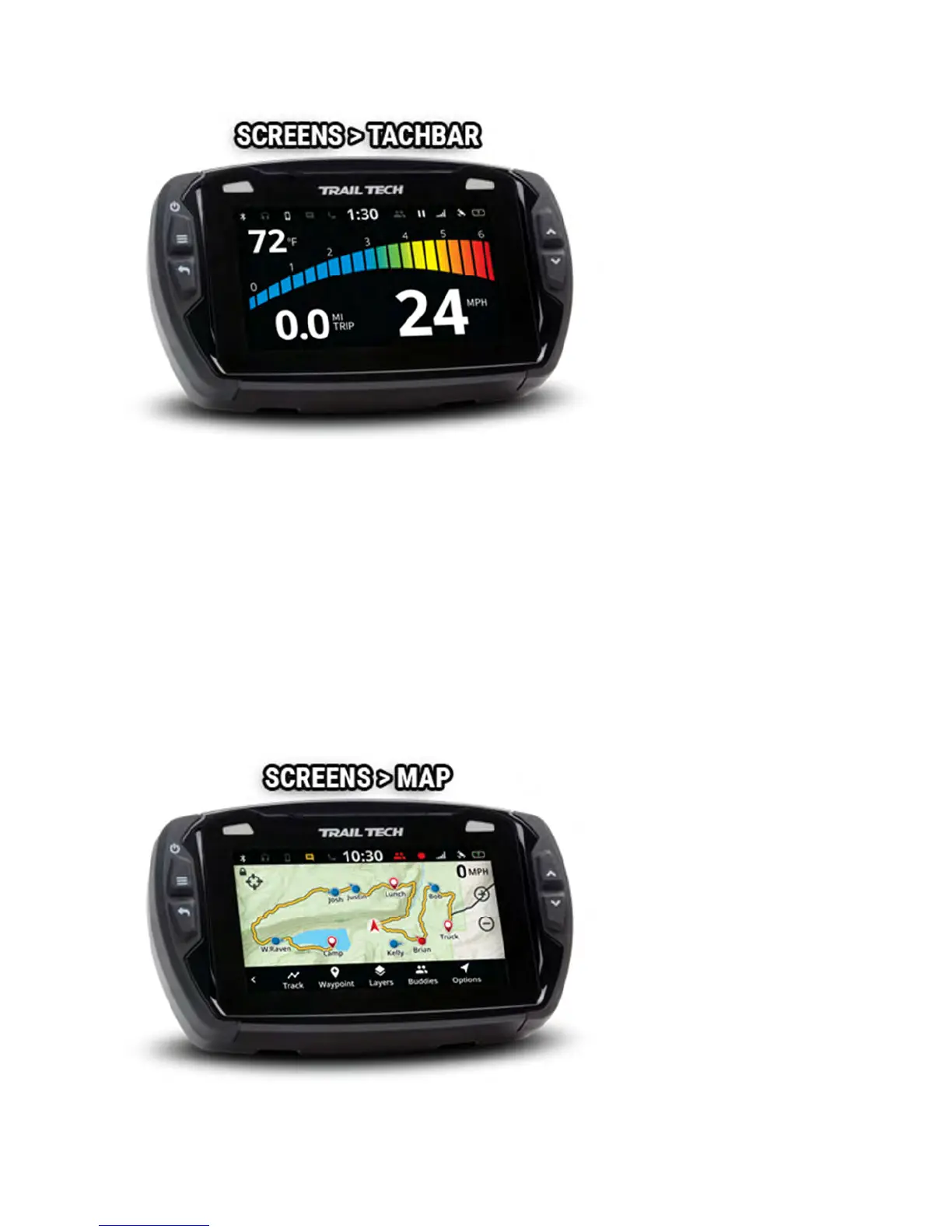
You can adjust the maximum value of the tach graph in Settings>Vehicle
Profile: PPR, tach indicator lights, and tach graph max scale.
To reset the trip distance, tap and hold the trip gauge and then tap the OK
button.
RPM features only work if an ignition sensor is installed.
Map Screen Help
The map screen shows your current GPS position.



 To Next Page