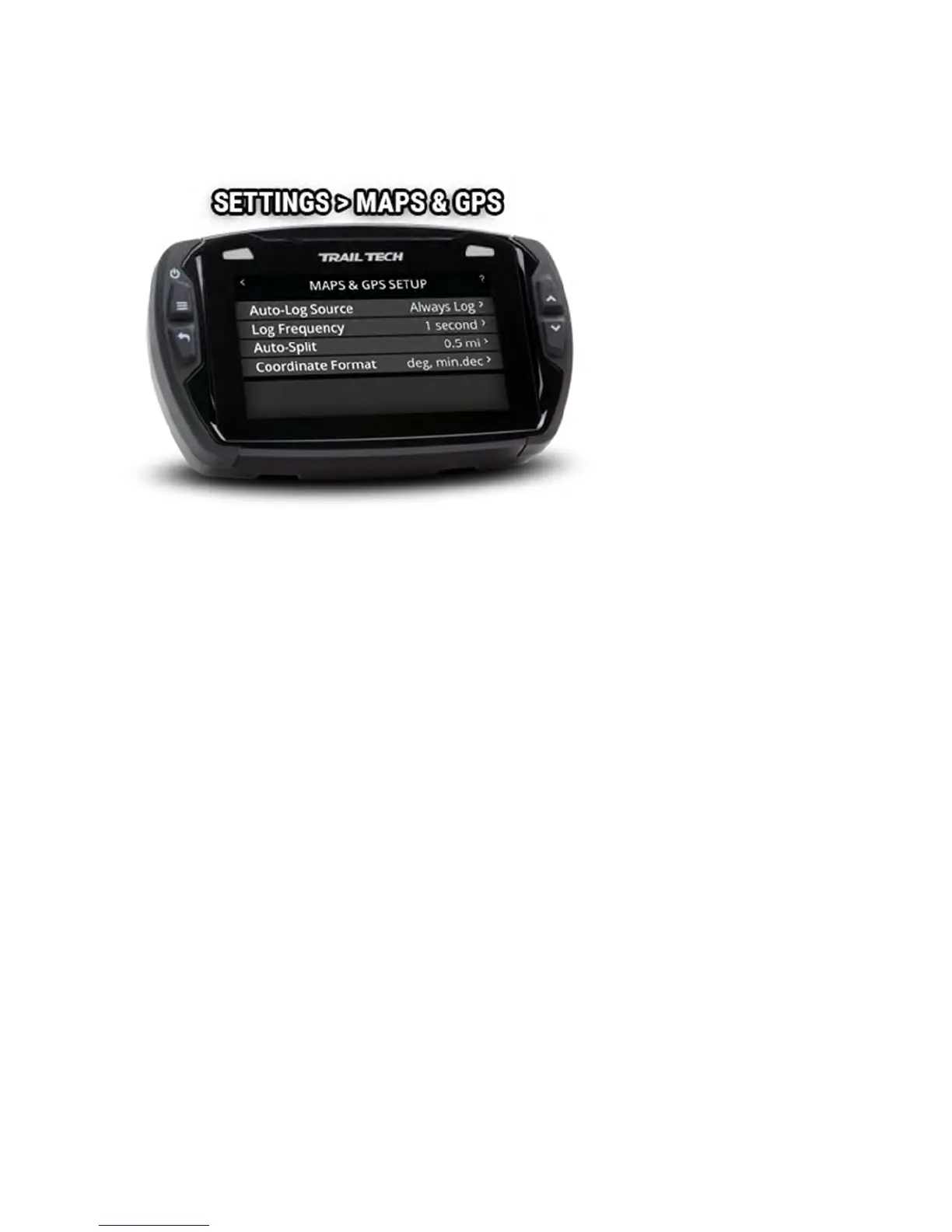
The maps and GPS setup menu lets you customize details of how track
recording works.
The Autolog Source can pause track logging if the vehicle isn't moving.
Log frequency determines how often a new track point is logged to memory.
Auto-split will create a new track segment when there is a big gap between
two points in the track (instead of drawing a long line between them.)
Autolog Source Help
The Autolog Source can pause track logging if the vehicle isn't moving. For
instance, you don't want it to record when the bike is in the back of the
truck, or parked at camp. Install a tach or wheel sensor so Voyager Pro
knows exactly when the bike is in motion.



 To Next Page