Bluetooth Settings Help
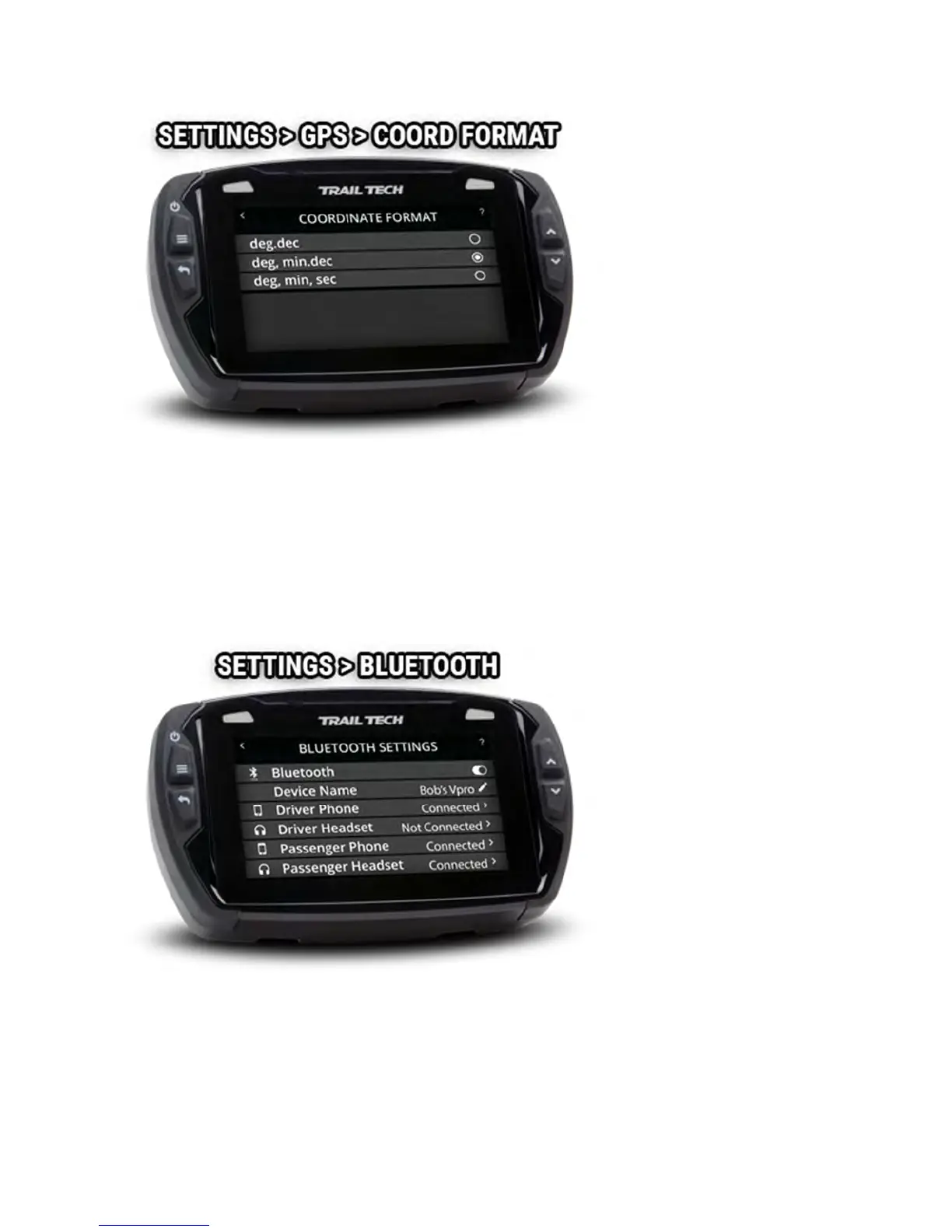
In Bluetooth settings, enable or disable Bluetooth altogether, change
Voyager Pro's public name, and then connect phones and headsets.
Two phones and two headsets can be connected.
Bluetooth Devices Help
On the device pairing screens, Voyager Pro scans for nearby Bluetooth
devices to connect with. After Voyager Pro finds the phone or headset, tap



 To Next Page