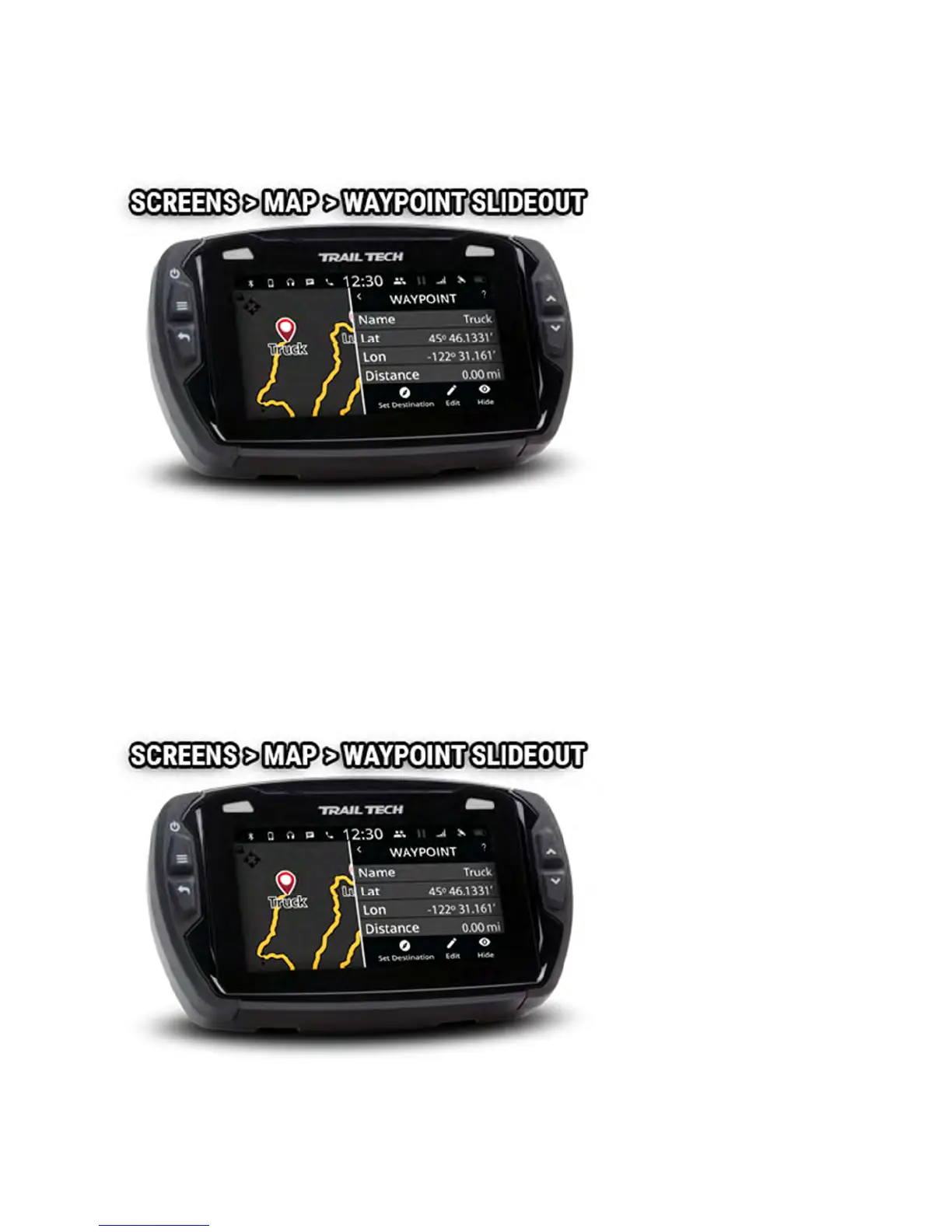
the waypoint. Icons at the bottom hide or edit the waypoint, and set it as
the destination waypoint.
Hide a Waypoint Help
Tap on a waypoint to open its slideout menu, then tap the eye icon to hide
the waypoint so that it no longer appears on the map.
Unhide hidden waypoints by tapping the Layers icon on in the map's mini-
menu.



 To Next Page