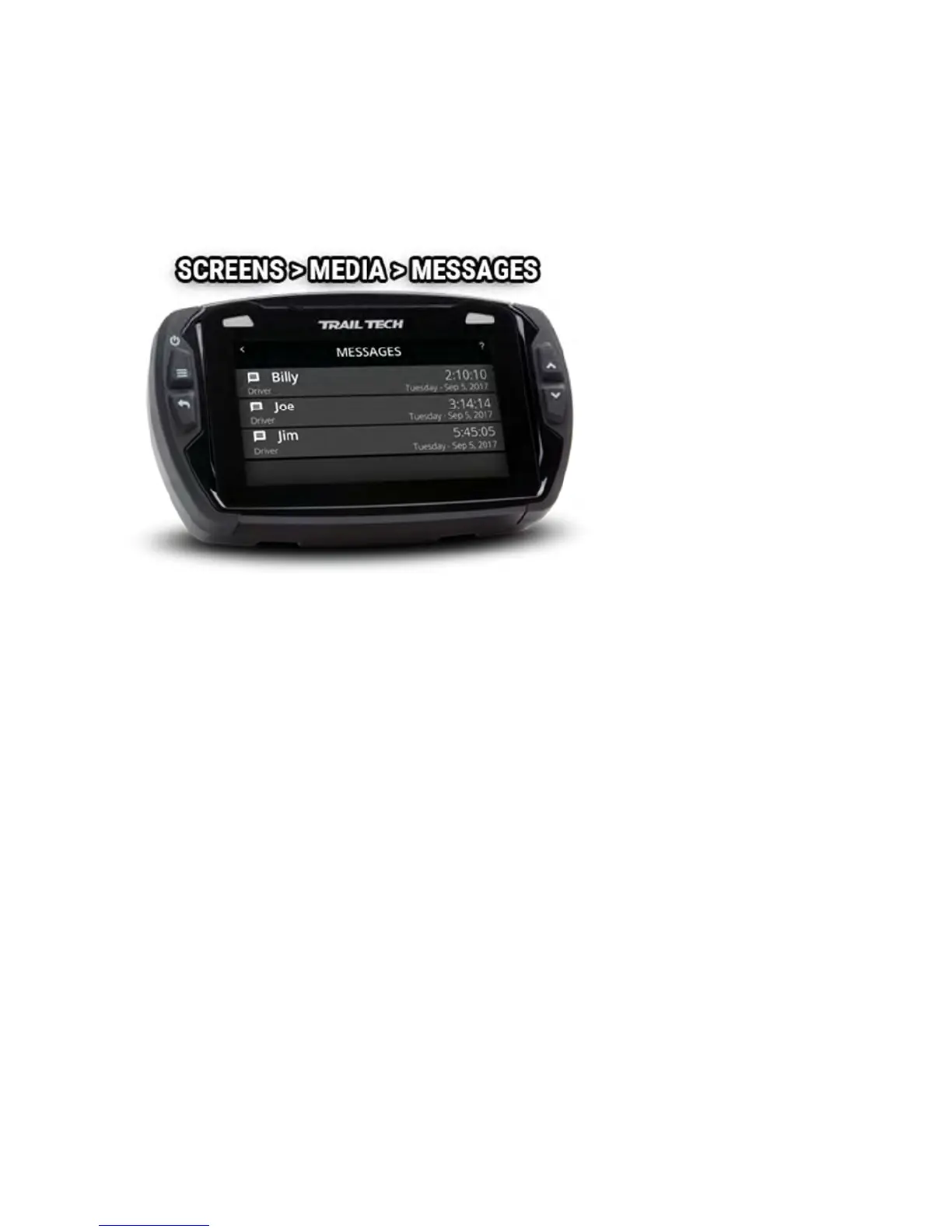
When a phone is paired to Voyager Pro as the "Driver's Phone," the
messages list can be accessed. For privacy, only messages that have
occurred since pairing the phone will appear.
Open the messages list by pressing the Messages icon on the media screen.
Stop Watch Screen Help
The stop watch screen is a tool used as a simple timer, or as a lap timer.
Tap the large circle to begin counting. Tap it again to take note of the first
lap off to the side and start timing a new lap.
Icons at the bottom can pause, resume, and reset the timer.



 To Next Page