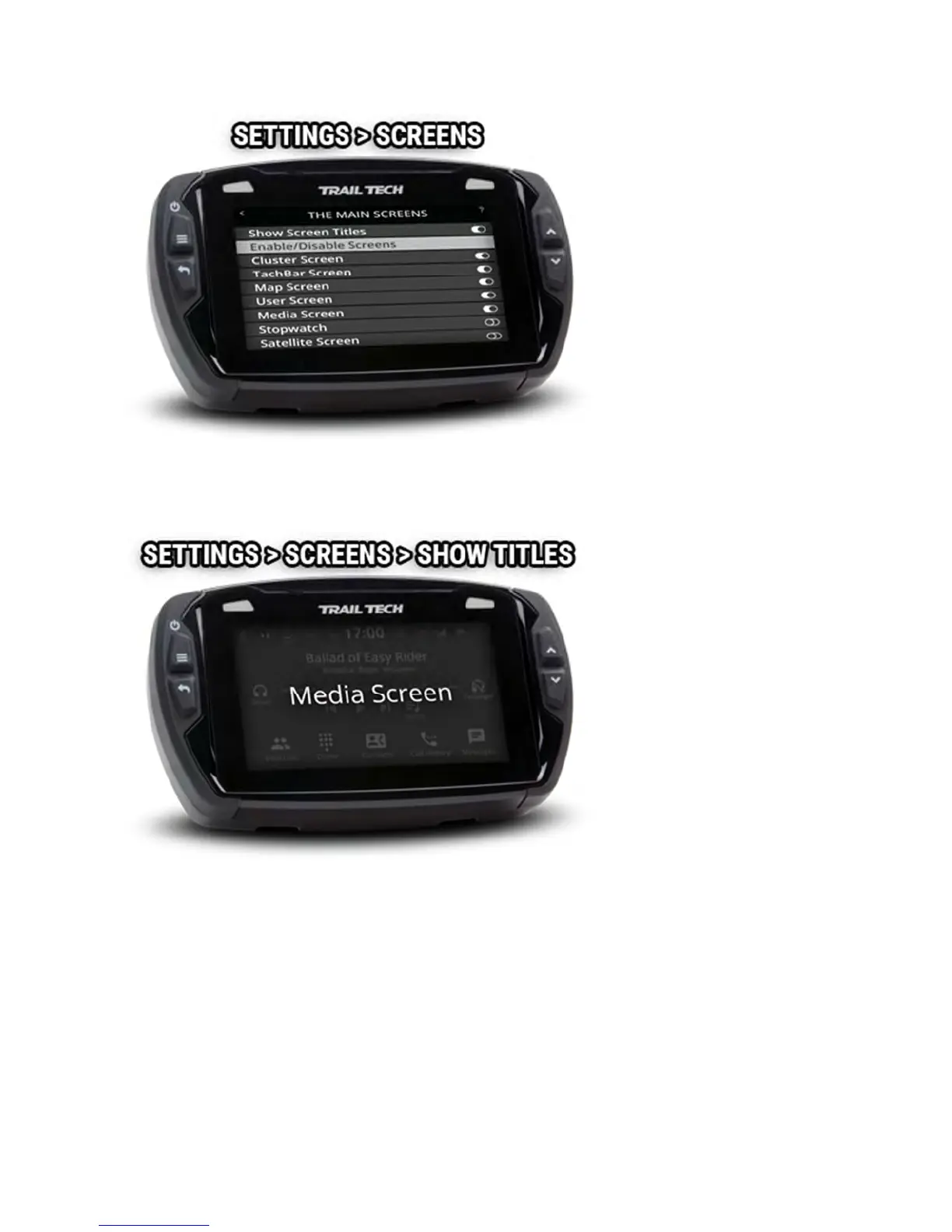
When scrolling through screens, the screen name appears to signal the
change. To disable the show screen title feature, toggle it.
Display Setup Help
The display setup screen controls the screen's backlight levels, the night
mode theme, and the sleep timer.
Voyager Pro has an ambient light sensor. When it gets dark outside, night
mode switches the map screen to a style that is easier to read at night.



 To Next Page