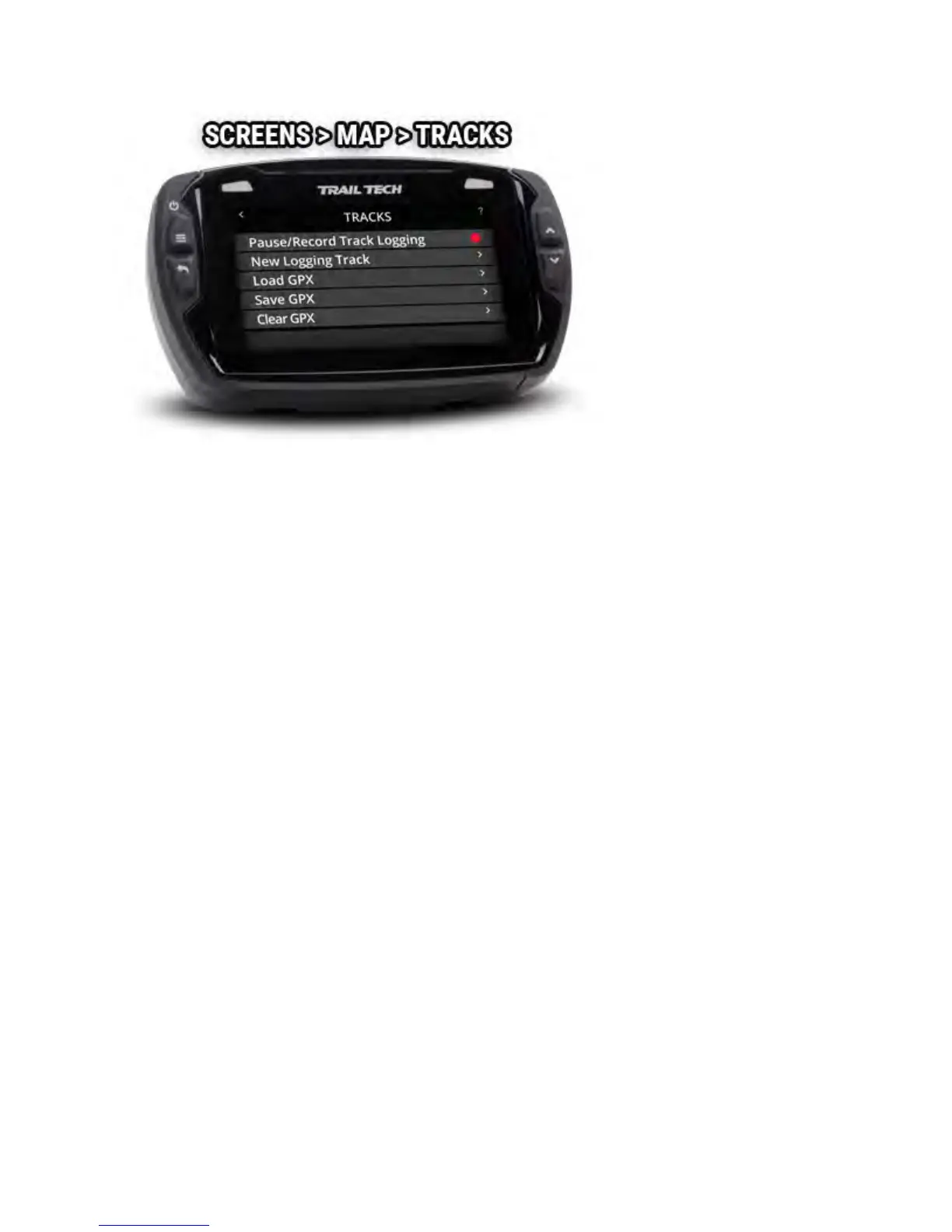
Recording Tracks
When recording, a track is drawn behind your location arrow as you move.
The red recording icon in the top notification bar will blink to show recording
is active. A white circle means that recording is on, but the vehicle is not
moving. A pause icon will show when recording is disabled.
New Logging Track
When starting a new logging track, the current logging track will be stored
with any imported GPX tracks.
GPX Files
A GPX file is a way to store a set of waypoints, tracks, and routes in a small
file. The GPX file can be created by Voyager Pro's track recording abilities,
by other GPS devices, or by a desktop computer app or website. When
loading a GPX file from the MicroSD card, Voyager Pro will scan it for all the
waypoints, tracks and routes. Then it will add them to internal memory and
display them on the map as normal.
Clear GPX
The clear GPX option removes everything loaded via GPX files and stored
logging tracks, but does not affect the current track logging session.



 To Next Page