Map Mini-Menu Help
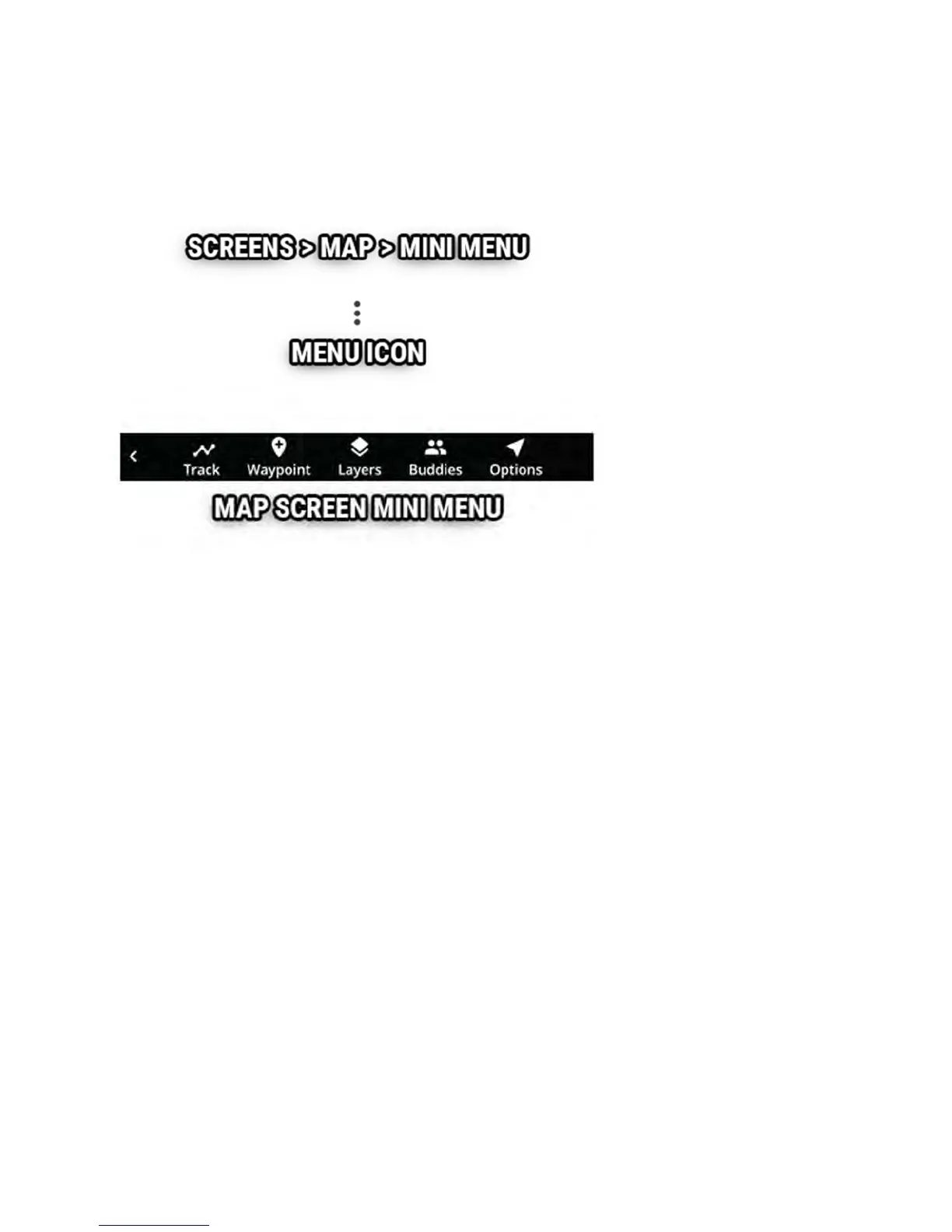
The map screen's mini-menu provides quick access to helpful map features.
While on the map screen, press the back button or the 3-dots icon (in the
lower left) to open the map mini-menu bar across the bottom.
You can pause or record track logging, set a new waypoint marker, toggle
map layers, setup or join a buddy track group, and save or load tracks to
MicroSD.
Tracks Help
The track menu is opened from the map's mini-menu.



 To Next Page