Track Recording
When track recording is turned on, Voyager Pro creates a track behind you.
You can also place waypoint map markers at points of interest. The tracks
and waypoints can be saved (and reloaded) as GPX files from the MicroSD
card.
Buddy Tracking
If you are in a buddy group, the group members will appear on the map as
colored circles with direction arrows. Your buddies name will show under the
arrow icon. You can change the color of your icon and name that appears on
other group member's screens in the buddy tracking settings.
Zooming Help
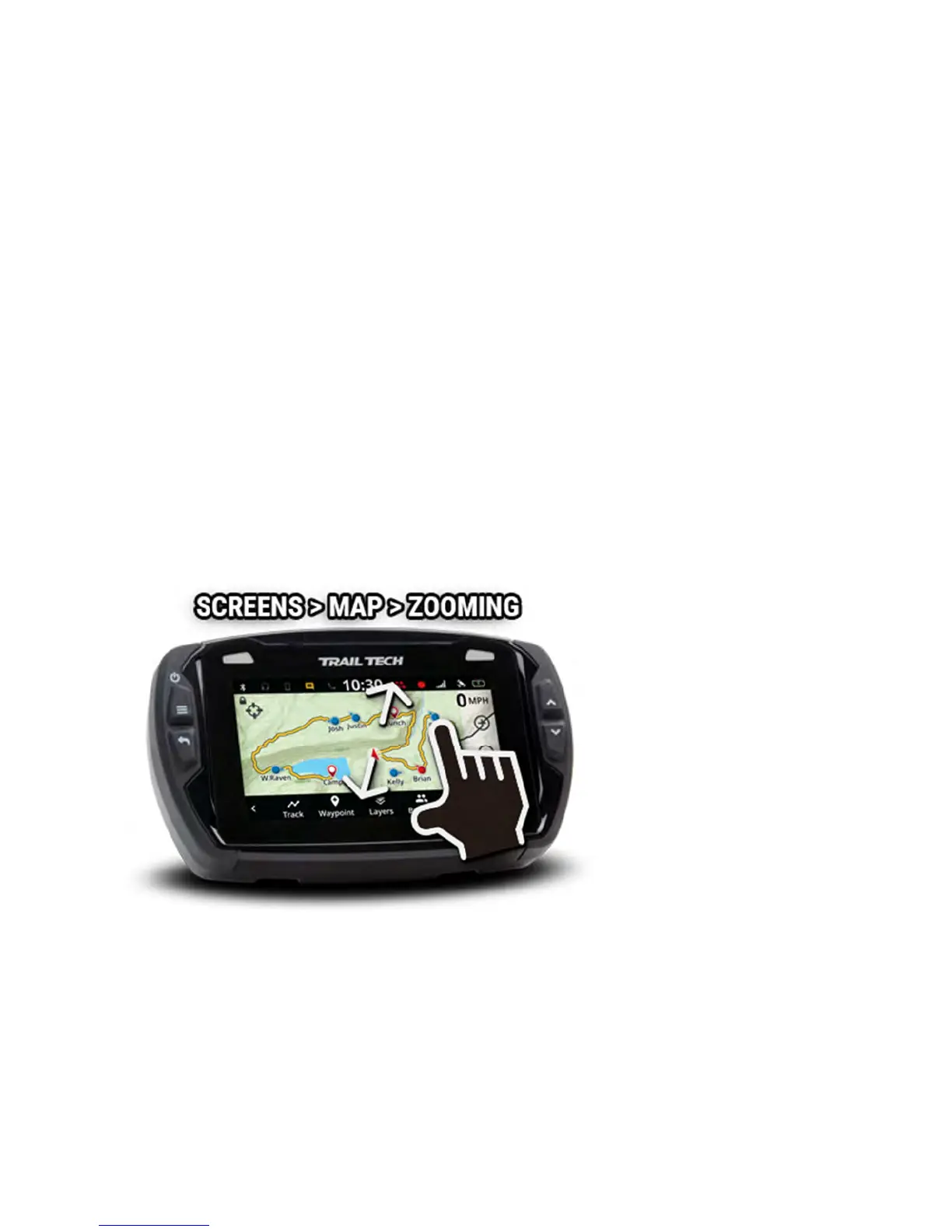
Zoom the map by tapping the + and - buttons, or use a pinch gesture to
zoom in and out.
Zoom level is displayed as the map scale in the bottom right corner.
Center Lock/Pan Lock/Buddy
Lock Help



 To Next Page