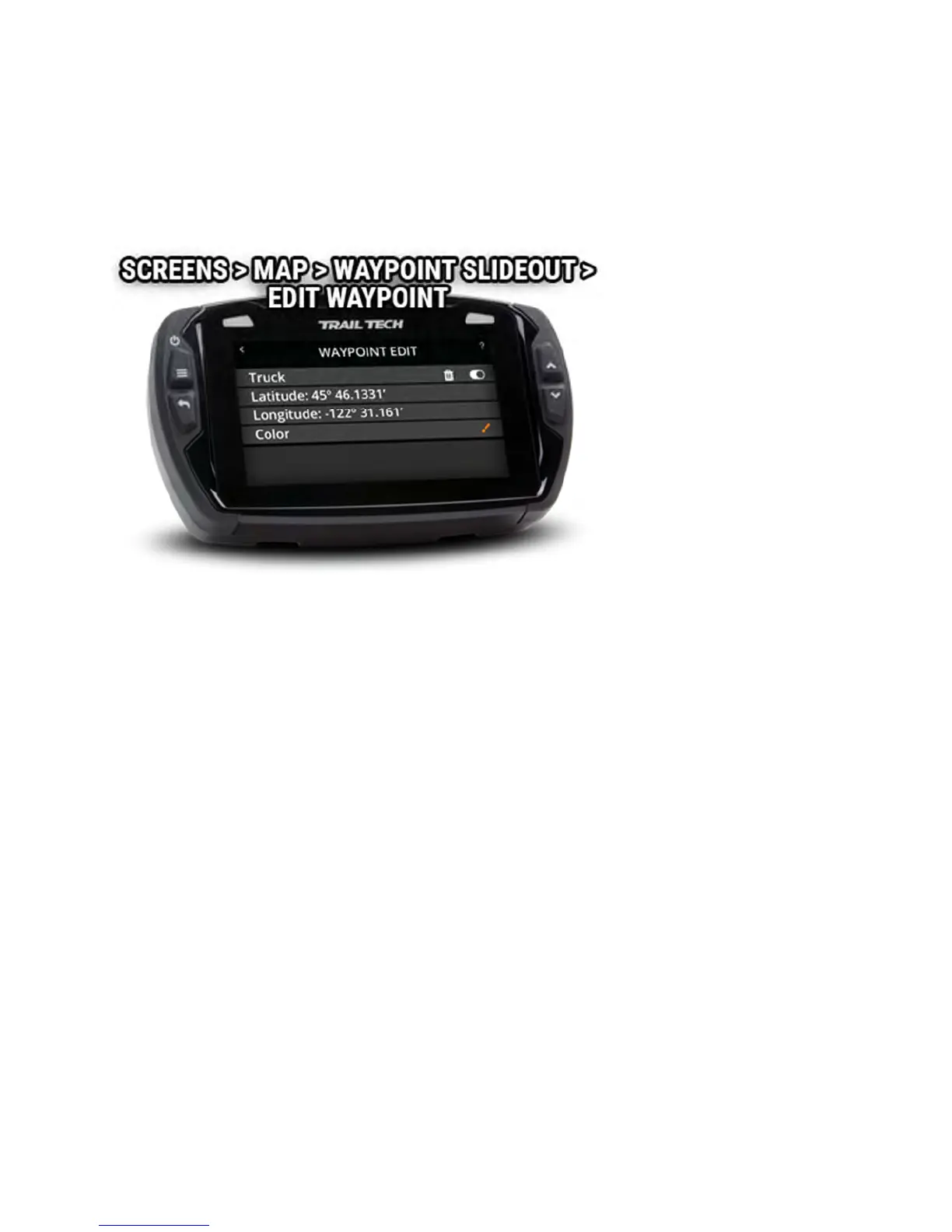
Waypoint Edit Help
Tap on a waypoint to open its slideout menu, then tap the edit icon where
you can change the waypoint's name, delete it, or change the marker color.
Set Destination Waypoint Help
Tap on a waypoint to open its slideout menu, then tap the set destination
icon. When enabled, a line will be drawn on the map between your location
arrow and the destination waypoint marker. The distance to the waypoint
will be shown at the bottom of the map. Tap the red "X" next to the distance
to cancel the destination.



 To Next Page