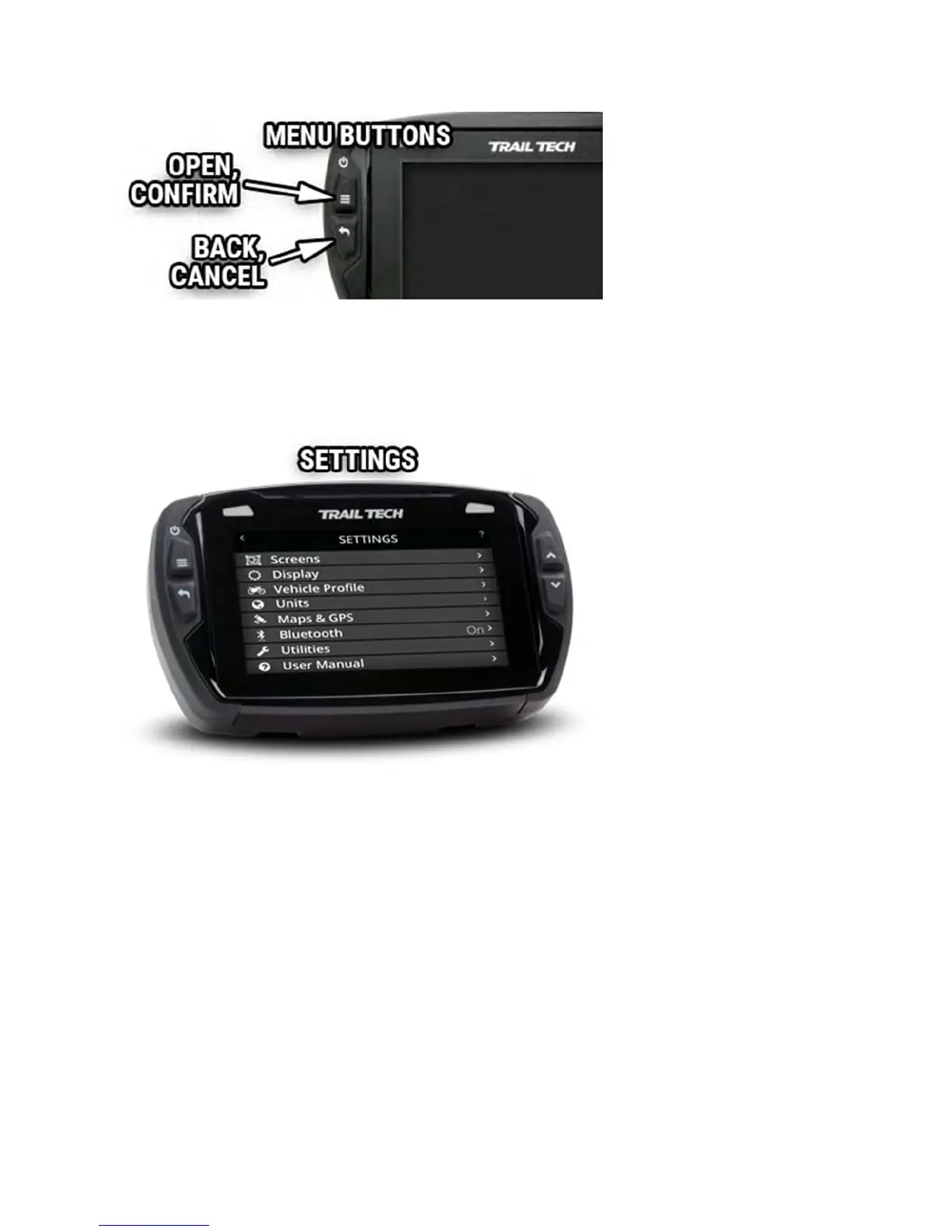
In the settings menu you can hide main screens, adjust the display sleep
timers, customize the speed source, wheel size and alert thresholds, select
different measurement units, connect Bluetooth devices, use the file and
data utilities, and more.
Enable Screens Help
The main screens include Cluster, TachBar, Map, User, Media, Stopwatch,
and GPS Satellites screens. Toggle to disable an individual screen from
appearing in the scroll rotation.



 To Next Page