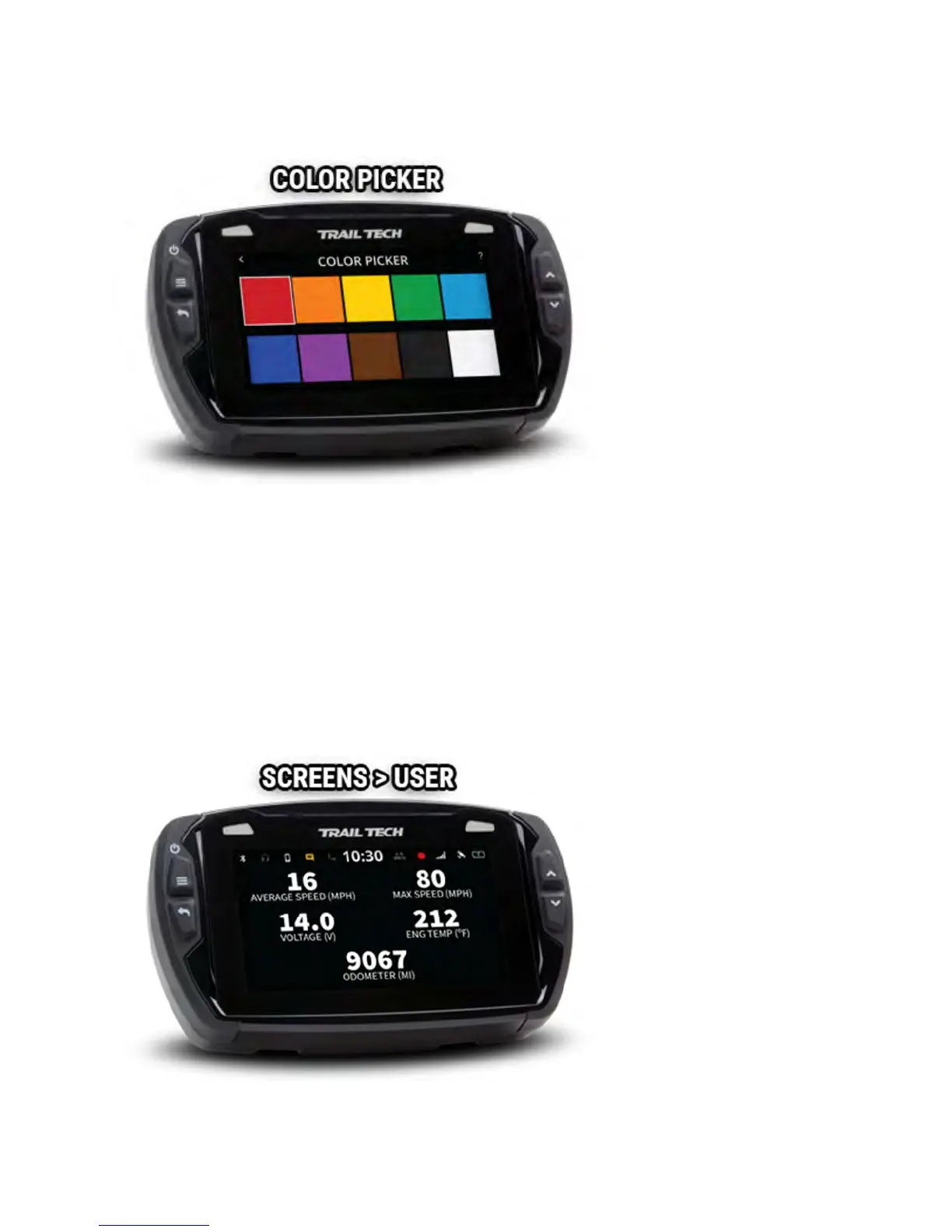
Tap a swatch to select a new color. Press the back button to cancel.
User Screen Help
The user screen is customizable. You can choose 1-6 gauges from a long list
of available readouts. Select fewer gauges to make the remaining ones
larger.
While on the user screen, press the back button to choose different gauges.
Long-press a gauge to reset it, if applicable.



 To Next Page