15
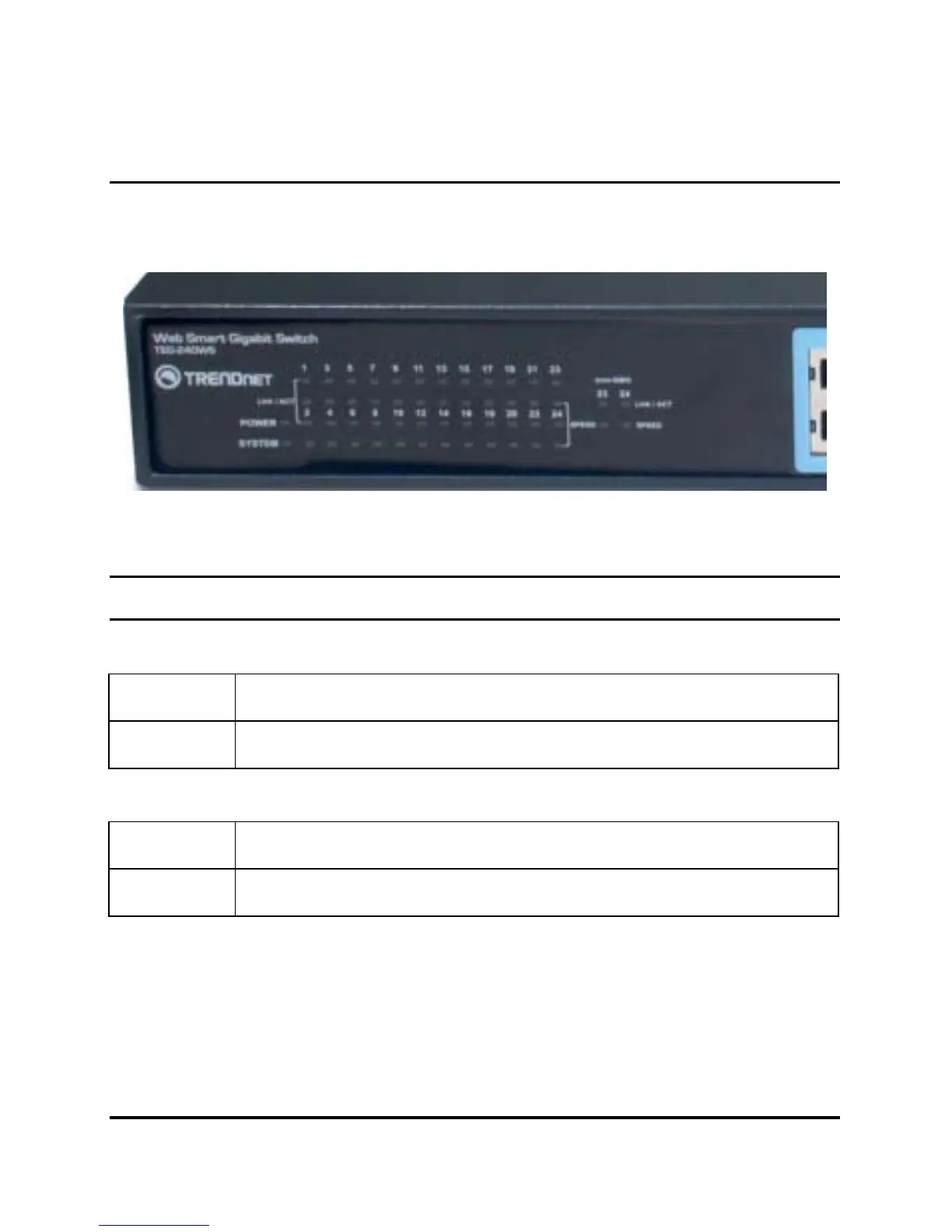
UNDERSTANDING LED INDICATORS
The front panel LEDs provides instant status feedback, and, helps
monitor and troubleshoot when needed.
Figure 6. LED indicators
Power and System LEDs
POWER: Power Indicator
On : When the Power LED lights on, the Switch is receiving power.
Off : When the Power turns off or the power cord has improper connection.
SYSTEM: Management Indicator
Blinking : When the CPU is working, the System LED is blinking.
On/Off : The CPU is not working.











 To Next Page