49
IGMP Snooping Setting
With Internet Group Management Protocol (IGMP) snooping, the
Web-Smart Switch can make intelligent multicast forwarding
decisions by examining the contents of each frame’s Layer 2 MAC
header. IGMP snooping can help reduce cluttered traffic on the LAN.
With IGMP snooping enabled globally, the Web-Smart Switch will
forward IP multicast traffic only to connections that have group
members attached.
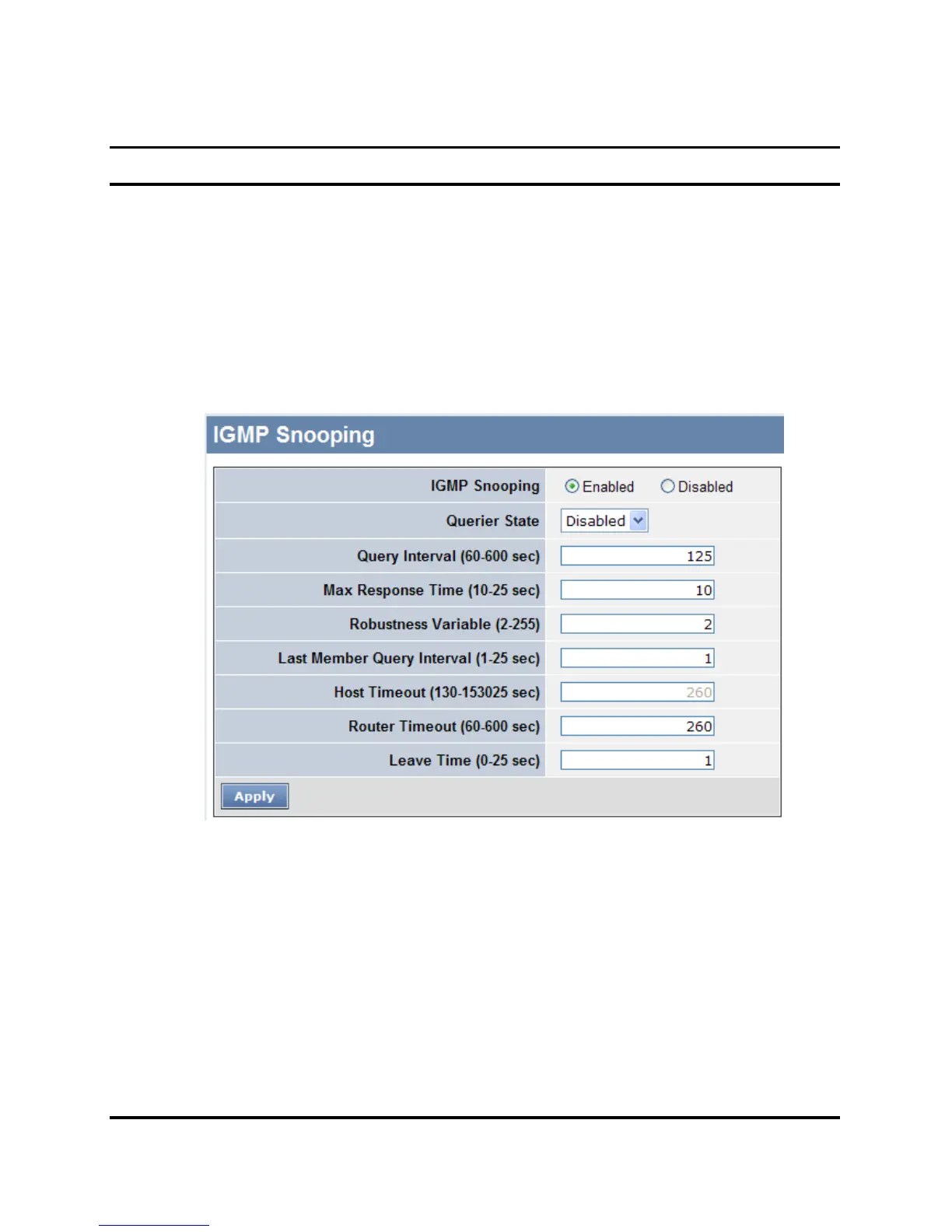
Figure 23. IGMP Global Setting
IGMP Snooping: Enable or Disable the IGMP Snooping function on
the Web Smart Switch.
Querier State: Enable or Disable the Querier State of IGMP
Snooping.











 To Next Page